
16GB vs 32GB RAM Laptop in 2026: Which One Should You Buy?
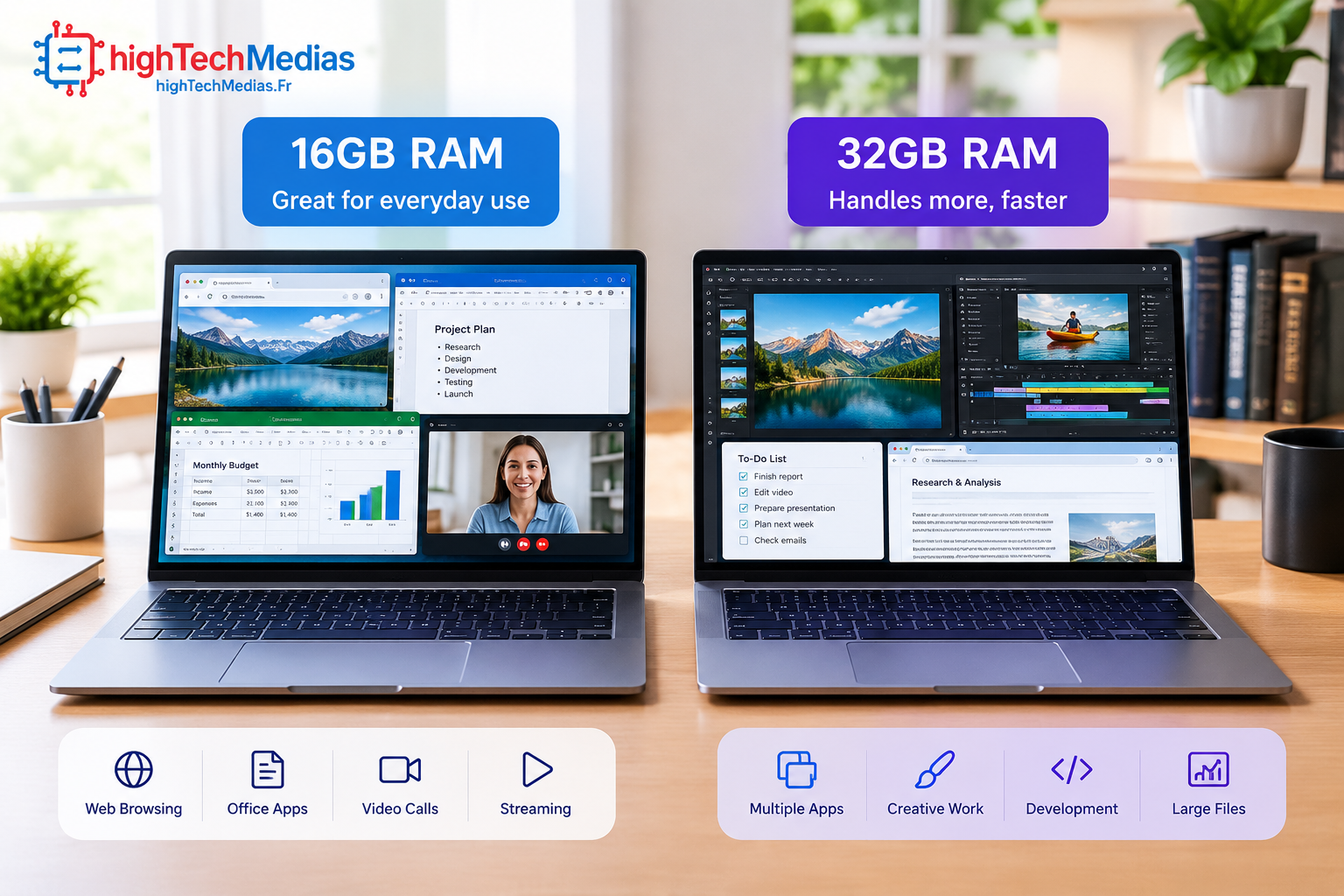
Buying a new laptop often comes down to one deceptively simple question: 16GB vs 32GB RAM laptop — which configuration is actually worth your money? For everyday work, browsing, school, and general productivity, 16GB can already feel fast and responsive. But 32GB can provide valuable headroom when you regularly use demanding applications, keep dozens of browser tabs open, edit photos or video, program, game, or experiment with AI workloads.
The important question is not whether 32GB is technically better. It is. The real question is whether you will actually notice the difference enough to justify paying more.
In this guide, we compare 16GB and 32GB laptop configurations for real-world use in 2026, including office work, remote work, students, programming, Photoshop, video editing, gaming, AI applications, heavy multitasking, and long-term ownership.
16GB vs 32GB RAM Laptop: What Actually Changes?
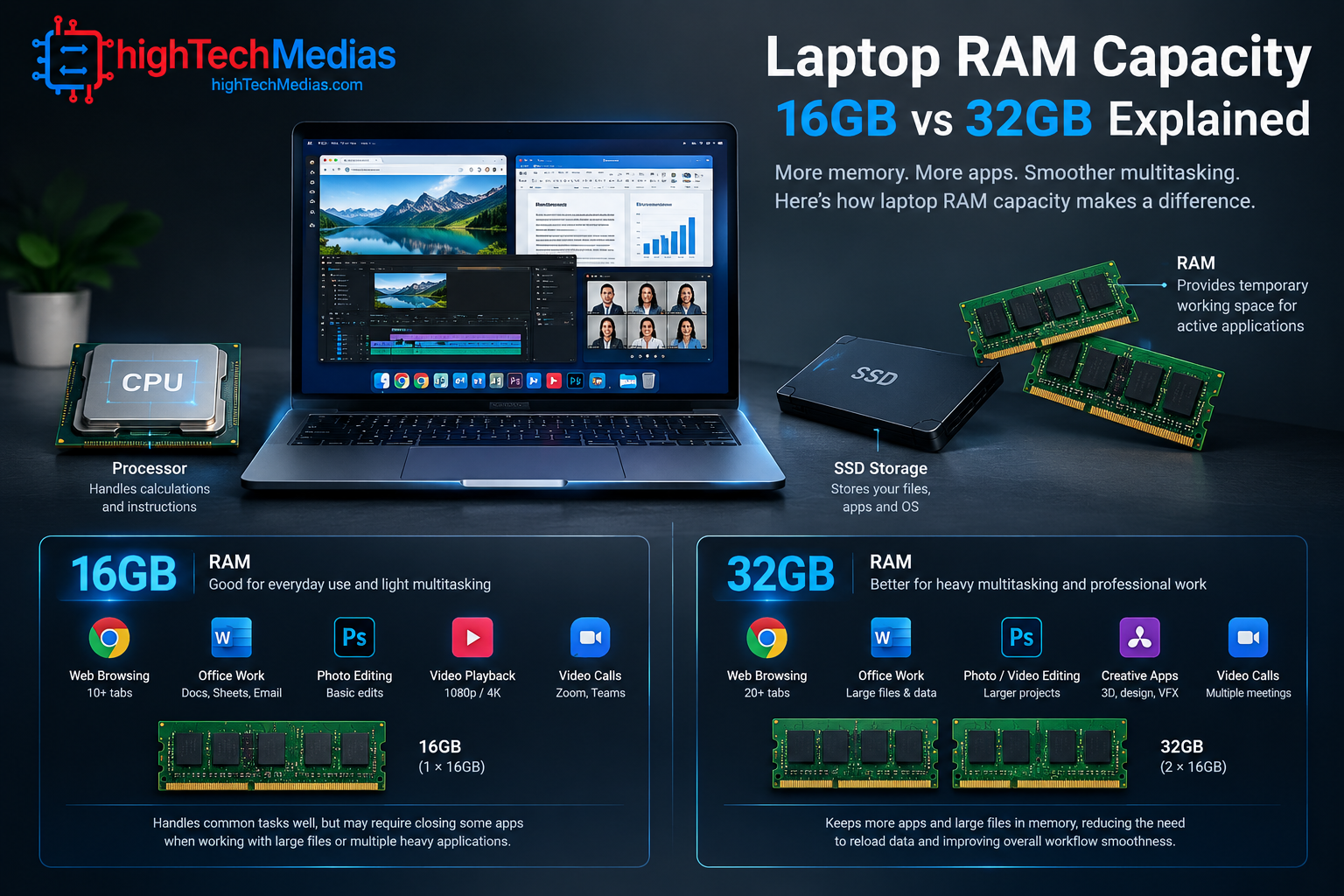
RAM, or random access memory, is the short-term working space your computer uses while applications and data are actively being processed. It is different from SSD storage. Your SSD stores files even when the laptop is turned off, while RAM temporarily holds the information your processor and applications need while the system is running.
This distinction matters because adding more RAM does not automatically make every laptop twice as fast.
Instead, RAM capacity becomes important when the software you are running needs more working memory than your system comfortably has available.
When a laptop has enough RAM for its workload, applications can remain active without constantly competing for limited memory. For Windows users, understanding virtual memory also helps explain why running out of physical RAM can affect system responsiveness.
When RAM becomes a bottleneck, the operating system may rely more heavily on storage-based virtual memory, which can reduce responsiveness.
That is why the practical difference between 16GB and 32GB depends heavily on what you actually do with your computer.
16GB Laptop: Who Is It For?
A 16GB laptop is currently a strong starting point for mainstream laptop buyers.
For typical productivity, 16GB provides enough headroom for tasks such as:
-
Web browsing
-
Microsoft Office
-
Google Workspace
-
Email
-
Video conferencing
-
Research
-
Streaming
-
Schoolwork
-
Light photo editing
-
Programming
-
General business applications
-
For many users, 16GB is the point where a laptop feels comfortably equipped without paying for memory capacity they may never use.
If your typical day involves a browser with a reasonable number of tabs, Word or Google Docs, spreadsheets, email, Slack or Teams, music, and occasional image editing, moving from 16GB to 32GB may not produce a dramatic improvement.
If you’re also comparing the overall value of a laptop rather than RAM alone, our guide to laptops under $1,000 can help narrow the options.
The laptop may feel slightly more comfortable under heavier workloads, but everyday application performance will still depend heavily on the processor, SSD, cooling system, operating system, and software.
32GB Laptop: Who Actually Needs It?
A 32GB laptop makes more sense when your workload regularly pushes beyond ordinary productivity.
That includes users who:
-
Edit high-resolution photos
-
Work with large Photoshop projects
-
Edit 4K or higher-resolution video
-
Use multiple professional applications simultaneously
-
Run virtual machines
-
Compile large software projects
-
Keep very large numbers of browser tabs open
-
Work with large datasets
-
Use demanding development environments
-
Run local AI applications
-
Stream while gaming
-
Use a laptop for professional content creation
For these users, additional RAM can prevent memory capacity from becoming the limiting factor.
A 32GB configuration can also be useful when you intend to keep your laptop for several years. Software requirements tend to change, and your own workflow may become more demanding over time.
That makes 32GB particularly attractive when the price difference is relatively small and the laptop does not offer an easy RAM upgrade later.
16GB vs 32GB RAM: Is 32GB Twice as Fast?
No.
This is one of the most important points to understand before spending extra money.
-
A laptop with 32GB of RAM is not automatically twice as fast as an otherwise similar laptop with 16GB.
-
RAM capacity and processing performance are different things.
-
Imagine two laptops with the same processor, same SSD, same display, and same cooling system. One has 16GB of RAM and the other has 32GB.
-
If your workload only requires 10GB or 12GB of memory, both systems have enough capacity. In that situation, the 32GB laptop may provide little or no noticeable advantage.
The difference becomes more meaningful when your workload approaches or exceeds what 16GB can comfortably handle.
This is why benchmarks can sometimes show surprisingly small differences between otherwise identical 16GB and 32GB configurations in light workloads.
The extra capacity provides headroom, not a guaranteed performance multiplier.
RAM Capacity vs. RAM Speed
Capacity is only one part of the equation.
Laptop memory also has characteristics such as memory speed, memory channels, timings, and architecture. Modern laptops may use technologies such as DDR5 RAM or LPDDR5X, depending on the platform.
Memory bandwidth can also influence performance, particularly in workloads that move large amounts of data between the processor, graphics hardware, and system memory.
However, buyers should not make the mistake of choosing a smaller RAM capacity simply because the memory is faster.
For example, if your workload genuinely requires more than 16GB, moving to a larger capacity can be more useful than choosing a faster 16GB configuration.
The processor platform also matters. Current Intel mobile processors support different memory types and maximum capacities depending on the specific processor, while AMD laptop platforms likewise vary by processor family and configuration. Always check the specifications of the exact laptop rather than assuming every laptop supports the same memory configuration.
16GB vs 32GB for Office Work and Productivity

For traditional office work, 16GB is usually enough.
Consider a typical business workflow:
-
Microsoft Word
-
Excel
-
PowerPoint
-
Email
-
Teams
-
Web browsing
-
PDF documents
-
Cloud storage
-
Music in the background
A good 16GB laptop should handle this type of workload comfortably.
If your work consists primarily of documents, spreadsheets, presentations, meetings, and web applications, spending substantially more for 32GB may not provide enough practical benefit to justify the price.
However, professionals who constantly switch between many applications can benefit from additional capacity.
For example, someone working with a large spreadsheet, several browser windows, Teams, Photoshop, PowerPoint, and a local database simultaneously may benefit from 32GB.
The deciding factor is therefore not simply whether you call yourself a “professional.” It is how demanding your actual workflow is.
Recommendation:
16GB for most office users;
32GB for heavy professional multitasking.
16GB vs 32GB for Remote Work
Remote workers often have a mixed workload.
A typical remote setup might include video conferencing, browser-based applications, cloud storage, spreadsheets, documents, communication applications, and several research tabs.
-
For this type of use, 16GB is generally sufficient.
-
A 32GB configuration becomes more attractive if your remote-work environment includes heavier workloads such as software development, data analysis, virtual machines, large design applications, or frequent content creation.
Another consideration is how long you expect to keep the laptop.
If you plan to replace your machine within two or three years, 16GB may be a sensible way to control the purchase price.
If you expect to keep the laptop for five years or longer and the RAM is soldered, paying for 32GB at purchase can be a form of future-proofing.
Recommendation:
16GB for normal remote work;
32GB for demanding professional workflows or long-term ownership.
16GB vs 32GB for Students
For most students, 16GB is the sweet spot.
If portability is also important, compare the size, weight and overall design of the laptop before making the final decision.
A student laptop typically needs to handle:
-
Research
-
Web browsing
-
Microsoft Office
-
Google Docs
-
Presentations
-
Online classes
-
Video calls
-
PDFs
-
Programming assignments
-
Streaming
A 16GB laptop can handle these tasks without requiring the higher cost of 32GB.
- Students studying engineering, computer science, architecture, media production, data science, or other technically demanding subjects may have different requirements.
For example, a computer science student running development tools, containers, databases, emulators, and virtual machines can benefit significantly from 32GB.
A video production or design student may also benefit from the extra capacity.
Recommendation:
16GB for general students;
32GB for technical, creative, or engineering workloads.
16GB vs 32GB for Programming and Software Development

Programming is one area where the right choice depends heavily on the development environment.
-
Writing basic code, building websites, working with lightweight IDEs, and using Git typically does not require 32GB.
But modern development environments can become memory-intensive.
A developer might simultaneously run:
-
Visual Studio Code or another IDE
-
Multiple browser windows
-
Local databases
-
Docker containers
-
Development servers
-
Android emulators
-
Virtual machines
-
AI coding tools
-
Documentation
-
Communication applications
In this situation, 32GB can make a noticeable difference in overall system responsiveness.
Developers working with virtual machines are especially likely to appreciate additional RAM because each virtual machine can consume a significant portion of the host system’s available memory.
Recommendation:
-
16GB for light-to-moderate development;
-
32GB for professional development, virtualization, containers, and large projects.
16GB vs 32GB for Photoshop and Photo Editing
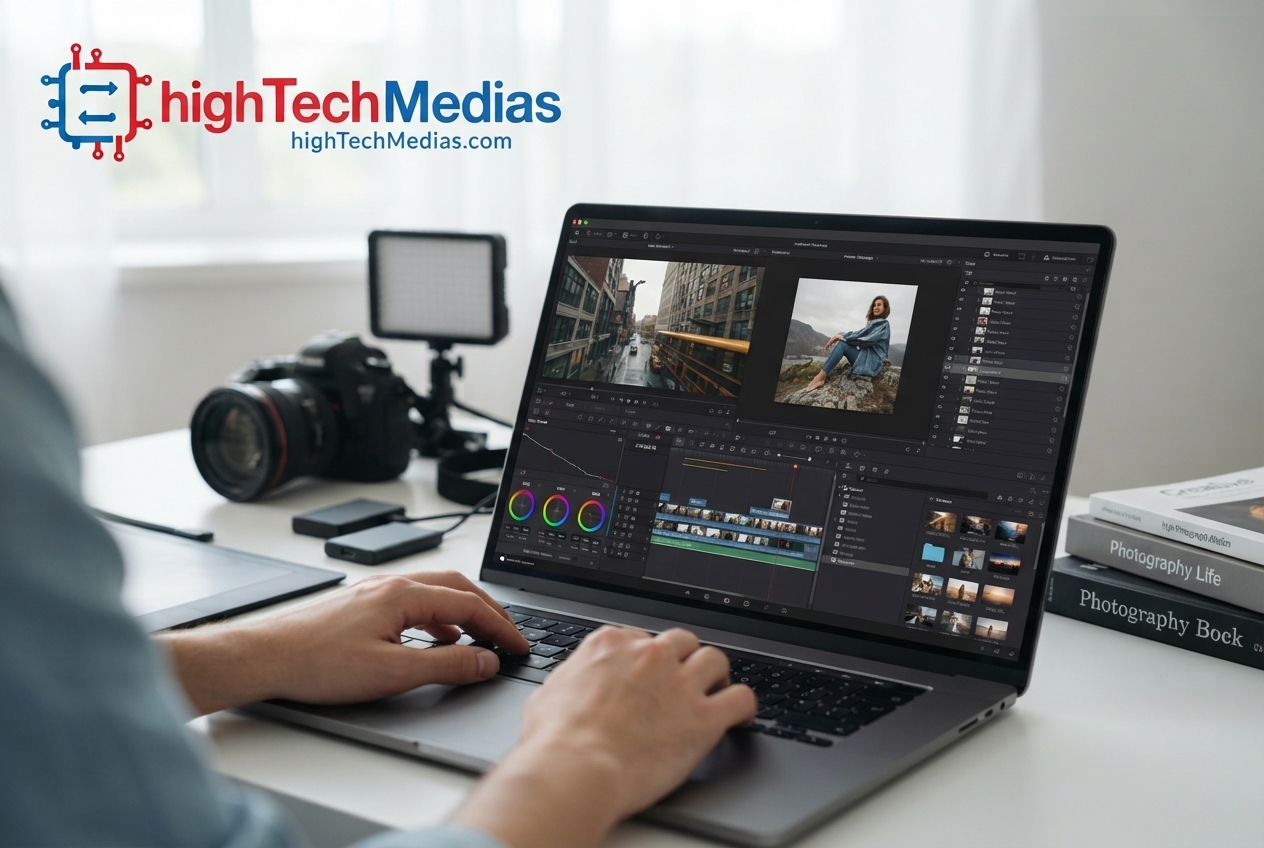
Photoshop and other creative applications can benefit from additional RAM, particularly when working with large images and multiple layers.
A simple photo edit may run perfectly well on 16GB.
The situation changes when you are working with:
-
High-resolution RAW files
-
Large layered documents
-
Multiple images
-
Large Photoshop projects
-
Lightroom catalogs
-
Multiple creative applications
-
External displays
-
Other applications running simultaneously
In these situations, 32GB gives the operating system and applications more room to work.
However, RAM is not the only factor that determines photo-editing performance. Processor performance, GPU capabilities, SSD speed, display quality, and application optimization also matter.
Microsoft similarly notes that photo and video editing workloads can make 16GB or more appropriate depending on the workload.
Recommendation:
-
16GB for casual editing;
-
32GB for serious photo work and professional content creation.
16GB vs 32GB for Video Editing
Video editing is one of the strongest arguments for choosing 32GB.
Editing software may need to work with large video files, effects, previews, timelines, media caches, and background processes simultaneously.
For simple 1080p editing, 16GB can be enough.
For heavier workflows involving 4K footage, complex effects, color grading, motion graphics, multiple applications, or long timelines, 32GB provides substantially more breathing room.
The difference is particularly relevant when your editing application is running alongside other software.
For example, a content creator might have an editor open while also using Photoshop for thumbnails, a browser for research, cloud storage for media, and communication applications.
In this situation, 32GB can help maintain smoother system responsiveness.
Still, don’t confuse RAM capacity with rendering speed. A faster processor, stronger GPU, faster storage, and better cooling can have a major influence on export times.
Recommendation:
-
16GB for basic video editing;
-
32GB for regular 4K editing and professional content creation.
16GB vs 32GB for Gaming
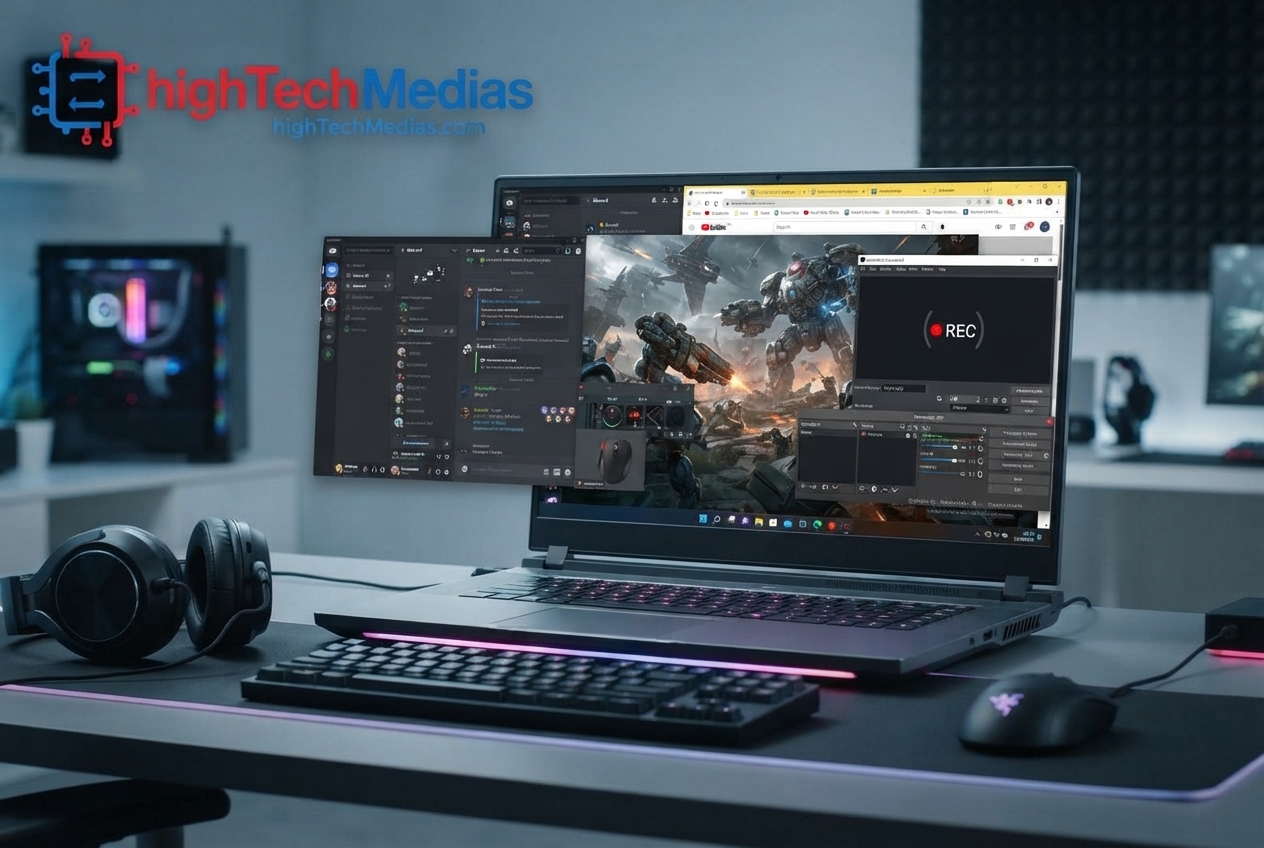
Gaming is more complicated than simply asking how much RAM a laptop has.
Many games can run well with 16GB, particularly when the laptop has a capable processor and dedicated GPU.
But gaming rarely happens in isolation.
A gamer may also have:
-
Discord
-
Browser tabs
-
Game launchers
-
Streaming software
-
Recording software
-
Music
-
Background applications
If you stream or record gameplay while playing demanding titles, 32GB becomes more attractive.
The graphics processor also matters enormously. This is one reason it is important to compare the entire laptop rather than focusing on one specification.
A gaming laptop with 32GB RAM but a weak GPU may perform worse than a 16GB system with a substantially stronger GPU.
This is why you should not automatically sacrifice GPU performance to increase RAM capacity.
Recommendation:
-
16GB for most gaming;
-
32GB for serious gaming, streaming, mod-heavy games, and heavy background multitasking.
16GB vs 32GB for AI Applications
AI workloads are becoming an increasingly important reason to consider 32GB.
Cloud-based AI tools do not necessarily require large amounts of local RAM because much of the processing occurs remotely.
Local AI applications are different.
Running AI models locally can place greater demands on system memory, especially when the computer uses system memory alongside integrated graphics or other shared-memory architectures.
Developers and enthusiasts experimenting with local models, AI-assisted development, image generation, transcription, data processing, and other AI workloads may therefore benefit from 32GB.
However, RAM is only one component of local AI performance.
GPU memory, system memory, processor performance, memory bandwidth, storage speed, and software optimization can all affect results.
For demanding local AI workloads, 32GB should be viewed as a useful baseline rather than a guarantee of high performance.
Recommendation:
-
16GB for cloud-based AI tools;
-
32GB or more for serious local AI experimentation.
How Much RAM Does a Laptop Need?
So, how much RAM does a laptop need in 2026?
For most buyers, the answer is:
16GB is the mainstream sweet spot.
It offers a strong balance between price and capability for office work, school, remote work, browsing, programming, and general productivity.
Choose 32GB when your workload regularly includes demanding creative applications, virtual machines, heavy multitasking, professional programming, local AI applications, serious gaming, or long-term ownership.
A useful way to think about it is:
| User type | Recommended RAM | Why |
| Basic browsing | 8GB–16GB | Light workloads |
| Student | 16GB | Strong everyday balance |
| Office worker | 16GB | Productivity and multitasking |
| Remote worker | 16GB | Most professional workflows |
| Programmer | 16GB–32GB | Depends on tools and virtualization |
| Photoshop user | 16GB–32GB | Depends on project size |
| Video editor | 32GB | Better headroom for demanding projects |
| Gamer | 16GB–32GB | Depends on games and background apps |
| AI enthusiast | 32GB+ | Useful for local AI workloads |
| Professional creator | 32GB+ | Heavy applications and multitasking |
The right RAM capacity is therefore determined by workload rather than marketing.
Is 32GB Worth the Extra Money?
The answer depends on the price difference.
If upgrading from 16GB to 32GB costs only a modest amount, 32GB can be an attractive option even if you do not need it today.
But if the upgrade requires sacrificing a significantly better processor, GPU, display, or SSD, 32GB may not be the best use of your budget.
For example, a gamer may get more real-world benefit from choosing a stronger GPU with 16GB rather than a weaker GPU with 32GB.
Similarly, a student may benefit more from a better display, battery, keyboard, or SSD than from unused memory capacity.
Think about the complete laptop rather than one specification.Current laptop lineups also show that 16GB and 32GB configurations can coexist within the same product family, so compare the complete specification rather than paying for RAM alone.
When 16GB Is the Better Buy
Choose 16GB when:
-
Your workload is mostly office productivity
-
You are a typical student
-
You browse the web and stream media
-
You do light programming
-
You edit photos occasionally
-
You play games without heavy background workloads
-
You want to minimize purchase cost
-
The laptop has an upgradeable memory design
-
The 32GB model requires compromising on more important hardware
When 32GB Is the Better Buy
Choose 32GB when:
-
You edit video regularly
-
You use Photoshop professionally
-
You run virtual machines
-
You use multiple development environments
-
You regularly perform heavy multitasking
-
You run demanding local AI applications
-
You stream and game simultaneously
-
You work with large datasets
-
You plan to keep the laptop for many years
-
The RAM is soldered and cannot easily be upgraded
Laptop manufacturers such as HP offer configurations across multiple memory capacities, so buyers should compare the exact configuration rather than assuming the entire model family has the same RAM options.
Upgradeable RAM vs. Soldered RAM
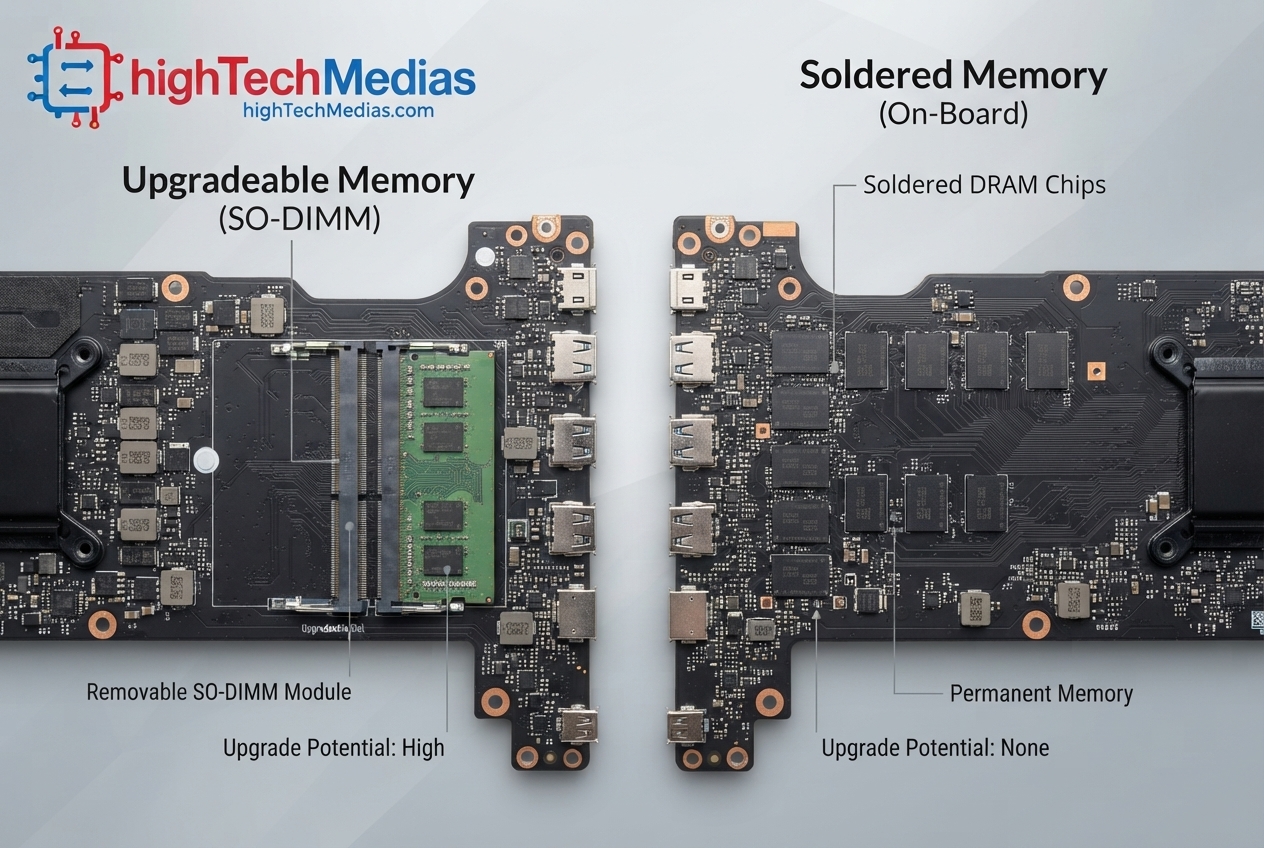
This is one of the most overlooked factors when buying a laptop.
Some laptops allow the RAM to be upgraded later. Others use soldered memory that cannot be replaced by the user.
If a laptop has an accessible upgradeable RAM design, buying 16GB today may be reasonable if you can add more memory later.
If the memory is soldered, the decision becomes more important.
A laptop that starts with 16GB may remain a 16GB laptop for its entire usable life.
This is where 32GB can make sense even for someone who does not currently need it.
Before buying, check the manufacturer’s specifications carefully. Do not assume that every laptop with DDR5 memory has upgradeable RAM.
Some systems use soldered LPDDR memory, while others use replaceable SO-DIMM modules.
What About DDR5 RAM and Memory Bandwidth?
DDR5 has become common across modern laptop platforms, but simply seeing “DDR5” on a specification sheet does not tell you everything about performance.
Memory speed, channel configuration, processor architecture, integrated graphics, and workload all influence the final result.
Memory bandwidth can be particularly important for systems that rely heavily on shared system memory.
For example, integrated graphics use system memory rather than having a completely separate pool of dedicated VRAM in many laptop designs.
That means memory architecture can affect more than CPU workloads.
However, once again, capacity comes first when your workload is constrained by insufficient RAM.
If your system is already using nearly all available memory, adding capacity can be more useful than chasing small differences in memory speed.
Should You Buy 16GB or 32GB for Long-Term Ownership?
For a laptop you expect to replace relatively soon, 16GB is often the practical choice.
For a laptop you want to keep for four, five, or even more years, 32GB becomes more attractive.
This does not mean every future application will require 32GB.
Instead, the extra capacity gives you more room as your software environment becomes heavier.
A laptop purchased today may eventually be used with newer operating systems, larger applications, more browser tabs, heavier creative software, and more demanding AI tools.
That makes RAM capacity part of your long-term buying decision.
Future-proofing should not mean buying the most expensive specification available. It means buying enough capacity that the laptop remains useful as your needs evolve.
Apple also illustrates why buyers should look at the memory architecture of a particular computer rather than assuming that every 16GB or 32GB configuration works the same way.
What Matters More: RAM or the Processor?
RAM and the processor solve different problems.
The processor determines how quickly computational work can be performed.
RAM determines how much active data and how many applications can comfortably remain available to the system.
A laptop can have a powerful processor but still feel constrained if it does not have enough memory for the workload.
Likewise, a laptop can have 32GB of RAM but perform poorly if it has a weak processor or inadequate cooling.
For a balanced laptop purchase, consider:
-
Processor
-
RAM capacity
-
GPU
-
SSD
-
Cooling
-
Display
-
Battery
-
Upgradeability
Do not evaluate RAM in isolation. The same principle applies when comparing a laptop with a desktop-style mini PC for a fixed workspace.
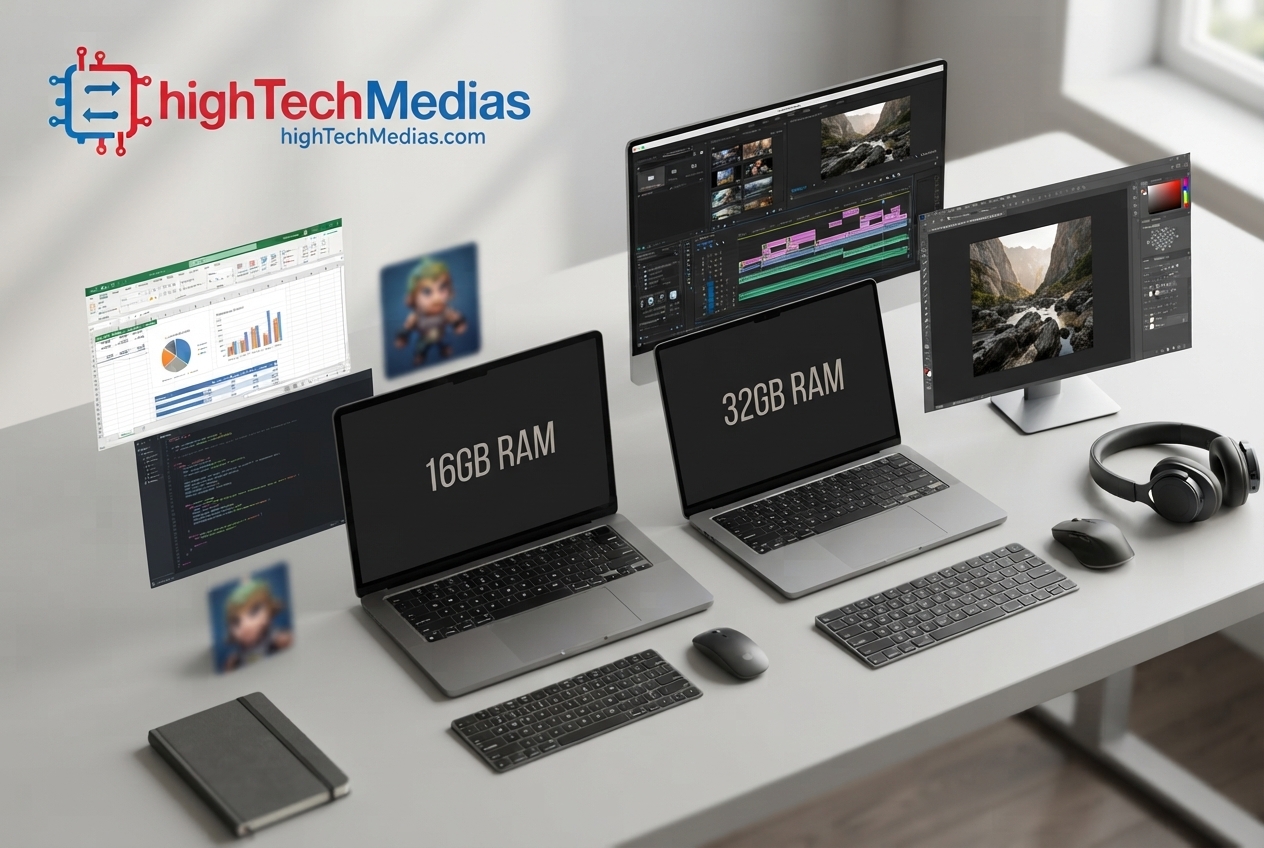
16GB vs 32GB RAM Laptop: Which One Should You Buy? – Final Verdict
For most people buying a laptop in 2026, 16GB is still the best value starting point.
It provides enough capacity for office work, students, remote work, everyday browsing, general programming, and many gaming workloads.
Move to 32GB when your actual workload justifies it.
That means video editing, professional photo work, large development environments, virtual machines, serious multitasking, local AI workloads, streaming while gaming, or long-term ownership of a laptop with non-upgradeable RAM.
The most important question is not “Which specification is higher?”
It is “Will my workload use the additional capacity?”
If the answer is no, save the money and put it toward a better processor, GPU, display, SSD, or battery.
If the answer is yes — or if you are buying a premium laptop that you expect to keep for many years — 32GB can be a smart investment.
If you are still comparing complete laptop configurations, start with our broader laptop buying resources before making the final purchase.
In short, 16GB is the value choice, while 32GB is the headroom choice. The best configuration is the one that matches how you actually use your laptop today and how you expect to use it tomorrow.






Leave a Reply