
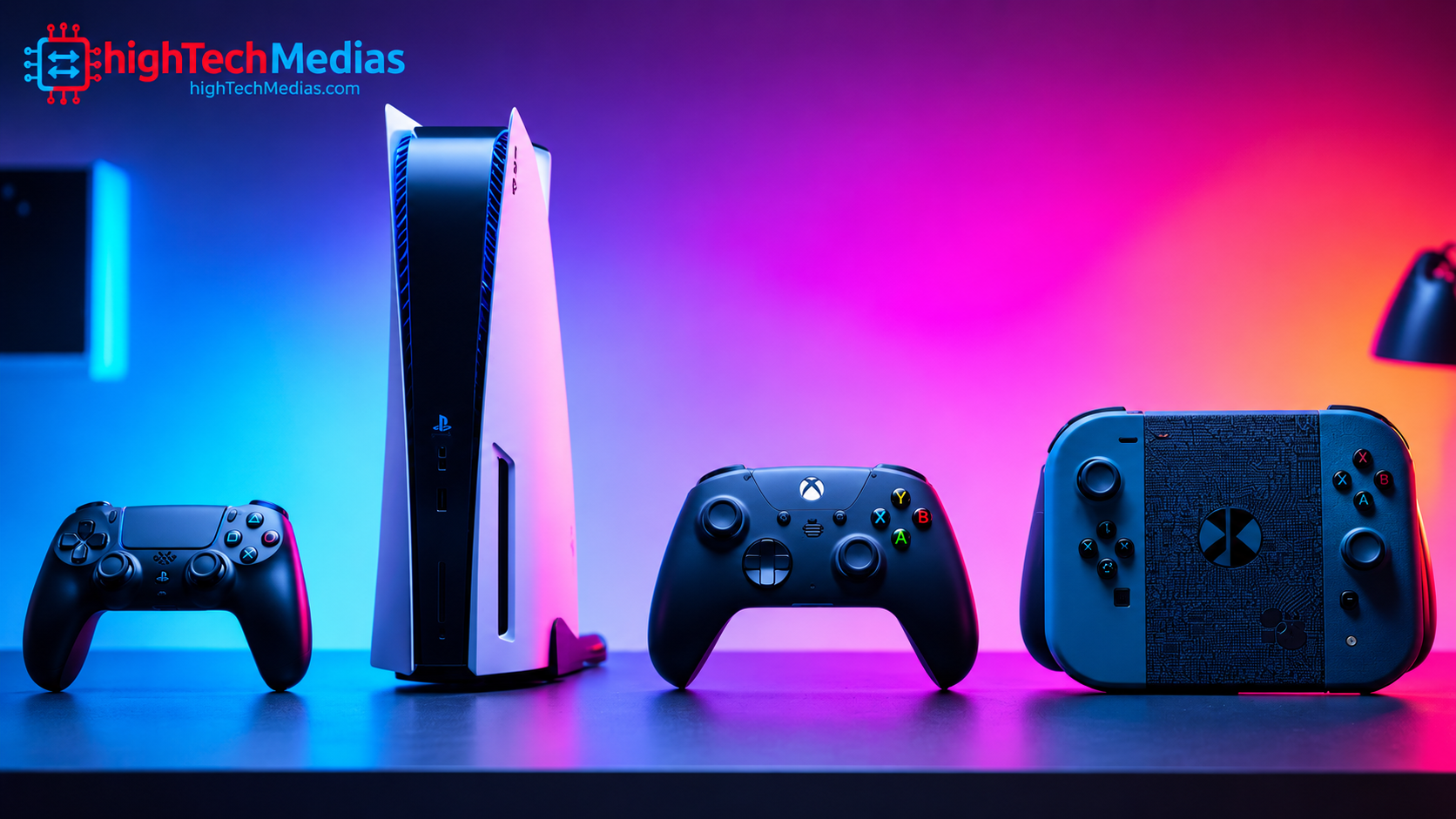
Best Gaming Consoles in 2026: Top 5 Picks Compared
Choosing among the best gaming consoles in 2026 is about more than graphics. Your ideal system depends on the games you want to play, your budget, whether you prefer a traditional living-room setup or portable gaming, and how much you value online multiplayer and subscription libraries.
Sony’s PlayStation family, Microsoft’s Xbox Series consoles, and Nintendo’s Switch 2 serve different audiences. A powerful home console may be ideal for cinematic games on a 4K television, while a hybrid console offers the freedom to play both at home and on the go.
This guide compares five established console choices using manufacturer specifications and published pricing information where available. Before making a purchase, compare your options with our Ultimate Gaming Setup Guide and consider how your screen, accessories, and game library affect the total cost.
Pricing note: Console prices, bundles, stock, and promotions vary by retailer and region. Prices below are U.S. reference prices, not guaranteed live offers. Verify the current listing before buying.
Section 1 — Top 5 gaming consoles in 2026: our picks
These five choices cover premium graphics, all-around home gaming, Xbox’s game ecosystem, family-friendly play, and a lower-cost entry point into current-generation gaming.
Ranking reflects intended use and feature set, not a laboratory performance ranking. Prices are U.S. manufacturer reference prices verified against published manufacturer information as of October 2026.
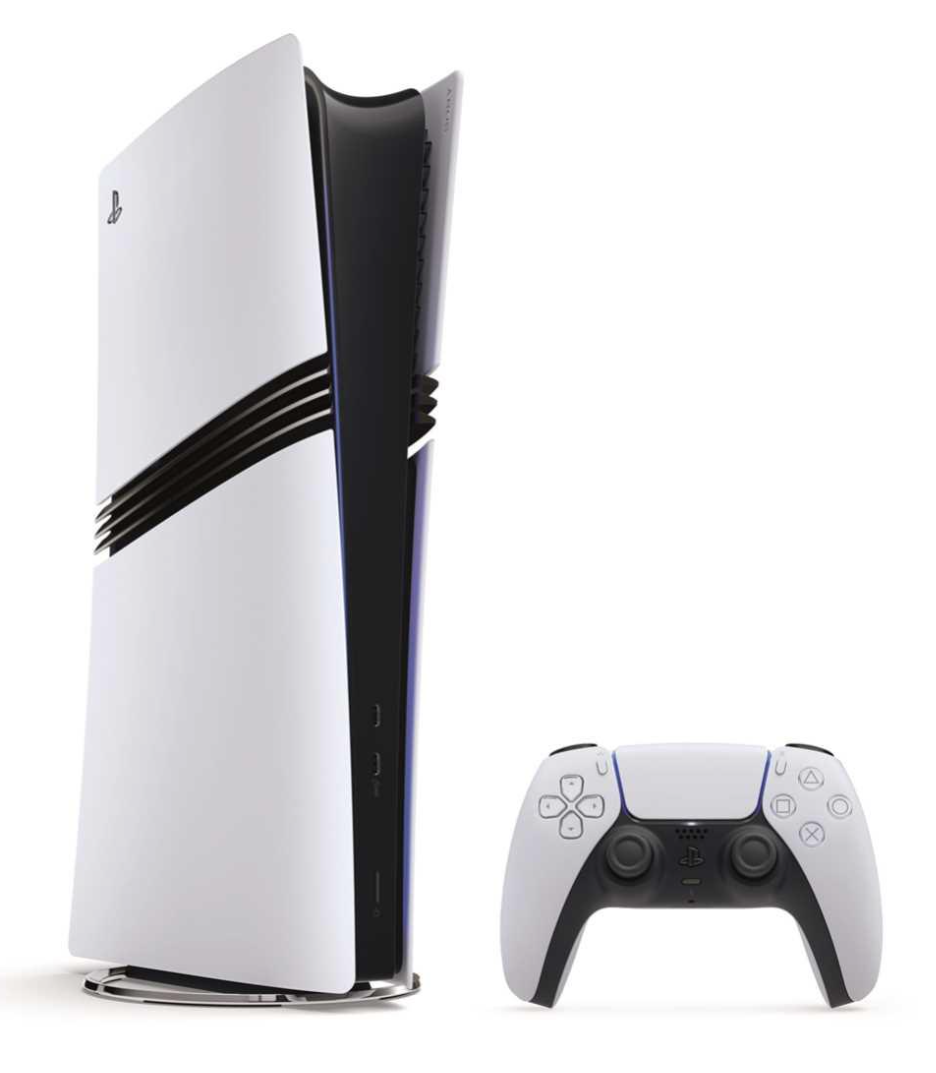
First choice — PlayStation 5 Pro: Best for premium console graphics
Sony PlayStation 5 Pro
Who should buy this? Enthusiasts who want enhanced graphics in supported games, play on a capable 4K TV, and are comfortable paying a premium.
Key specifications and features
-
Enhanced GPU performance compared with the standard PS5.
-
2TB SSD storage.
-
AI-assisted PlayStation Spectral Super Resolution (PSSR) image upscaling in supported games.
-
Ray tracing improvements in supported titles.
-
Supports compatible PS5 games and accessories.
Why consider it?
The PS5 Pro is designed for players who prioritize visual quality and want the benefits of enhanced rendering without moving to a gaming PC. The practical improvement depends on each game’s implementation and your display.
Pros
-
Enhanced graphics in supported games.
-
Large 2TB internal storage.
-
Access to PlayStation’s console game library.
Cons
-
High initial purchase price.
-
Improvements vary between games.
-
A premium 4K display helps justify the additional expense.
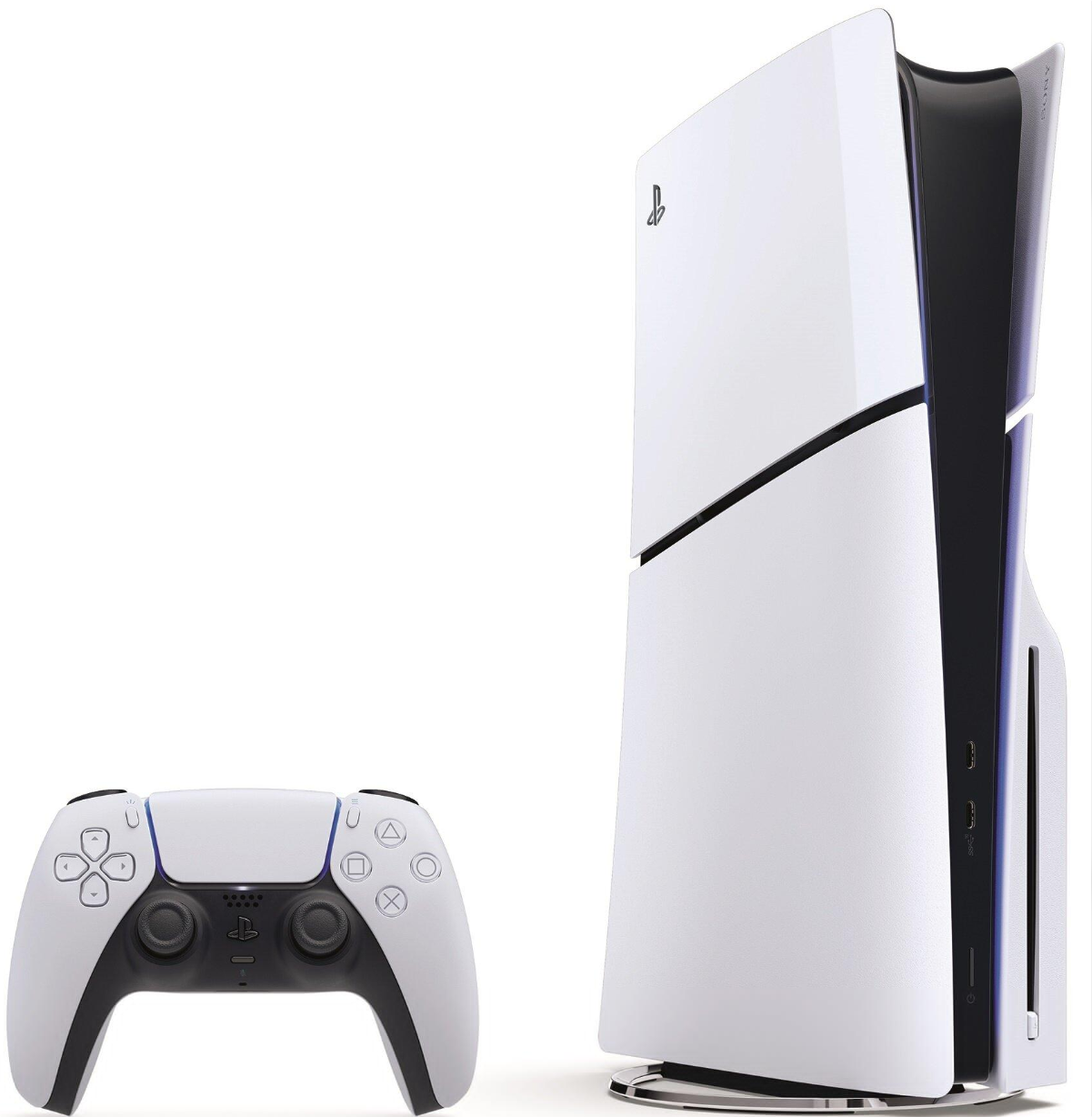
Second choice — PlayStation 5: Best all-around PlayStation experience
Who should buy this?
Players who want a traditional living-room console, major third-party releases, and PlayStation exclusives without paying the Pro premium.
Key specifications and features
-
Custom AMD Zen 2-based CPU.
-
AMD RDNA 2-based graphics architecture.
-
Ultra-high-speed SSD.
-
Support for up to 4K output and game-dependent frame rates up to 120 fps.
-
DualSense controller with adaptive triggers and haptic feedback.
-
Disc-drive and digital configurations, depending on model.
Why consider it?
The standard PS5 remains a strong choice for players who want current-generation games and a familiar console experience. Its performance is sufficient for a broad range of games, and its controller features add tactile feedback to supported titles.
Pros
-
Broad library of PS5 games.
-
Immersive controller features.
-
Good balance of performance and accessibility within the PlayStation family.
Cons
-
Less graphical headroom than the PS5 Pro.
-
The digital version limits you to digital purchases.
-
The standard model’s price is substantial compared with older consoles.
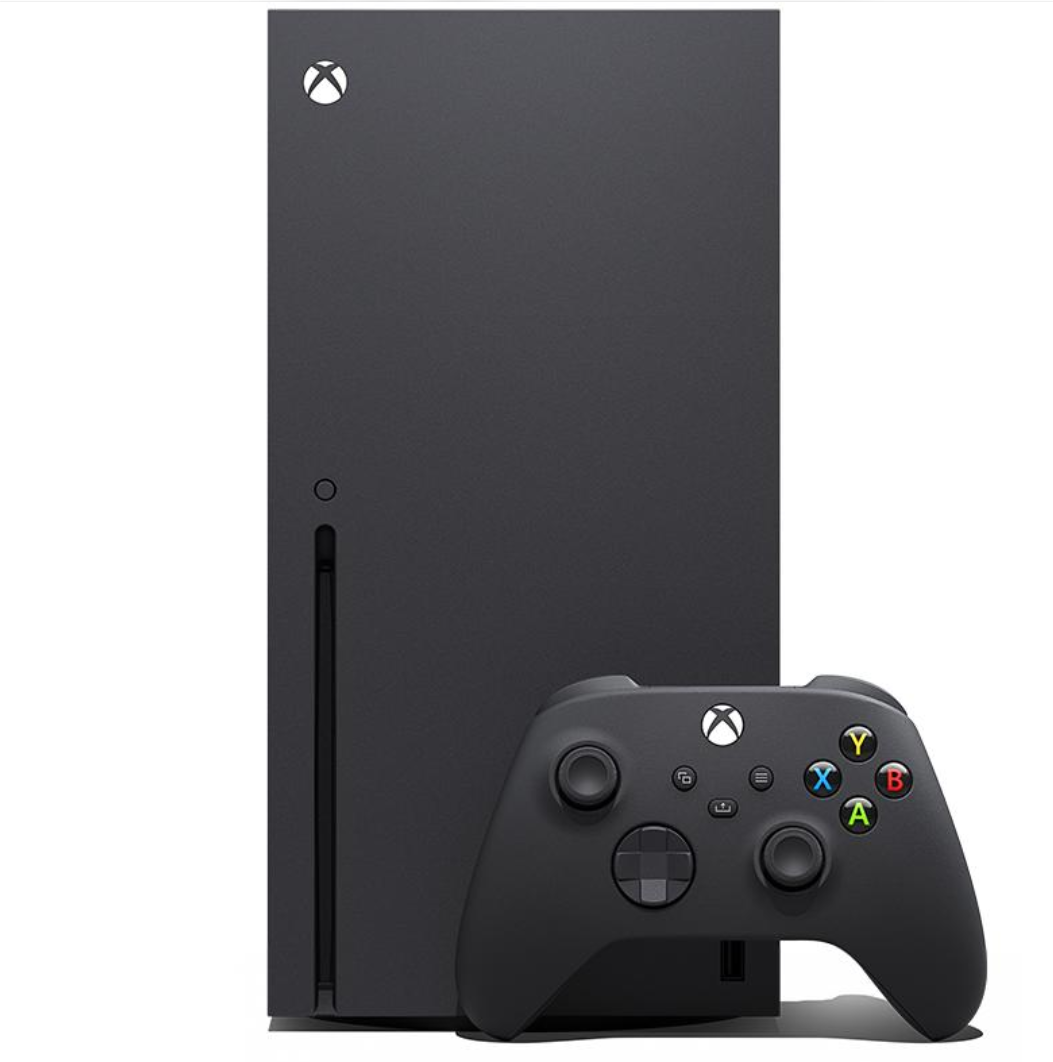
Third choice — Xbox Series X: Best for powerful Xbox home gaming
Who should buy this?
Xbox fans, players who prefer a disc drive, and gamers interested in Microsoft’s game ecosystem and subscription options.
Key specifications and features
-
Custom 8-core AMD Zen 2 CPU.
-
Custom RDNA 2 GPU rated at 12 teraflops.
-
16GB GDDR6 memory.
-
1TB custom NVMe SSD in the standard model.
-
4K gaming and support for up to 120 fps in supported titles.
-
UHD Blu-ray disc drive on the standard disc model.
-
HDMI 2.1, variable refresh rate, and auto low-latency mode.
Why consider it?
Xbox Series X combines strong home-console performance with a large Xbox game library. Its disc drive also offers flexibility for compatible physical games and UHD Blu-ray movies.
Pros
-
Strong 4K gaming capability.
-
Disc support on the standard model.
-
Useful compatibility with many Xbox One, Xbox 360, and original Xbox games, subject to title-specific support.
Cons
-
Expensive at the current listed price.
-
Storage expansion can add to the total cost.
-
The value of its subscription ecosystem depends on the games you actually play.
Fourth choice — Nintendo Switch 2: Best for portable and family gaming
Who should buy this?
Families, students, travelers, and players who value Nintendo franchises and the freedom to switch between handheld, tabletop, and television play.
Key specifications and features
-
Custom NVIDIA processor.
-
7.9-inch LCD touchscreen with 1920 × 1080 resolution.
-
HDR10 support and handheld VRR up to 120Hz.
-
256GB internal storage, with some capacity reserved for system use.
-
Docked output up to 4K at 60 fps or up to 120 fps at supported lower resolutions.
-
Detachable Joy-Con 2 controllers.
-
Compatibility with many original Nintendo Switch games, with exceptions.
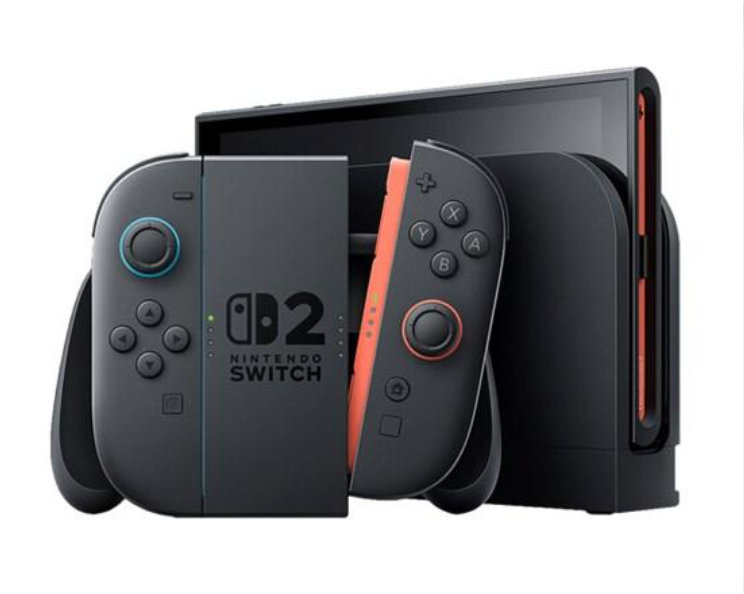
Why consider it?
The Switch 2 is built around flexibility rather than competing directly with the traditional home-console experience. It lets players move between a television and portable gaming without maintaining separate game libraries for those two modes.
Pros
-
Handheld, tabletop, and docked play.
-
Nintendo’s distinctive game franchises.
-
Useful local multiplayer options.
-
Compatible with many existing Switch games.
Cons
-
Less suited to players whose main priority is high-end 4K home-console graphics.
-
LCD rather than OLED display.
-
Storage expansion and some online features may add expense.
Fifth choice — Xbox Series S: Best entry point into Xbox gaming
Who should buy this?
Budget-conscious players who want access to Xbox games and online services but do not need the Series X’s higher graphics performance or physical disc drive.
Key specifications and features
-
Custom AMD Zen 2 CPU.
-
Custom RDNA 2 GPU.
-
512GB SSD in the standard configuration; a 1TB version is also available.
-
Digital-only game access.
-
Designed primarily for lower-resolution gaming than Series X.
-
Supports up to 120 fps in compatible games.
-
HDMI features include variable refresh rate and auto low-latency mode.
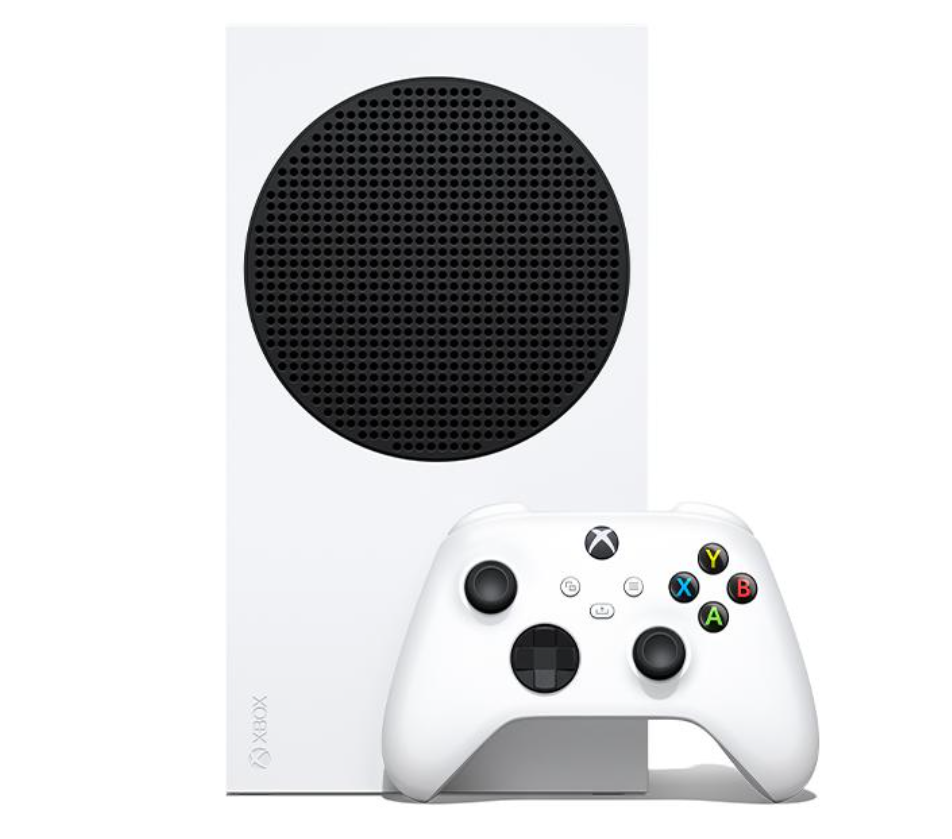
Why consider it?
The Series S is compact and gives players access to the Xbox ecosystem in a smaller digital-only system. It is particularly attractive to people who already buy digital games or plan to use a subscription library.
Pros
-
Compact design.
-
Digital access to Xbox games and services.
-
Lower entry price than the standard Series X.
Cons
-
No built-in disc drive.
-
Lower graphics performance than Series X.
-
Limited internal storage on the 512GB model.
-
At $499.99, it is not a low-cost console by historical standards.
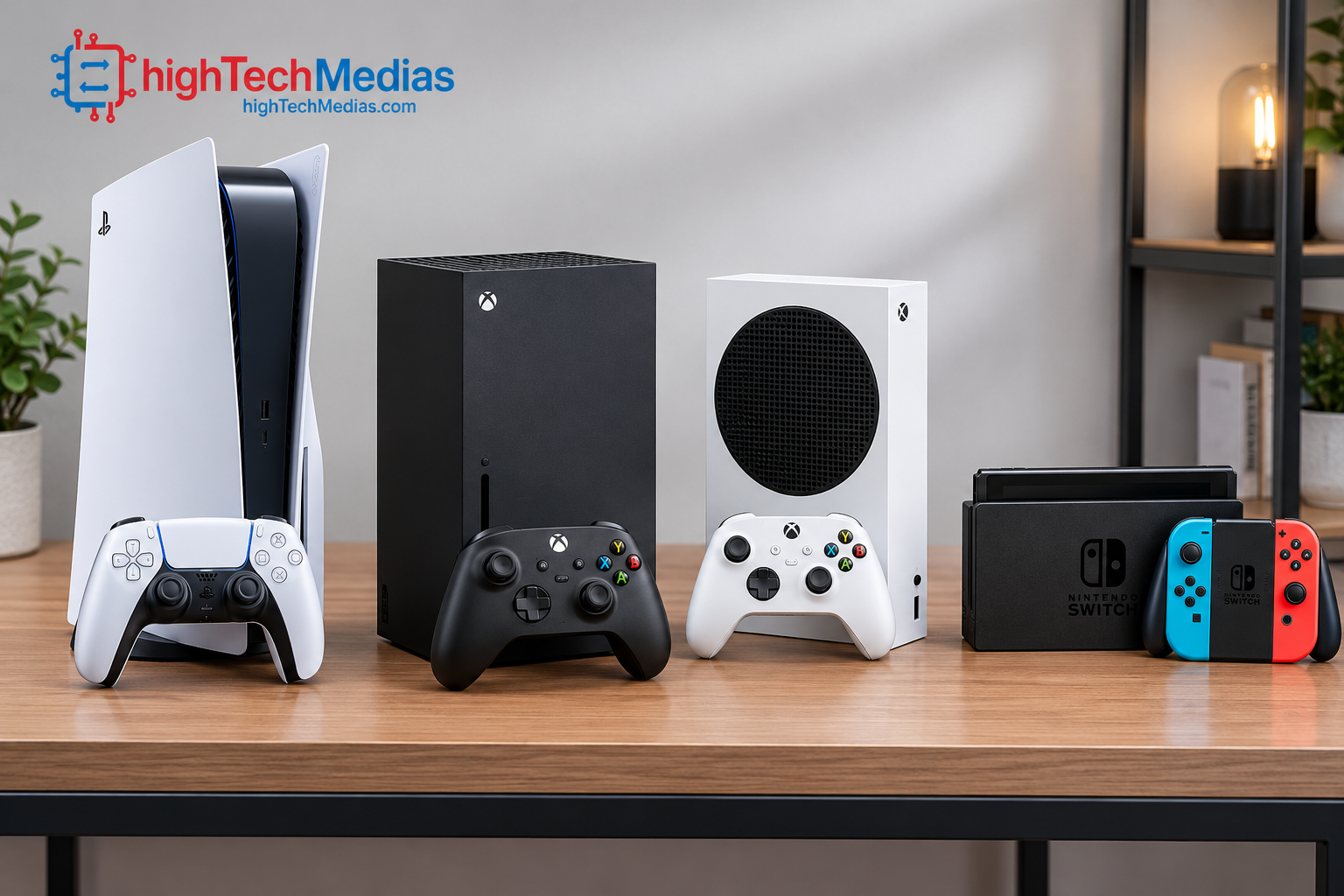
Section 2 — Gaming consoles compared: specifications and prices
Console |
U.S. reference price |
Best use |
Main trade-off |
|---|---|---|---|
| PlayStation 5 Pro | $899.99 | Enhanced graphics | Premium cost |
| PlayStation 5 | $649.99 | All-around PlayStation gaming | Less headroom than Pro |
| Xbox Series X | $799.99 | Xbox home gaming and 4K | High upfront cost |
| Nintendo Switch 2 | $499.99 | Portable and family gaming | Different performance focus |
| Xbox Series S | $499.99 | Digital Xbox gaming | Lower performance and no disc drive |
Prices are manufacturer-listed U.S. reference prices, not price guarantees. Xbox configurations vary, and the Series S 1TB model costs more than the 512GB version. Taxes, bundles, and retailer promotions may change the final price. Sony’s updated U.S. prices took effect April 2, 2026; Nintendo’s Switch 2 price revision took effect September 1, 2026; and Microsoft’s Xbox price update took effect August 1, 2026.
Section 3 — Which console offers the best value for your money?
The cheapest console is not always the least expensive system to own. Consider the purchase price, game prices, online subscriptions, storage requirements, and accessories before deciding.
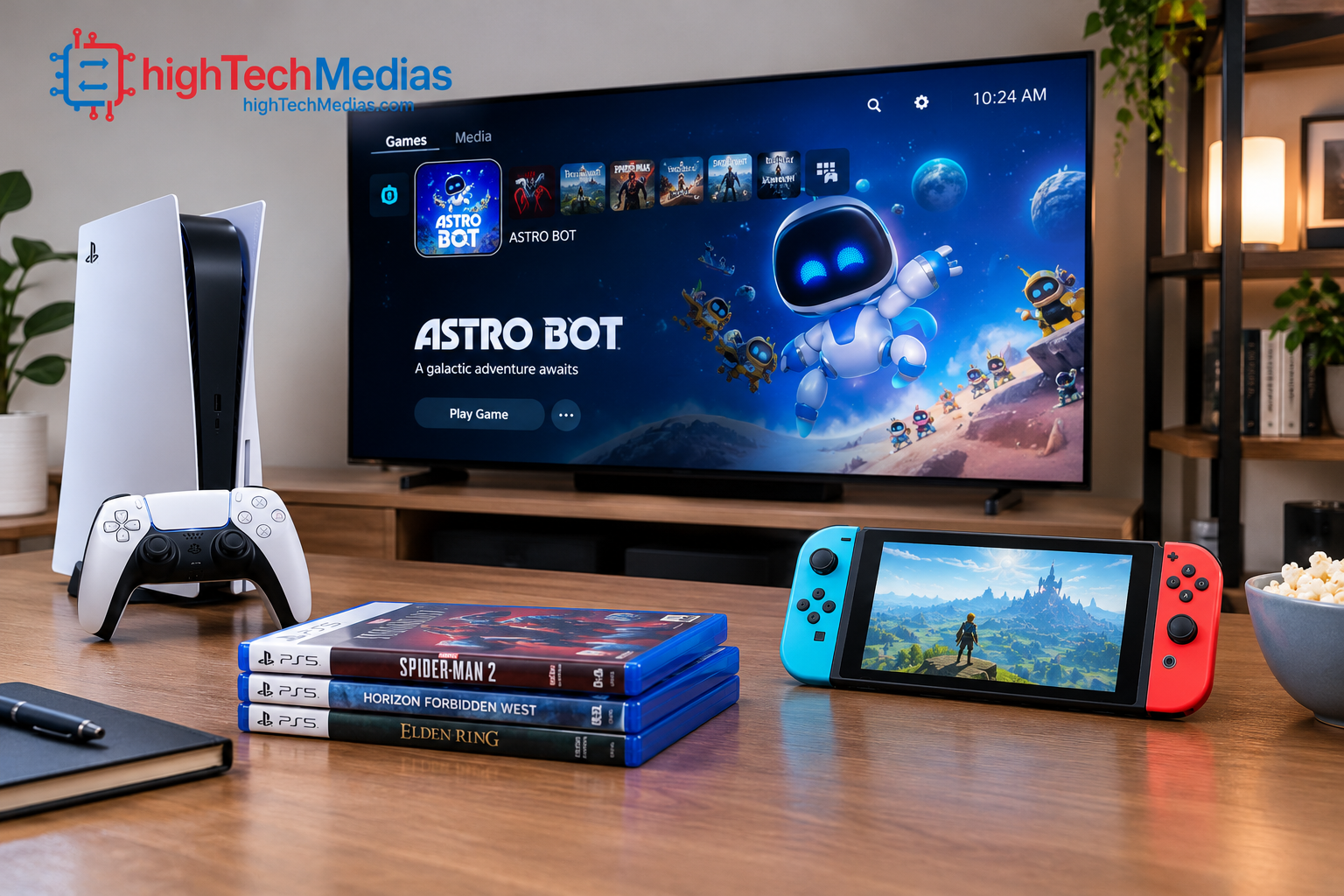
PlayStation: pay for the games you want
PlayStation makes sense for players who are interested in its exclusive franchises, DualSense features, and cinematic single-player games. The standard PS5 is the more sensible starting point for many players, while the Pro is worth considering if supported visual enhancements justify its premium.
If you are deciding between gaming and a general-purpose computer, our laptop buying guide for 2026 explains the trade-offs in portability, performance, and everyday versatility.
Xbox: consider the complete gaming ecosystem
Xbox Series X offers stronger graphics hardware than Series S, but the smaller console may be enough if you primarily play digital games. Microsoft’s subscription offerings can be useful when you regularly play a broad selection of titles, although subscription catalogs, prices, and access conditions can change.
If you already own an Xbox One or other Xbox hardware, check individual game compatibility and available upgrade paths before replacing your system.
Nintendo: value portability and local multiplayer
Nintendo Switch 2 is a particularly strong fit for players who want one device for handheld and television gaming. Its value depends heavily on whether you enjoy Nintendo’s game franchises and whether its hybrid format fits your lifestyle.
Nintendo confirms that Switch 2 supports many original Switch games, but compatibility is not universal. Check the official Nintendo compatibility guide before assuming your entire existing library will work.
Section 4 — Graphics, resolution, and frame rates explained
Console marketing often emphasizes 4K resolution, ray tracing, or frame rates of up to 120 fps. These figures describe capabilities, not guarantees that every game will run at those settings.
4K resolution and image quality
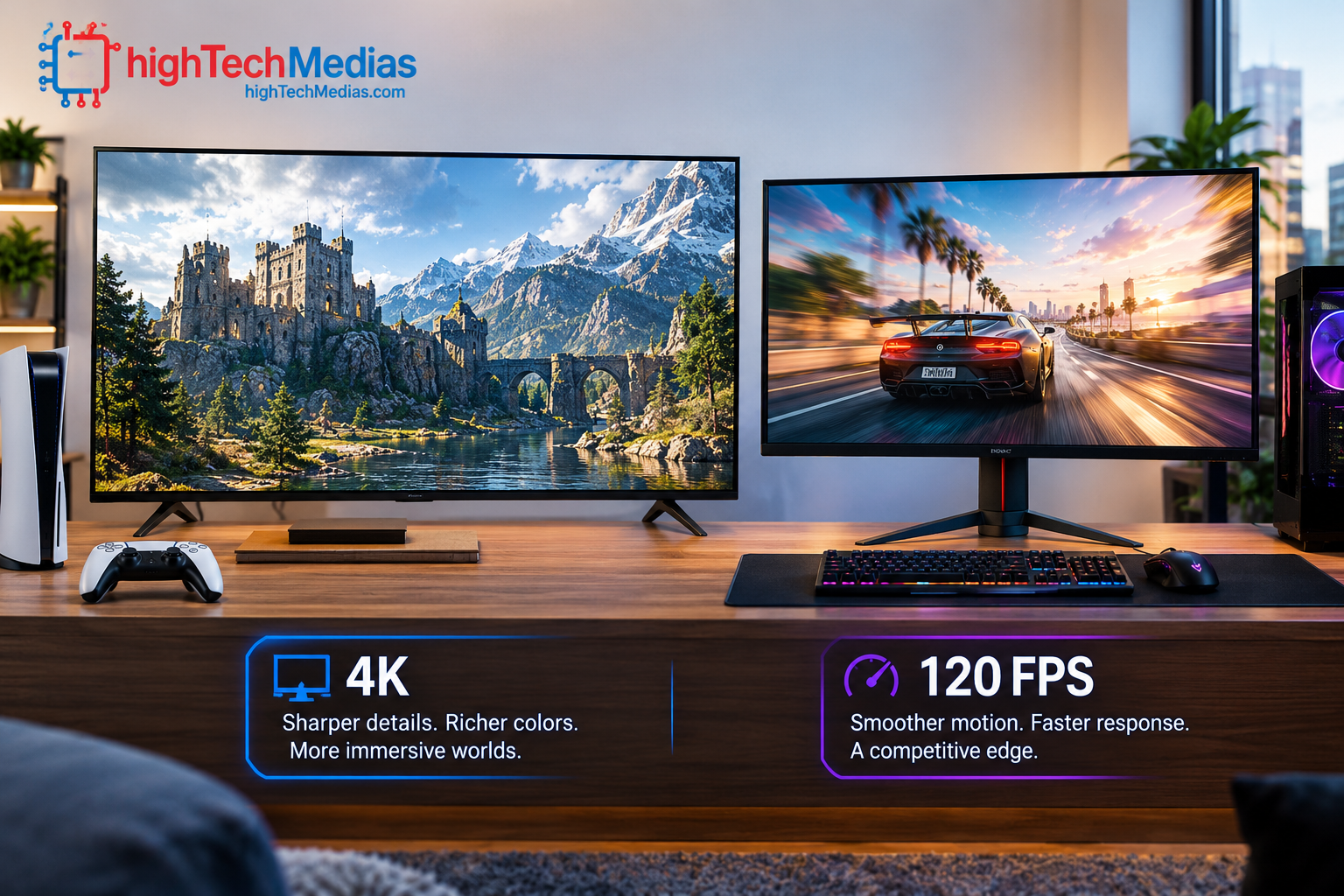
4K output can deliver a detailed picture on a compatible television. However, a game’s actual rendering resolution may vary, and some systems use image reconstruction or dynamic resolution to balance image quality and performance.
The PS5 Pro is designed to improve graphics in supported games. Xbox Series X targets high-end home gaming with 4K capabilities, while Switch 2 supports up to 4K output in TV mode at a maximum of 60 fps. Supported Switch 2 games can target up to 120 fps at selected lower resolutions.
Why 60 fps and 120 fps matter
Frame rate affects how smoothly motion appears. A 120 fps mode can be useful in fast-paced shooters, racing games, and competitive titles, but its availability depends on the game and often requires a compatible display.
A console that supports 120 fps will not necessarily run every game at that rate. Some titles prioritize visual effects, resolution, or other settings instead.
Ray tracing and upscaling
Ray tracing simulates aspects of how light interacts with a scene, potentially improving reflections, shadows, and lighting. It can be computationally demanding, so games may limit ray-tracing effects or adjust other settings to maintain performance.
Upscaling techniques reconstruct a higher-resolution image from a lower-resolution render. Sony’s PSSR is one example of AI-assisted image upscaling available in supported PS5 Pro games. The quality of the result depends on the implementation and the game.
Section 5 — Game libraries, exclusives, and backward compatibility
The strongest console on paper is not necessarily the best one for you. Your favorite games and the people you play with may matter more than a small difference in graphics performance.
PlayStation games
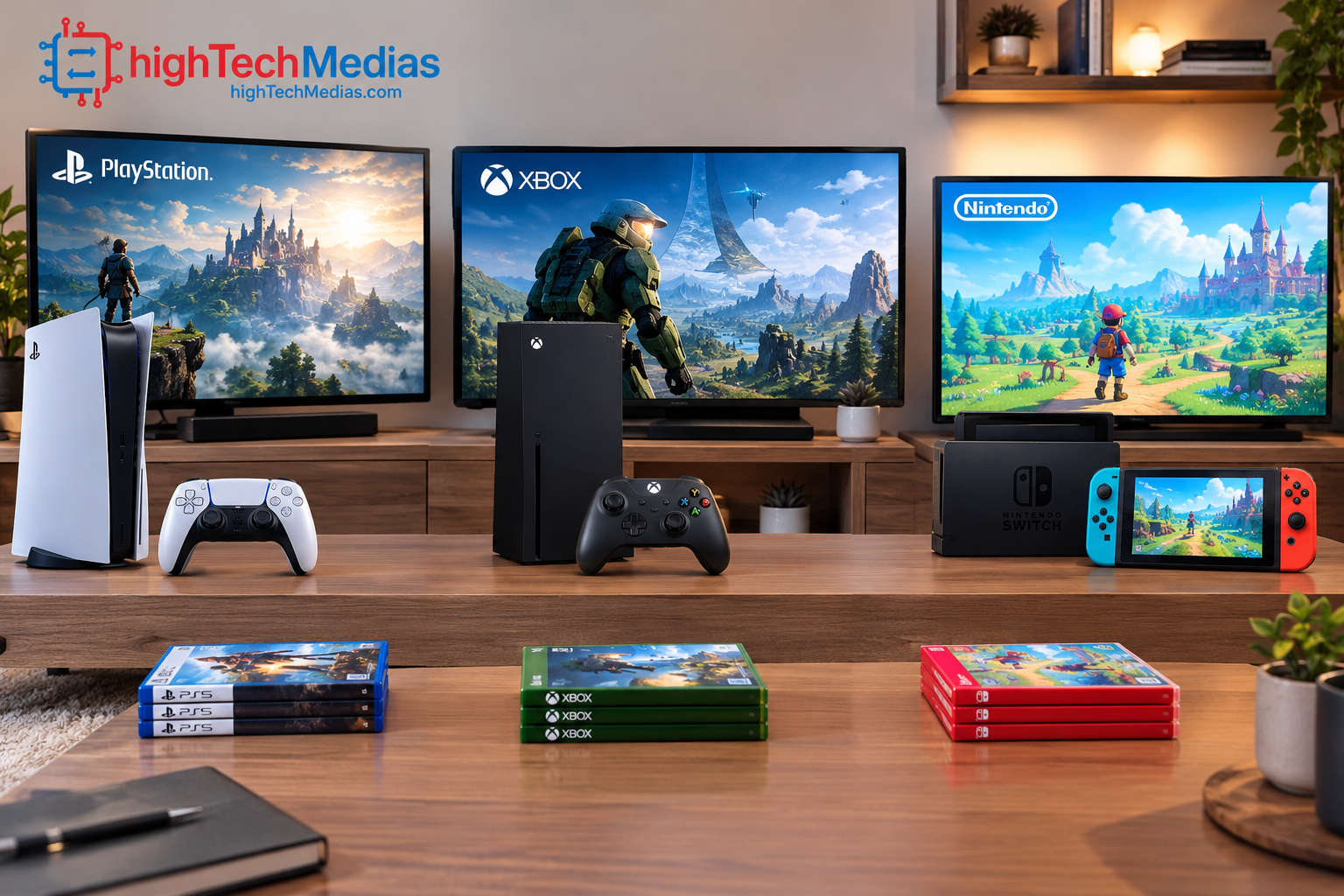
PlayStation’s appeal includes its first-party franchises, third-party releases, and a large collection of compatible PS4 titles. Sony states that PS5 supports the vast majority of PS4 games, although individual compatibility and upgrade conditions can vary.
Before switching from another console, check whether your favorite multiplayer games support cross-platform play and whether your existing purchases can be transferred.
Xbox games and subscriptions
Xbox offers a large game catalog across its console generations, subject to title-specific backward compatibility. Xbox Game Pass plans can offer access to a changing catalog of games, but the exact benefits, pricing, and availability depend on the plan and region.
Do not purchase a subscription based only on the promise of a particular game. Confirm that the title is currently included and that the relevant plan supports the features you want.
Nintendo games
Nintendo’s first-party franchises and local multiplayer options are central to the Switch 2’s appeal. Its ability to move between handheld and television play also makes it attractive for households where people share a screen or want to play while traveling.
If mobile gaming is another part of your routine, explore our guide to top mobile games in 2026. Mobile games and console titles offer different experiences, but both can help you decide where your gaming budget delivers the most enjoyment.
Section 6 — Online gaming, subscriptions, and multiplayer
Online play can add significant long-term value, but the requirements depend on the platform and game.
-
PlayStation: PlayStation Plus offers different membership tiers and benefits. Check the current plan for online multiplayer, monthly games, or catalog access.
-
Xbox: Xbox subscription options vary in their multiplayer, catalog, and other benefits. Check the current plan details before subscribing.
-
Nintendo: Nintendo Switch Online is sold separately for online features and selected game libraries. Membership requirements depend on the feature and title.
Free-to-play games may have different online multiplayer requirements from paid games. Confirm the rules for the specific title you intend to play.
What families should check
For younger players, consider parental controls, voice-chat settings, spending restrictions, and playtime management. Nintendo provides parental-control tools for Switch 2, while PlayStation and Xbox offer family and account controls as well.
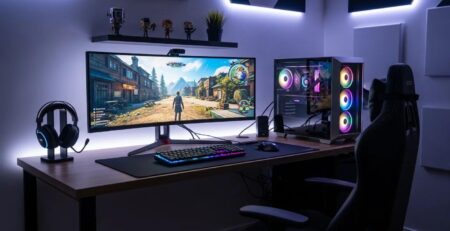
Our Ultimate Gaming Setup Guide can help you plan the rest of your setup, including display placement, accessories, and a comfortable gaming space.
Section 7 — Storage, physical games, and accessories
Modern games can occupy substantial storage space. Before buying, check how much internal storage is available after system software and whether the console supports an expansion method that fits your budget.
Digital games versus physical discs
A disc drive can provide access to compatible physical games and, depending on the console, used-game purchases or resale. Digital systems offer convenience but tie purchases to digital storefronts and account policies.
The PS5 digital configuration and Xbox Series S do not include a built-in disc drive. The standard disc-equipped PS5 and Xbox Series X give buyers more flexibility with supported physical media.
Storage expansion
PS5 models support compatible M.2 NVMe SSD expansion, while Xbox Series consoles support compatible storage expansion cards and USB storage for supported purposes. Nintendo Switch 2 supports compatible microSD Express cards for expanded storage.
Check the manufacturer’s compatibility requirements before purchasing an expansion device.
Accessories worth budgeting for
Consider a second controller for local multiplayer, a headset for online communication, a charging solution, and sufficient storage. If your console is connected to a 4K television, verify that the display and HDMI connection support the gaming features you intend to use.
Section 8 — Can a gaming laptop or mini PC be a better alternative?
A console is designed to deliver a relatively simple gaming experience: connect it to a display, install or launch a game, and play. A gaming PC offers more flexibility, but it also introduces more hardware and software decisions.
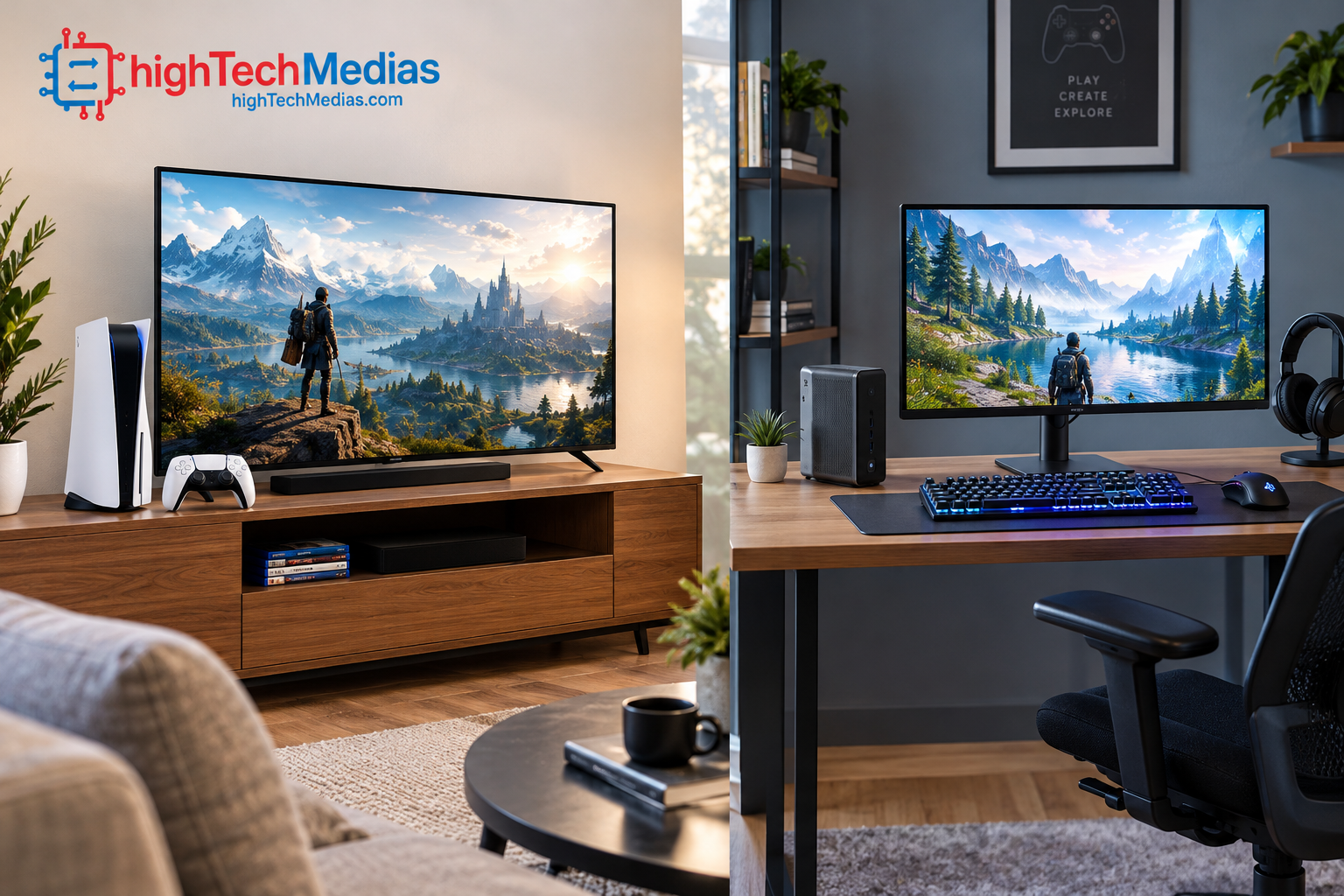
If you want a system for gaming as well as work, streaming, or content creation, compare the total cost of a suitable PC with the console and its accessories. Our best laptops under $1,000 in 2026 guide is a useful starting point for evaluating general-purpose portable computers, although not every laptop in that price range is suitable for demanding gaming.
A compact computer may also be worth considering if desk space is a priority. Read our mini PCs vs. laptops comparison and our guide to budget mini PCs to understand the differences between compact desktops and portable systems.
For specialized workloads, our guides to mini PCs for programming and development and mini PCs for multiple monitors explain what to consider when buying a compact computer for work.
These alternatives should not be mistaken for direct console replacements. A mini PC without a sufficiently powerful GPU may struggle with demanding modern games, while a gaming laptop’s performance depends on its specific graphics hardware, cooling, and power limits.
Section 9 — How to choose the right gaming console for your needs
Use these questions to narrow your options before you buy.
Do you mainly play alone or with friends?
For cinematic single-player games, compare the PlayStation library and the visual features of PS5 models. For online multiplayer, look at the games your friends play, their preferred platform, and whether cross-platform play is supported.
For family gaming and local multiplayer, the Switch 2’s portable design and detachable controllers may be more useful than a traditional home console.
Is a disc drive important?
If you buy used games, borrow discs, or collect physical editions, check the exact console configuration. A digital-only console may look convenient but will not play physical game discs.
Do you already own games from an older generation?
Backward compatibility can make upgrading less expensive if your existing library works on the new console. Check the official compatibility information before you count older purchases as part of the value.
Is your television ready for the console?
A 4K television can make high-resolution output worthwhile, while a compatible high-refresh-rate display may help you benefit from supported 120 fps modes. You do not need to buy a new television automatically, but it is worth confirming your current display’s capabilities.
What is your total budget?
Include the console, games, subscription fees, additional controllers, storage, and any display upgrade. A higher-priced model may be worthwhile if you use its extra features frequently, but it is unnecessary to pay for capabilities you will rarely use.
If you are considering a computer instead, compare laptops under $700 and mini PCs under $500 as general computing alternatives. Neither category guarantees console-like gaming performance at those prices.
For users who need one device for professional work and gaming, our guides to business laptops and programming laptops help explain the different hardware priorities.
Section 10 — Frequently asked questions about gaming consoles
1. What is the best gaming console in 2026?
The best choice depends on your priorities. The PS5 Pro is aimed at players who want enhanced graphics in supported games; the standard PS5 is a strong all-around PlayStation option; Xbox Series X suits players invested in the Xbox ecosystem; Switch 2 is designed for hybrid portable and TV play; and Xbox Series S offers a digital-only route into Xbox gaming.
2. Is the PS5 Pro worth the extra money over the PS5?
It can be worth it if you have a capable display and value the enhanced graphics available in supported games. If you mainly want access to the PlayStation game library, the standard PS5 may be sufficient. Compare the current prices and game-specific improvements before paying the premium.
3. Is Xbox Series X more powerful than Xbox Series S?
Yes. Xbox Series X has substantially more GPU performance and is designed for higher-resolution gaming. Series S is a smaller, digital-only system designed for a lower performance target. The best choice depends on your display, budget, and preferred games.
4. Is Nintendo Switch 2 good for adults?
Yes. It supports a broad range of game genres, including role-playing games, action adventures, racing, sports, and multiplayer titles. Its portability is useful for adults who travel or want to play away from the television.
5. Can Nintendo Switch 2 play original Nintendo Switch games?
It can play many compatible physical and digital Switch games, but not every title is guaranteed to work fully. Consult Nintendo’s current compatibility information for the games you own.
6. Do all gaming consoles support 4K at 120 fps?
No. Supported resolution and frame rate depend on the console, game, and display. For example, Nintendo documents 4K output on Switch 2 at up to 60 fps, with up to 120 fps available at selected lower resolutions in supported games.
7. Are physical games better than digital games?
Neither format is universally better. Physical games can offer resale or borrowing opportunities where supported, while digital games are convenient and do not require changing discs. Your choice should also account for storage, regional restrictions, account access, and the console’s drive configuration.
8. Should I buy a console or a gaming laptop?
Choose a console if you want a straightforward gaming system for your television. Consider a gaming laptop if you also need portability, PC software, and a broader range of non-gaming tasks. Compare the actual GPU, cooling, display, and total price rather than relying on the product category alone.
Section 11 — Final verdict: which gaming console should you buy in 2026?
The best gaming consoles in 2026 are not interchangeable, and the right choice depends on what you play, where you play, and how much you want to spend.
-
Choose PlayStation 5 Pro if enhanced graphics in supported games are your priority and its premium price fits your budget.
-
Choose PlayStation 5 if you want a versatile home console and the PlayStation game library without paying for the Pro model.
-
Choose Xbox Series X if you want a powerful Xbox system, a disc drive on the standard model, and access to Microsoft’s gaming ecosystem.
-
Choose Nintendo Switch 2 if portability, family gaming, and Nintendo’s franchises matter more to you than maximizing traditional home-console graphics.
-
Choose Xbox Series S if you prefer digital gaming and want a compact way into the Xbox ecosystem, while accepting its lower performance and lack of a disc drive.
Before making your decision, compare current retailer prices, game availability, subscription terms, and the cost of any required accessories. For more help planning a complete setup, read our Ultimate Gaming Setup Guide. If you’re still weighing a console against a computer, our best AI laptops in 2026 guide offers a starting point for exploring PCs designed for broader productivity and AI-related workloads.
Ultimately, buy the system that best matches your games and habits—not simply the one with the highest specifications.

Leave a Reply