
Best AI Smart Home Assistants in 2026
Best AI Smart Home Assistants in 2026: Which Devices Make Everyday Tasks Easier?
The best AI smart home assistants in 2026 do much more than answer questions or play music. They can help manage household schedules, control compatible lighting and thermostats, set reminders, organize daily routines, and make connected devices easier to operate without reaching for a phone. The most useful option depends on the ecosystem you already use, the smart devices in your home, your privacy preferences, and how much you want to spend.
Amazon is developing a more conversational Alexa experience through Alexa+, while Google is bringing Gemini-powered interactions to compatible Google Home and Nest speakers and displays. Apple’s HomePod mini remains a compact option for people who want Siri, smart home hub capabilities, and integration with Apple’s ecosystem. The practical differences between these products matter more than marketing claims about artificial intelligence.
In this guide, we compare three real devices, examine their main features, explain who should buy each one, and identify the limitations to consider before spending money.
Readers comparing other technology for a connected home office can also explore our 2026 laptop buying guide and our guide to the best mini PCs for home offices.
1. Best AI Smart Home Assistants in 2026: Three Devices Worth Considering
The following recommendations represent three different approaches to household assistance: a screen-based Alexa device, a Google smart display, and an Apple smart speaker. Prices are U.S. manufacturer-listed prices where available, not guaranteed sale prices.
1.1 Amazon Echo Show 11 (2025 release)
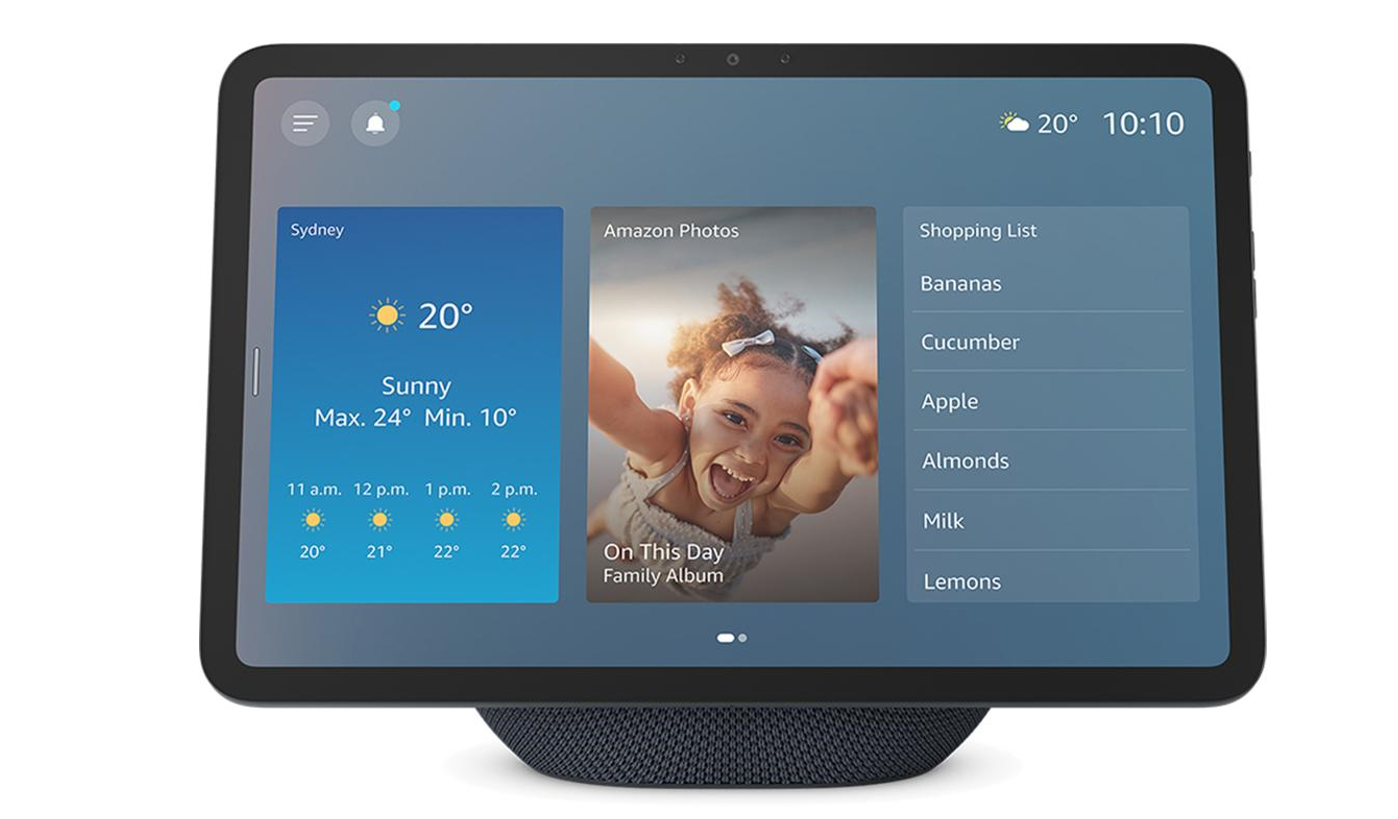
Google Store listed price: $99.99
The Nest Hub is a compact smart display with a 7-inch touchscreen. It supports compatible Google Home controls, media playback, reminders, and household organization. Google lists Matter support, a built-in Thread border router, three far-field microphones, and Gemini for Home compatibility.
Key specifications
- 7-inch touchscreen with 1024 × 600 resolution.
- Three far-field microphones.
- Full-range speaker with a 1.7-inch driver.
- Wi-Fi, Bluetooth 5.0, and Thread connectivity.
- Built-in Thread border router.
- Matter compatibility.
- Physical microphone-off switch.
- No built-in camera.
Who should buy this? Students, renters, couples, and households that want a shared information screen without paying for a larger premium display.
Why consider it? Its small footprint works well on a kitchen counter, bedside table, or desk. It is especially attractive to users who already organize their digital lives through Google services.
Pros
- Lower official price than the Echo Show 11.
- Compact touchscreen for quick visual checks.
- Useful smart home connectivity features.
- No built-in camera.
Cons
- Smaller screen than larger smart displays.
- Not designed for camera-based video calls.
Some newer Gemini capabilities depend on eligibility, language, region, and subscription.
1.2 Google Nest Hub (2nd gen)
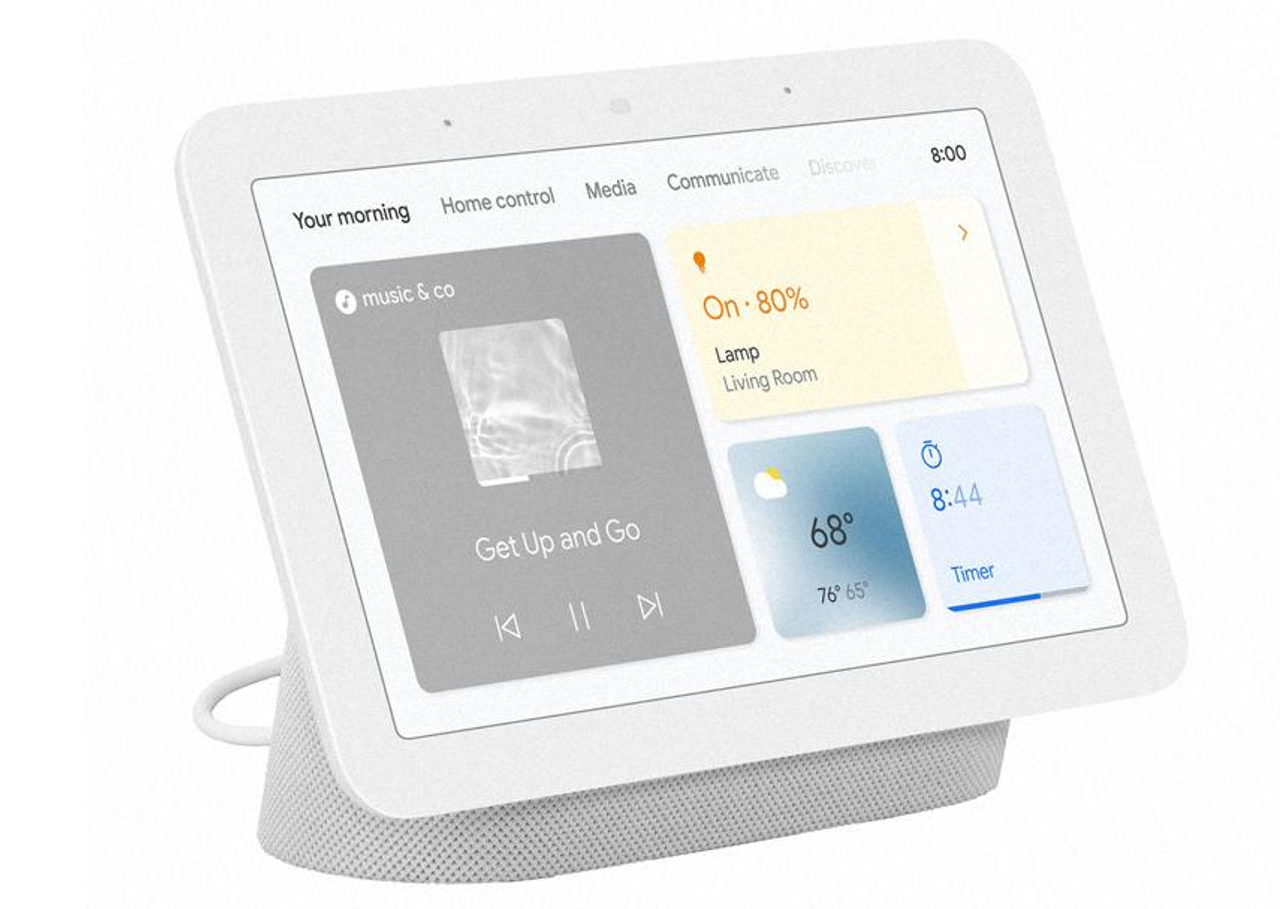
Google Store listed price (as of October 2026) : $99.99
The Nest Hub is a compact smart display with a 7-inch touchscreen. It supports compatible Google Home controls, media playback, reminders, and household organization. Google lists Matter support, a built-in Thread border router, three far-field microphones, and Gemini for Home compatibility.
Key specifications
- 7-inch touchscreen with 1024 × 600 resolution.
- Three far-field microphones.
- Full-range speaker with a 1.7-inch driver.
- Wi-Fi, Bluetooth 5.0, and Thread connectivity.
- Built-in Thread border router.
- Matter compatibility.
- Physical microphone-off switch.
- No built-in camera.
Who should buy this? Students, renters, couples, and households that want a shared information screen without paying for a larger premium display.
Why consider it? Its small footprint works well on a kitchen counter, bedside table, or desk. It is especially attractive to users who already organize their digital lives through Google services.
Pros
- Lower official price than the Echo Show 11.
- Compact touchscreen for quick visual checks.
- Useful smart home connectivity features.
- No built-in camera.
Cons
- Smaller screen than larger smart displays.
- Not designed for camera-based video calls.
- Some newer Gemini capabilities depend on eligibility, language, region, and subscription.
1.3 Apple HomePod mini
Best compact option for Apple households.
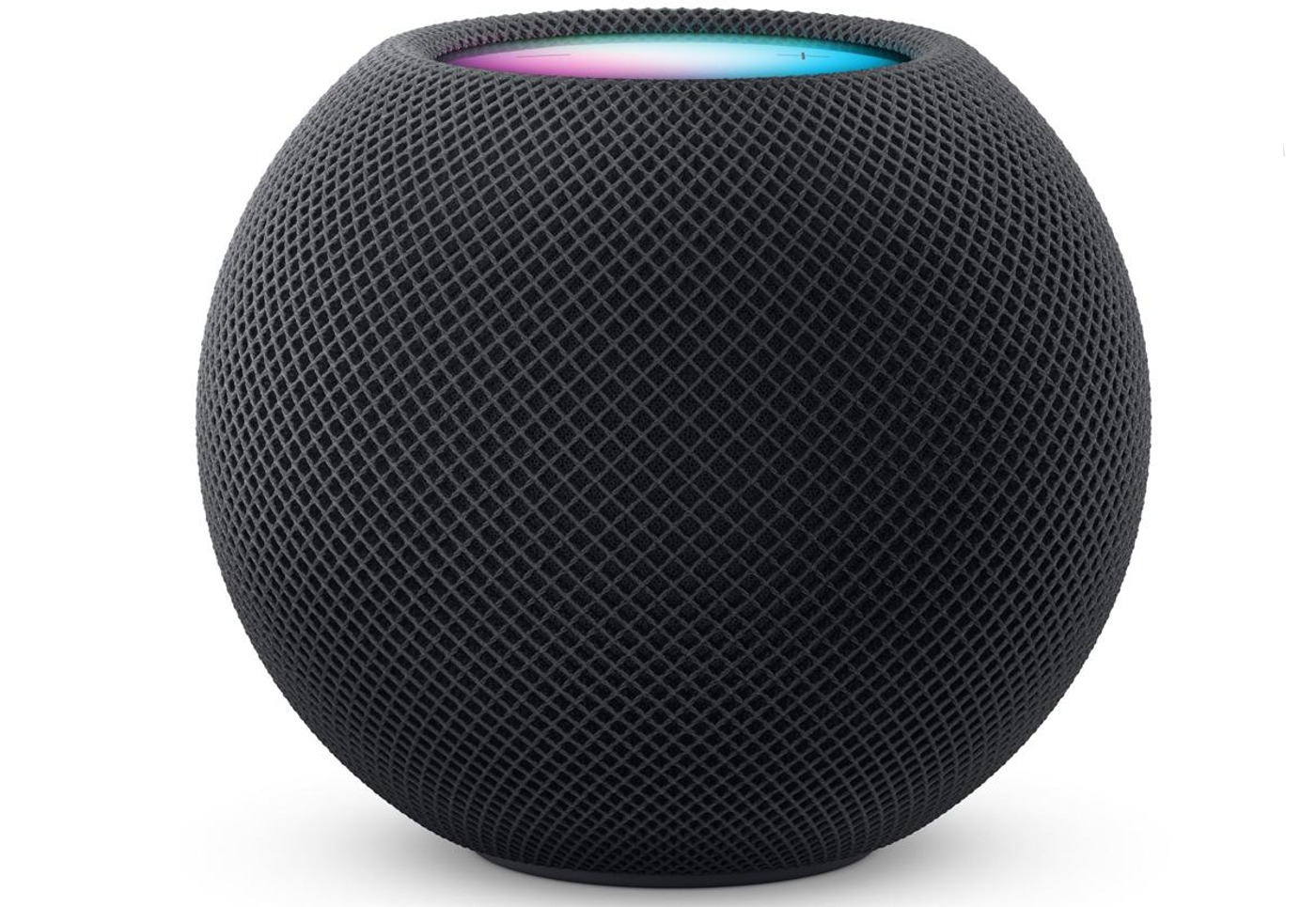
Apple Store listed price (as of October 2026) : $129
The HomePod mini is a compact Siri-powered speaker with multiroom audio, voice recognition, temperature and humidity sensing, and smart home hub functionality. It is best understood as an Apple-centered smart home speaker rather than a touchscreen assistant.
Key specifications and features
- Compact spherical speaker design.
- Siri voice assistant.
- Full-range driver and dual force-cancelling passive radiators.
- Multiroom audio and stereo-pair support.
- Temperature and humidity sensor.
- Smart home hub capabilities.
- Voice recognition.
Who should buy this? iPhone users, Apple Music listeners, and households that prefer Siri and Apple’s connected-home experience.
Why consider it? It takes up little space and combines music playback with voice-based household control. It is particularly convenient when the rest of your devices and services already fit Apple’s ecosystem.
Pros
- Compact and unobtrusive.
- Strong integration with compatible Apple devices and services.
- Temperature and humidity sensing.
- Supports multiroom audio.
Cons
- No touchscreen.
- Less suitable for households built around Alexa or Google Home.
- Siri capabilities and smart home functions depend on supported services and device compatibility.
2. What Makes a Smart Home Assistant an AI Assistant in 2026?
A smart speaker is not automatically an advanced AI assistant. Traditional voice assistants are effective at straightforward tasks such as setting timers, playing music, switching on lights, or reading the weather. Newer AI-powered experiences aim to understand more natural language, maintain conversational context, and interpret requests that do not follow a rigid command format.
Google’s Gemini for Home is designed to support more natural interactions and more capable household controls. Its documented features include conversational assistance, smart home control, media search, reminders, lists, and other everyday tasks. Advanced capabilities, such as Gemini Live and certain camera-related features, may require a Google Home Premium plan.
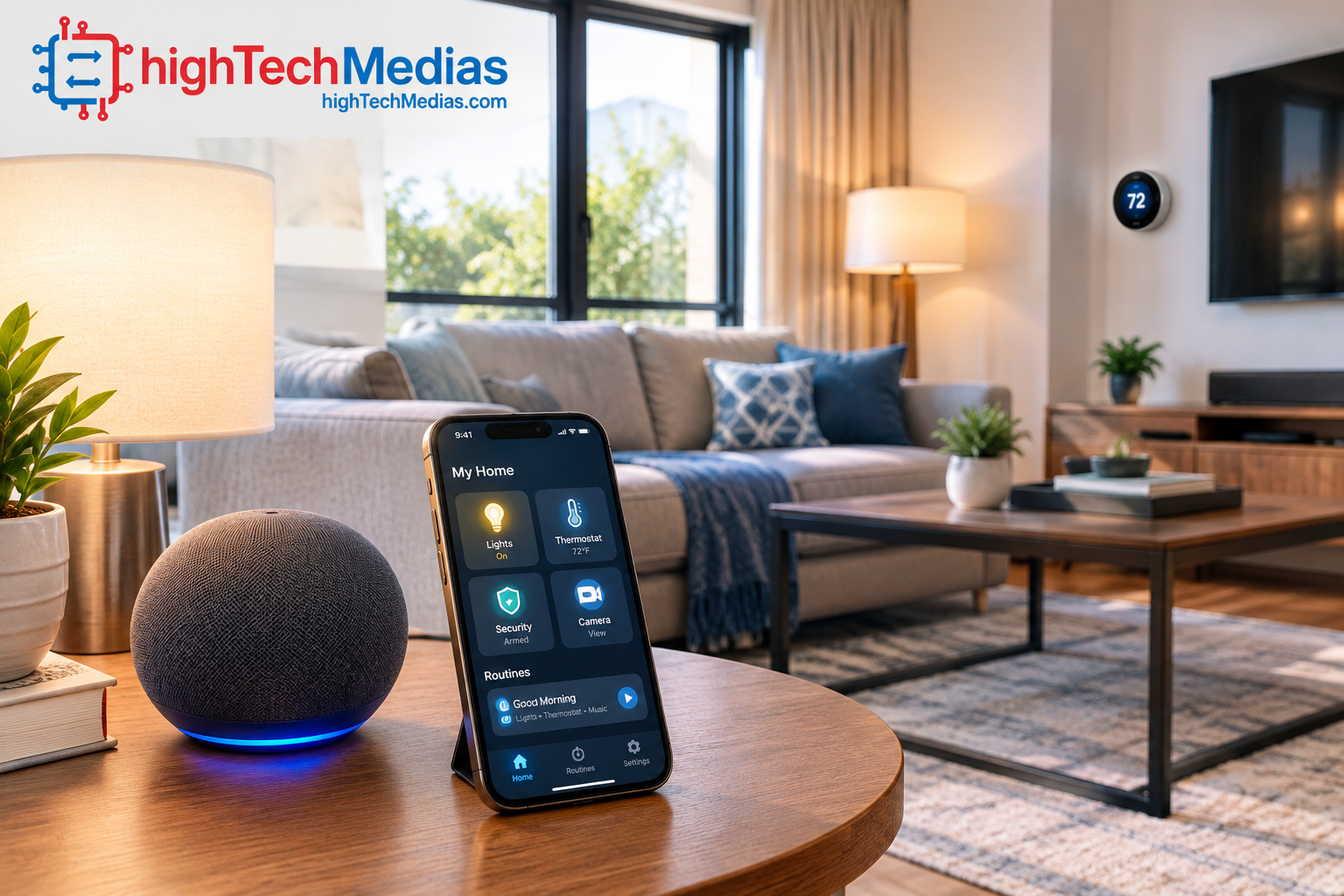
Amazon’s Alexa+ similarly represents a move toward more conversational assistance and broader household tasks. However, advertised capabilities should not be treated as a guarantee that every request will work consistently on every device or account.
For buyers, the distinction is practical: an assistant that reliably understands everyday requests and controls the devices in your home can save time. A system that sounds impressive but fails to execute routines consistently may not make daily life easier.
3. Alexa+ vs. Google Gemini for Home vs. Siri
Choosing a smart home assistant involves more than selecting the device with the most features. Each ecosystem has different strengths, and the best choice is often the one that works with your existing technology.
Category |
Amazon Alexa+ |
Google Gemini for Home |
Apple Siri / HomePod mini |
| Best fit | Alexa-compatible smart home | Google Home and Nest households | Apple-centered households |
| Main interaction | Voice and compatible displays | Voice, displays, and Google Home app | Voice and Apple ecosystem |
| Visual assistance | Available on compatible Echo displays | Available on compatible Nest displays | No display on HomePod mini |
| Smart home control | Compatible Alexa devices | Compatible Google Home devices | Compatible Apple Home devices |
| Conversational AI | Alexa+ on eligible devices/accounts | Gemini for Home on eligible devices/accounts | Capabilities depend on Siri and available integrations |
| Important limitation | Feature eligibility and rollout | Feature eligibility and some paid features | No touchscreen; ecosystem fit matters |
The table compares product ecosystems rather than claiming that one assistant wins every task. Feature availability can change with software updates, country, language, device model, and account plan.
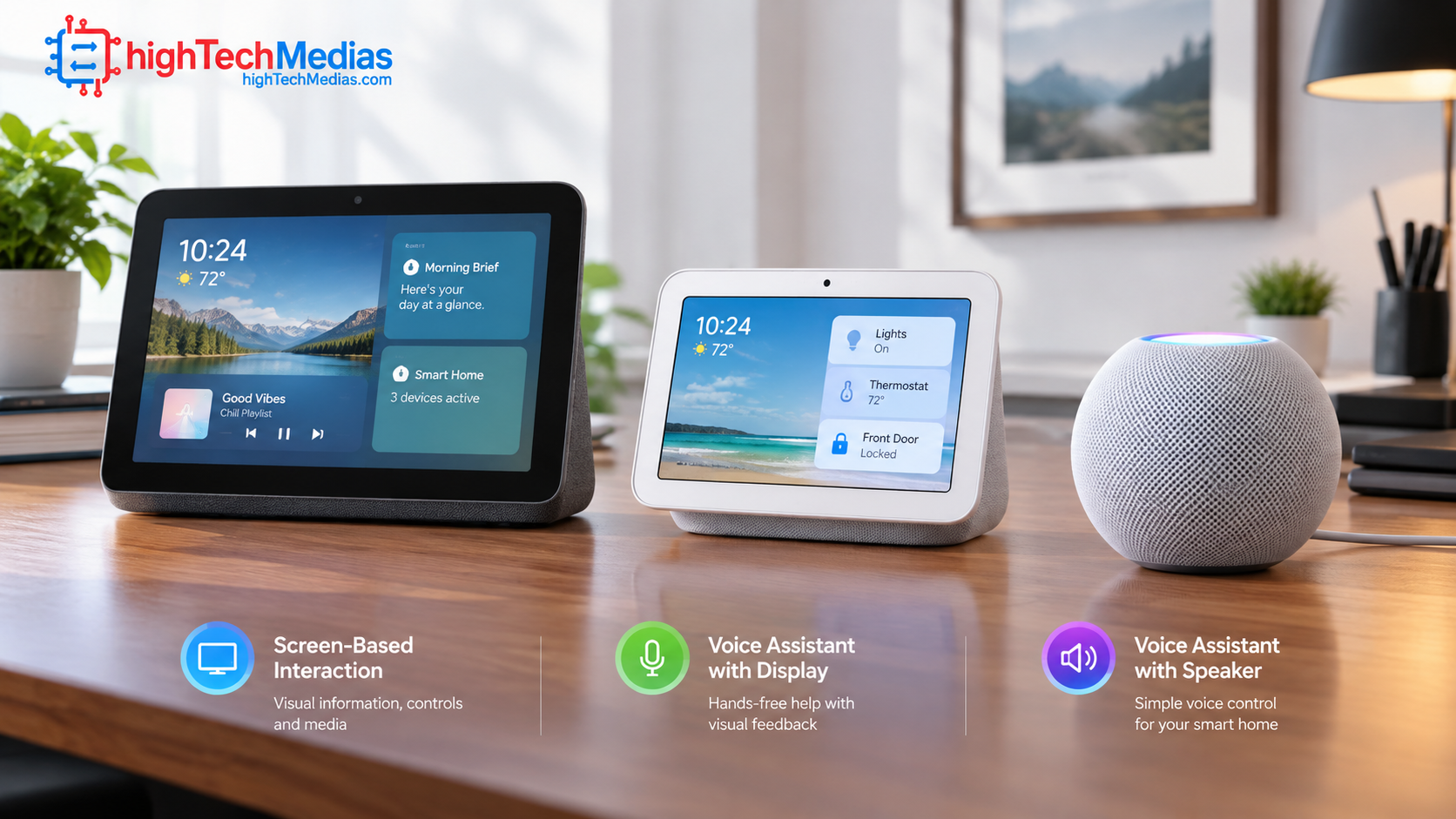
3.1 Amazon Alexa+: Practical household management
Alexa is a natural candidate for households that already own Echo speakers, compatible smart plugs, connected lights, or other devices built for the Alexa ecosystem. The Echo Show 11 adds a screen for users who want visual information alongside voice controls.
Alexa+ is intended to make interactions more conversational and help with broader household tasks. Nevertheless, buyers should distinguish the capabilities advertised by Amazon from features confirmed to be available on their specific device. Check eligibility and any subscription requirements before purchasing around a particular AI feature.
3.2 Google Gemini for Home: Natural language and Google services
Google’s approach emphasizes natural-language requests and the ability to ask follow-up questions. Instead of memorizing individual device names and precise commands, users can describe what they want in more conversational terms.
Google also supports automation creation through the Google Home app, including tools that help users translate an intended routine into configurable actions. Some advanced features require a subscription, and the company notes that availability varies by country and language.
The Nest Hub (2nd gen) is worth considering for households that want a compact display, but prospective buyers should verify which Gemini features are currently enabled for their account.
3.3 Apple Siri: A compact choice for Apple users
The HomePod mini is attractive when an iPhone, Apple Music, and compatible Apple smart home devices are already central to a household. It combines audio playback, Siri, sensing, and home hub functions in a compact speaker.
Its lack of a display is not necessarily a disadvantage. A speaker can be easier to place in a bedroom or kitchen, where users mostly want music, timers, reminders, or voice-based control. However, people who prefer visual calendars, touchscreen controls, or a large display should consider another category of device.
4. Which Smart Home Assistant Makes Everyday Tasks Easier?
The most valuable functions are usually the ones a household uses repeatedly. A good assistant should simplify common actions rather than introduce another complicated system to maintain.
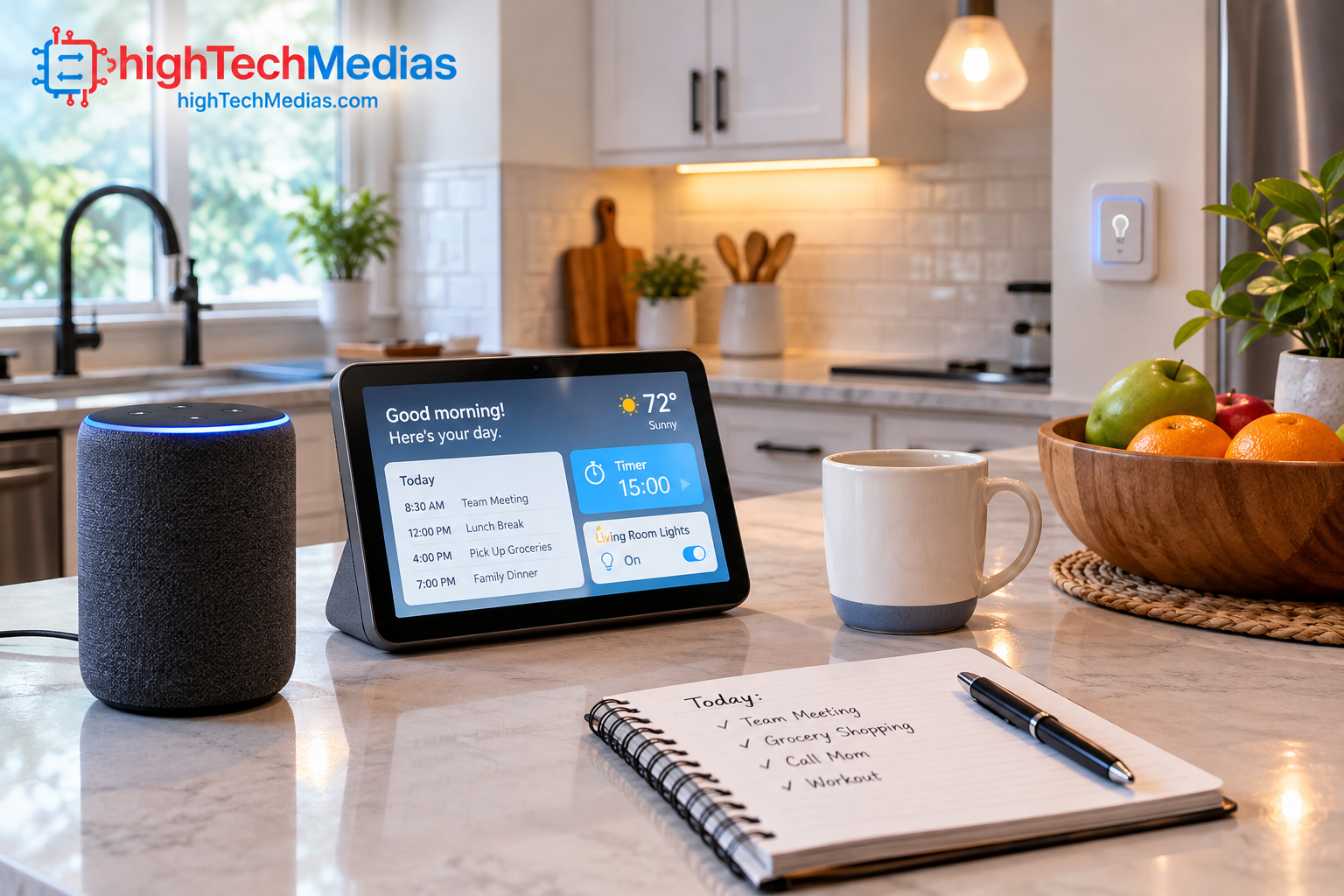
4.1 Managing schedules, reminders, and household lists
A shared smart display can provide a convenient place to check reminders, manage timers, and access household information. This is especially useful in a kitchen, where someone may need to set multiple timers while cooking or add items to a shopping list without touching a phone.
Google documents support for calendars, notes, lists, alarms, timers, and reminders through Gemini for Home’s basic assistant experience, although individual functions can depend on settings and availability.
Before choosing a platform, consider which calendar and reminder services your family actually uses. A feature is only helpful if everyone can access it easily.
4.2 Controlling lighting and thermostats
Voice-controlled lighting is one of the simplest ways to begin building a smart home. A user can turn off compatible lights, adjust brightness, or activate a predefined routine without locating a wall switch or opening an app.
Thermostats, smart plugs, and other connected devices can also be controlled through compatible platforms. However, the assistant cannot make an ordinary appliance smart by itself. The device must be compatible, correctly configured, and connected to the relevant ecosystem.
4.3 Building morning and evening routines
Routines let a single trigger activate several actions. A morning routine might switch on a light, announce the weather, and play music. An evening routine might dim the lights and activate a compatible thermostat setting.
Google’s Home app includes tools for creating and personalizing automations, including assistance that can turn a plain-language description into a routine to review and save.
Start with two or three simple automations. More complicated routines can be added after you confirm that the devices respond reliably.
4.4 Playing music and checking information
Smart speakers make hands-free audio convenient, particularly when preparing meals, getting ready for work, or moving around the house. Displays add visual information, while speaker-only devices can be placed in smaller rooms.
The quality of this experience depends on supported streaming services, speaker performance, microphone pickup, and the reliability of the internet connection.
5. Smart Home Compatibility: What Buyers Need to Check
Compatibility is one of the most important factors in a smart home assistant comparison. Before buying, check the platform requirements for every major connected device you intend to control.
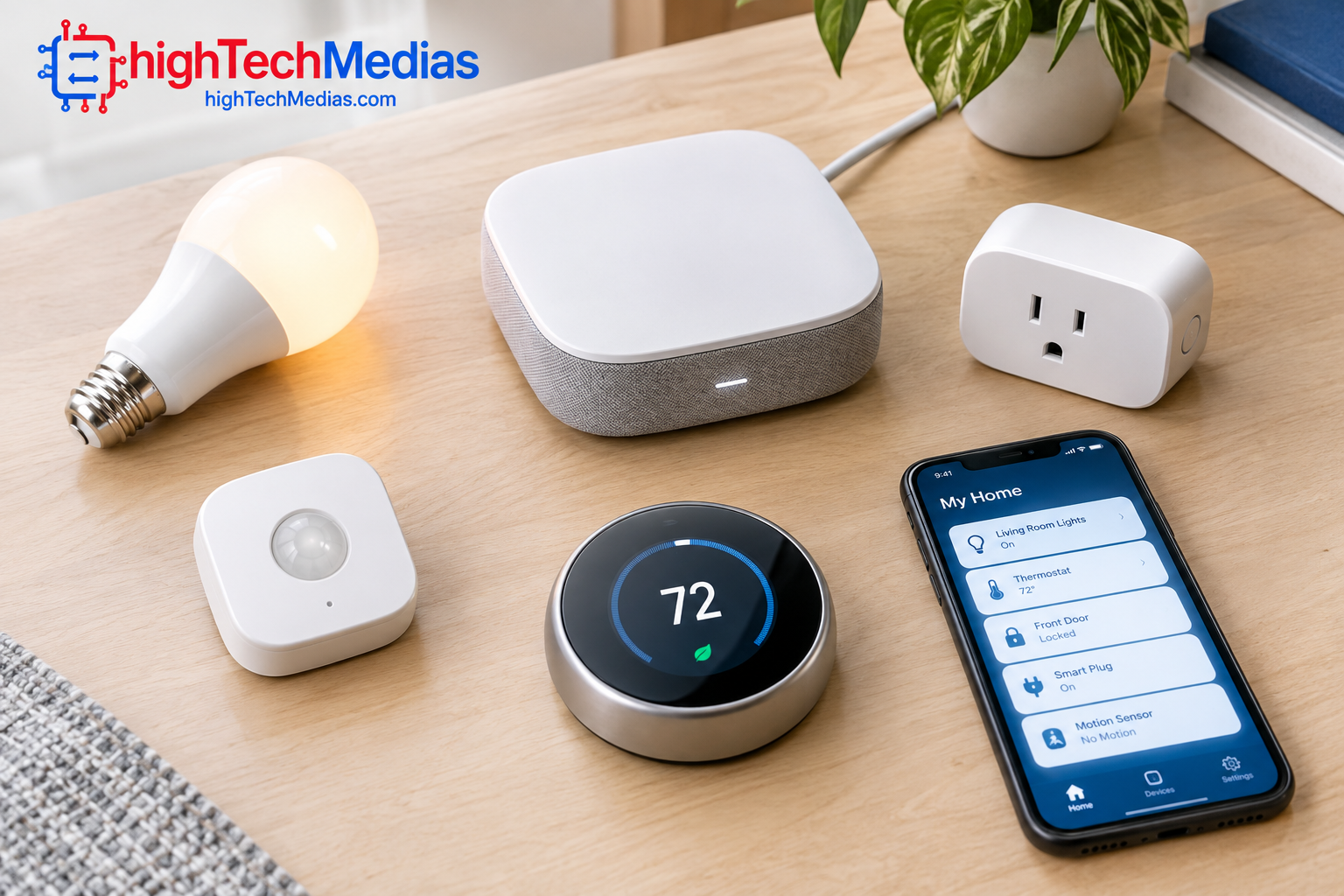
5.1 Understand Matter and Thread
Matter is a smart home interoperability standard designed to help compatible devices work across supported ecosystems. Thread is a low-power networking technology used by some smart home products. They serve different purposes and are not interchangeable.
The Google Nest Hub (2nd gen), for example, lists both Matter compatibility and a built-in Thread border router. This does not mean that every Matter device will work with every feature or that all smart home products require Thread.
Before purchasing a bulb, lock, sensor, or plug, check its packaging and manufacturer documentation for the required ecosystem, connectivity, and hub functions.
5.2 Avoid mixing ecosystems without a plan
A household can use more than one assistant, but multiple platforms can complicate device management. You may end up maintaining different apps, automations, accounts, and permissions.
If you already have several Alexa-compatible devices, an Echo may be the easiest addition. Google Home users should first check their existing Nest and Google Home compatibility. Apple users should review whether the accessories they want work with Apple Home.
The goal is not to own the most assistants. It is to make the devices you already use easier to manage.
5.3 Check connectivity and internet dependence
Many smart speakers and displays rely on Wi-Fi and online services for voice recognition, cloud-based AI, streaming, and remote access. Some local device controls may continue working under certain network conditions, but offline behavior varies by product and setup.
If your internet connection is unreliable, check the manufacturer’s documentation for what continues to function without cloud access. Do not assume that a device will retain every AI feature during an outage.
6. Privacy and Security: What to Consider Before Buying
Smart home assistants can be convenient, but they are also microphones connected to digital services. Some devices include cameras or sensors, and the amount of data collected or processed depends on the product and the features being used.
Privacy should be part of the buying decision, not an afterthought.
6.1 Review microphone and camera controls
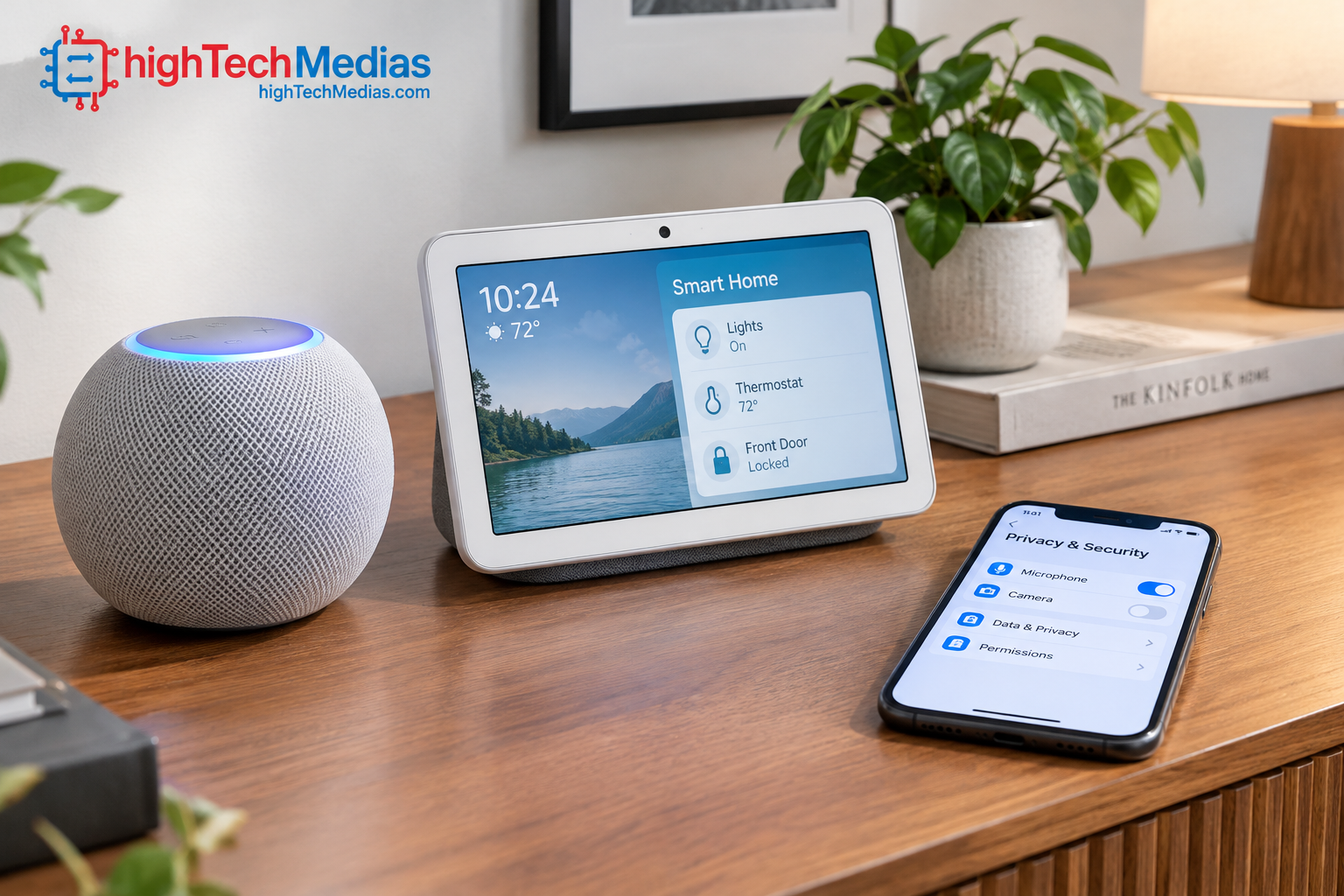
Check whether the device has a physical microphone mute switch and, if applicable, a camera-disable control or privacy shutter. Understand what the controls disable and whether any indicators show when the microphone or camera is active.
The Google Nest Hub (2nd gen) includes a microphone-off switch and does not have a built-in camera. The Echo Show 11 includes a camera and microphone disable control.
A camera-equipped display may be useful for video calls, but a speaker-only device may be more appropriate for a bedroom or other private space.
6.2 Review voice recordings and account permissions
Before enabling an assistant, look at the privacy controls in its companion app. Check whether voice recordings can be reviewed or deleted, what activity history is retained, and how household members’ profiles are handled.
Also review third-party integrations. Linking calendars, shopping accounts, or other services may give an assistant access to personal information beyond basic device control.
6.3 Secure the wider smart home
Use a strong, unique password for your account and enable multifactor authentication when available. Keep device firmware and companion apps updated, and remove old devices or integrations you no longer use.
For households with children, review voice purchasing settings, content controls, and the permissions available to individual family members.
7. How Much Should You Spend on an AI Smart Home Assistant?
The right budget depends on whether you want a simple voice-controlled speaker or a device that doubles as a visual household hub.
Budget |
What to expect |
Who it suits |
| Around $50–$100 | Entry-level smart speakers or discounted compact displays | Beginners and smaller rooms |
| Around $100–$150 | More capable compact speakers and displays | Everyday household use |
| Around $150–$250 | Larger or more feature-rich smart displays | Families and shared spaces |
| Above $250 | Premium audio, larger displays, or more specialized systems | Buyers with specific requirements |
These are general planning ranges, not a list of guaranteed products available at those prices. Discounts and product availability change throughout the year.
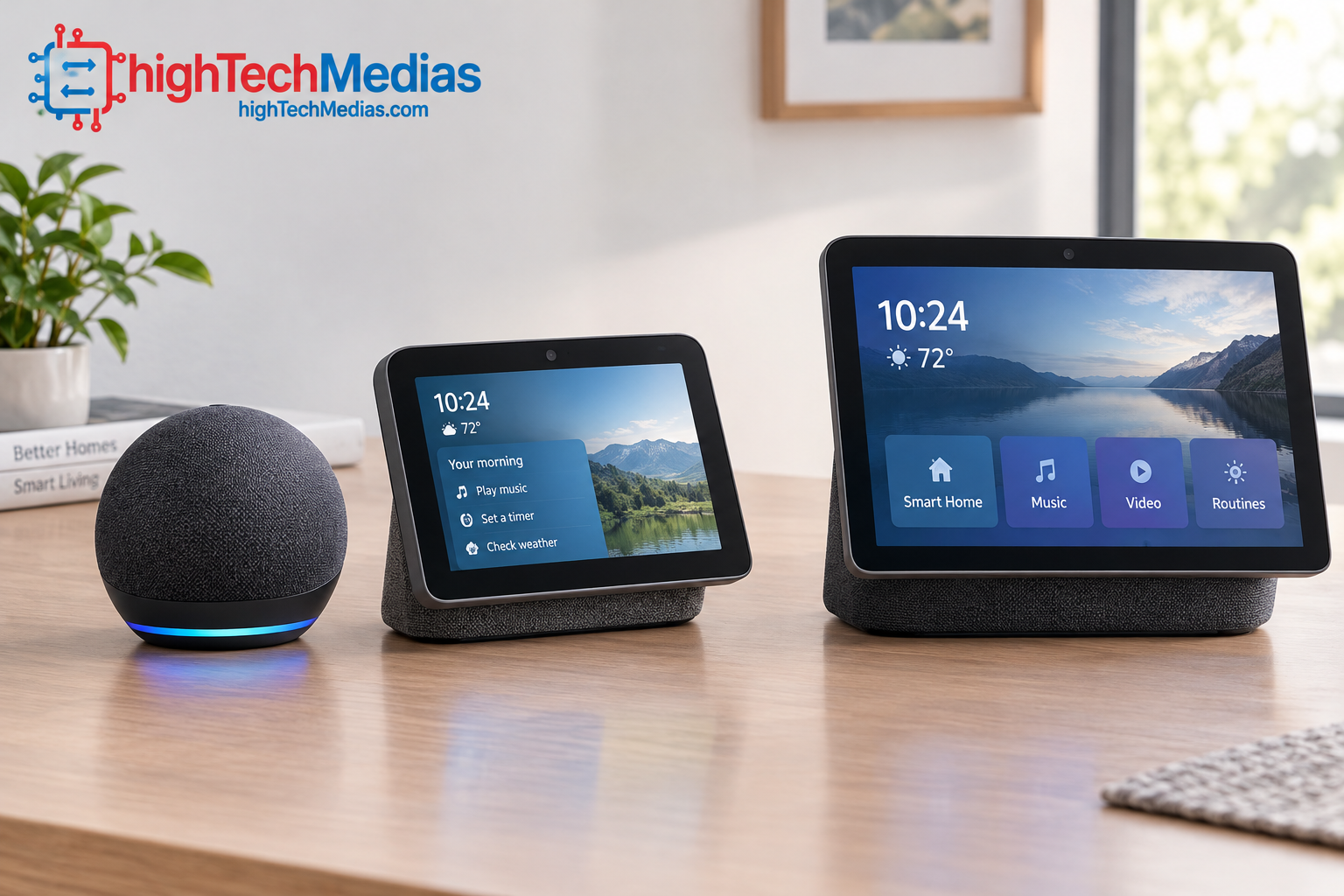
For the three models in this guide, the Google Nest Hub (2nd gen) has the lowest listed price at $99.99, followed by the HomePod mini at $129 and Echo Show 11 at $219.99.
The most expensive option is not automatically the best. Pay for features you will actually use, such as a touchscreen, better audio, or compatibility with devices you already own.
7.1 Account for subscriptions
Some AI capabilities may require a paid plan, while core functions remain available without a subscription. Confirm the terms for the exact assistant and features you want, especially if conversational AI, camera summaries, or advanced automation is the main reason for buying.
Google explicitly distinguishes basic Gemini for Home features from selected subscription-based capabilities.
7.2 Consider the total cost of your smart home
The assistant is only one part of the setup. Compatible bulbs, plugs, sensors, locks, cameras, and thermostats may add to the total cost. A cheaper speaker that works with your existing devices may offer better value than a premium display that requires additional purchases.
For a wider look at home-office technology, read our guides to the best laptops for remote work and the best laptops for business.
8. How to Choose the Right Smart Home Assistant for Your Household
The best purchase starts with your everyday needs rather than a long specification list.

8.1 For students and renters
A compact speaker or small display can provide timers, reminders, music, and basic smart lighting control without occupying much space. Renters should prioritize portable devices and accessories that do not require permanent installation.
The Nest Hub (2nd gen) is a sensible option if you want a screen, while a compact speaker may be enough if you mainly need voice controls.
8.2 For families
Families may benefit from a shared display for reminders, calendars, timers, and compatible household controls. Consider where the device will sit and whether everyone can use it comfortably.
Review account profiles, purchasing controls, and children’s privacy settings before enabling advanced features.
8.3 For remote workers and home offices
A smart assistant can handle timers, reminders, music, and simple routines while you work. A compact speaker is often sufficient on a desk, particularly if you already use a computer and smartphone for calendars and communications.
Keep in mind that a smart speaker is not a replacement for a computer. Readers choosing a workstation can also explore our mini PCs versus laptops comparison.
8.4 For Apple users
Choose the HomePod mini if you value Siri, audio playback, and smart home integration in a small speaker. Check that your preferred accessories and services work with Apple’s ecosystem before committing.
8.5 For people who want a screen
A touchscreen provides a visual alternative to voice-only interaction. It can be useful for timers, media, compatible camera feeds, and household information.
The Echo Show 11 offers a larger screen, while the Nest Hub (2nd gen) takes up less space and costs less at its listed price.
9. Setup Tips for a More Reliable Smart Home
Even a capable assistant can be frustrating if it is poorly placed or incorrectly configured. A few simple setup decisions can make a noticeable difference.
9.1 Place the device where people naturally use it
Put a kitchen assistant away from noisy appliances where possible. In a home office, keep the speaker close enough to hear commands but far enough from the keyboard to avoid unnecessary background noise.
For a display, consider viewing angle, glare, power access, and whether the screen will be visible from the place where you usually need it.
9.2 Give connected devices clear names
Use short, distinct names for lights, plugs, and rooms. Names such as “desk lamp” or “kitchen ceiling light” are generally easier to distinguish than several nearly identical device names.
Avoid setting up too many automations at once. Test one routine at a time so that you can identify which device or setting causes a problem.
9.3 Keep software and integrations current
Install updates for the assistant, companion app, and compatible accessories. If a routine fails, check whether the device is online, the integration is enabled, and the relevant permissions remain valid.
For AI-based interactions, remember that natural language does not guarantee perfect execution. Review important actions instead of assuming every request was understood correctly.
10. Common Buying Mistakes to Avoid
10.1 Choosing based only on AI marketing
A more conversational assistant is useful only if it performs the actions you need. Compare real functions such as device control, reminders, media playback, and automation rather than assuming the newest AI label guarantees better performance.
10.2 Ignoring compatibility
Check each major device before purchasing. An assistant may support an ecosystem without supporting every accessory, feature, or configuration.
10.3 Overlooking recurring fees
Some advanced AI services require subscriptions. Review which features are free, which are paid, and whether the subscription is necessary for your intended use.
10.4 Buying a display when a speaker is enough
If you rarely look at a screen, a compact speaker may be more practical and affordable. Conversely, if you want to view information, check compatible camera feeds, or use touch controls, a display may justify the additional cost.
10.5 Assuming AI always gets things right
AI assistants can misunderstand commands, give inaccurate answers, or fail to complete complicated tasks. Use care with purchases, security-related actions, and other consequential instructions. Check the result when accuracy matters.
11. Frequently Asked Questions
11.1 What is the best AI smart home assistant in 2026?
There is no single best option for every household. The Echo Show 11 is worth considering for users who want a larger Alexa-powered display, the Nest Hub (2nd gen) is a lower-cost choice for Google Home users, and the HomePod mini suits people who prefer Siri and Apple’s ecosystem.
11.2 Is Alexa+ better than Google Gemini for Home?
Neither assistant is best for every task. Alexa+ may suit households invested in Alexa-compatible products, while Gemini for Home is attractive to Google Home users who want more natural conversations and compatible home controls. Compare feature availability and performance on your own devices before choosing.
11.3 Does the Google Nest Hub (2nd gen) support Gemini for Home?
Google lists the Nest Hub (2nd gen) among the compatible devices for Gemini for Home. Actual availability can depend on rollout status, region, language, and account settings.
11.4 Is the Apple HomePod mini a smart home hub?
Yes. Apple lists smart home hub functionality among the HomePod mini’s features. Compatibility and available functions depend on the accessories and services used in your home.
11.5 Do AI smart home assistants need Wi-Fi?
Most mainstream smart speakers and displays rely on an internet connection for many voice-assistant and cloud-based features. Some local controls may continue to work in limited circumstances, but offline functionality varies by product.
11.6 Can one smart home assistant control every smart device?
No. Device compatibility, supported standards, software, and account configuration determine which products can be controlled. Check the manufacturer documentation before purchasing accessories.
11.7 Are smart home assistants always listening?
Voice assistants typically use microphones to detect wake words or otherwise initiate interaction, but how audio is processed and stored differs by product and setting. Review each manufacturer’s privacy documentation and use available microphone controls.
11.8 Do AI smart home assistants require monthly subscriptions?
Not always. Basic features may be included, while advanced conversational AI, camera-related functions, or other services may require a paid plan. Verify the requirements for the specific feature you want.
11.9 Is a smart display better than a smart speaker?
A display is more useful when you want visual information, touch controls, or supported video features. A speaker is usually simpler and takes up less space if your main needs are audio, timers, and voice commands.
11.10 Which smart home assistant is best for beginners?
Choose the system that works with your current phone, accounts, and smart devices. Start with one assistant and a small number of compatible accessories before expanding the setup.
12. Final Verdict: Which AI Smart Home Assistant Should You Buy in 2026?
The best AI smart home assistants in 2026 are the ones that make ordinary household tasks simpler without adding unnecessary expense or complexity.
The Amazon Echo Show 11 is the most compelling choice for users who want a larger display, visual household information, and Alexa-based smart home control. It is particularly worth considering for families and shared living spaces, provided the current cost and available AI features match your expectations.
The Google Nest Hub (2nd gen) is the value-oriented choice in this comparison. Its 7-inch touchscreen, Matter compatibility, Thread border router, and Gemini for Home compatibility make it a practical option for households that want a compact Google Home control point. Check which AI features are enabled for your account before buying.
The Apple HomePod mini is the better fit for households already using Apple devices and services. It offers a compact design, Siri, multiroom audio, temperature and humidity sensing, and smart home hub capabilities without requiring a touchscreen.
Ultimately, the best purchase depends on your existing ecosystem, the devices you want to control, and whether you prefer a speaker or a screen. Do not pay extra for AI features you will rarely use, and verify subscription requirements before committing to a platform.
For readers building a broader connected workspace, continue with our best laptops for remote work in 2026, best mini PCs for home offices, and laptop buying guide.
Our recommendation: Choose the Echo Show 11 if you want a larger visual assistant, the Nest Hub (2nd gen) if you want an affordable Google-centered display, or the HomePod mini if Apple integration is your priority. The smartest home is not the one with the most devices—it is the one where the technology works reliably for the people who live there.



Leave a Reply