
256GB vs 512GB vs 1TB SSD: Which Laptop Storage Size Is Best?
Introduction
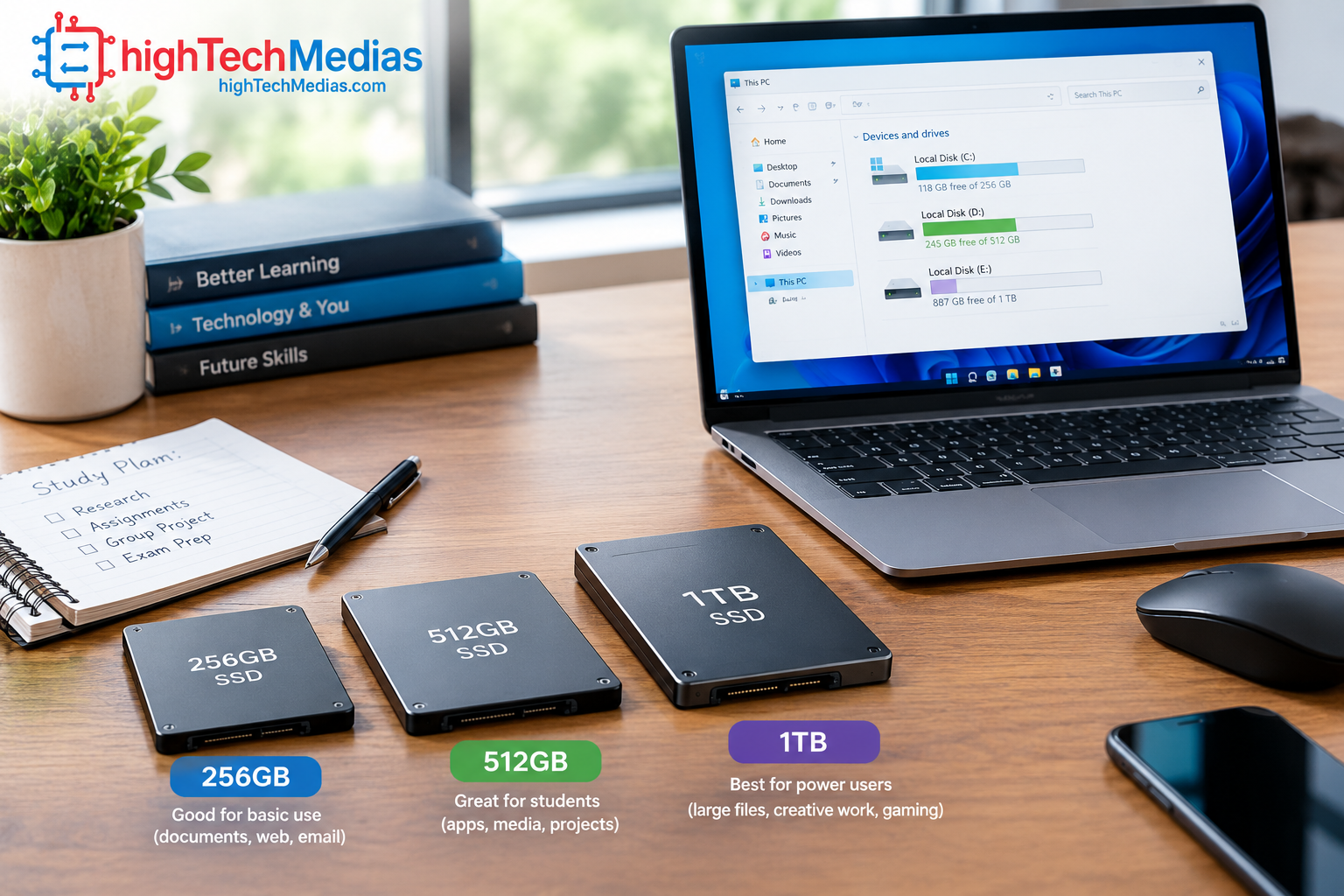
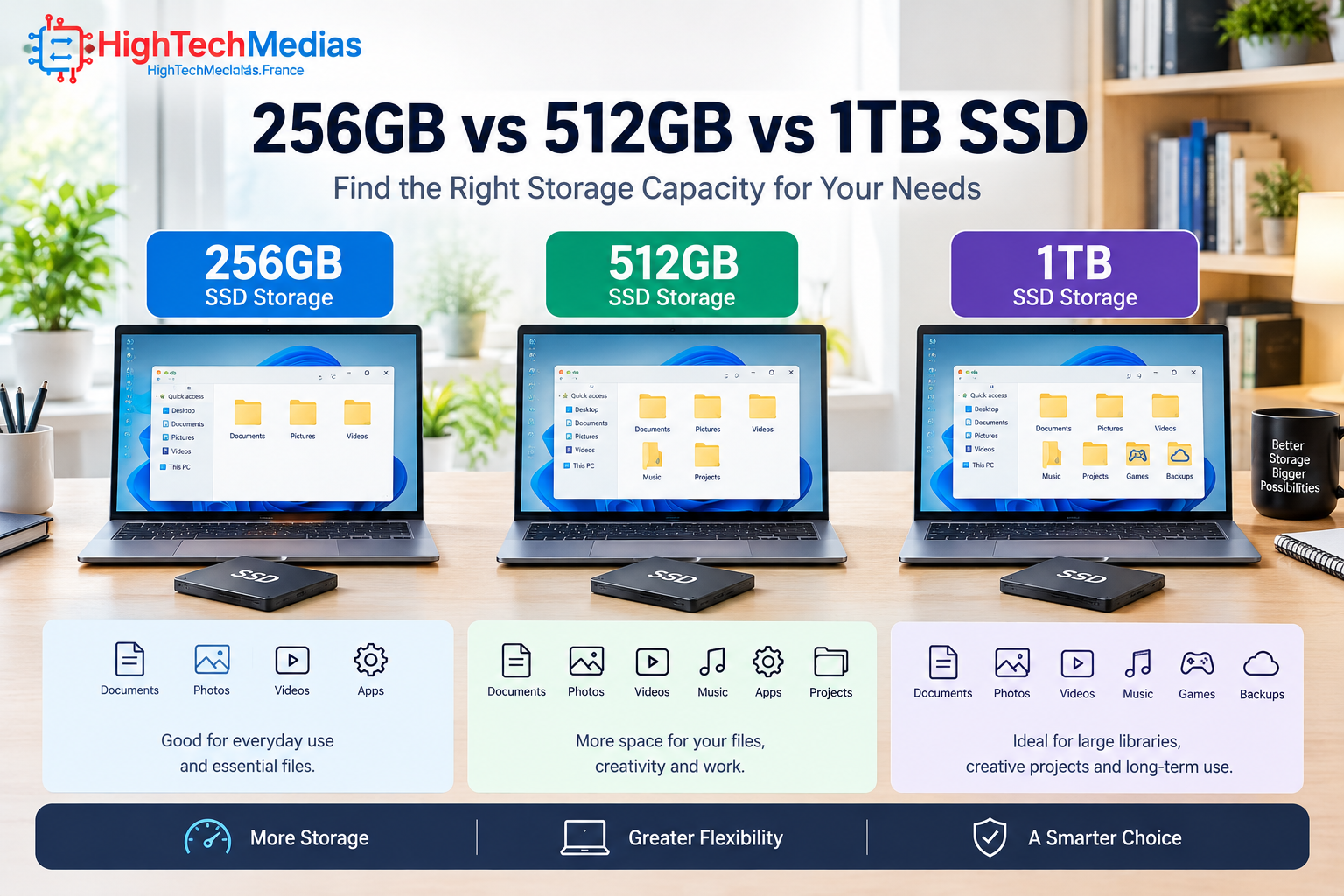
Choosing laptop storage is no longer as simple as picking the largest number you can afford. A 256GB vs 512GB vs 1TB SSD comparison matters because the amount of storage you choose affects how many applications, documents, photos, videos, games and other files you can keep locally without constantly managing free space.
For a basic school laptop or everyday computer, 256GB can still be workable. A 512GB SSD is a much more comfortable middle ground for many students, professionals and home users. A 1TB SSD becomes increasingly attractive for people who store large media libraries, work with large creative files, install many applications or keep several large games on the laptop.
If you are still deciding which type of laptop to buy, our [Laptop Buying Guide 2026] can help you evaluate storage alongside the processor, display, battery and other hardware.
The important point is that storage capacity should match your actual workflow—not simply your budget.
1. Two Real Laptops That Show Why Storage Choice Matters
Before comparing capacities theoretically, it helps to look at two current laptops with real storage configurations.
1.1 Apple MacBook Air M5
The current MacBook Air with M5 is an important example because Apple has moved its standard configuration to 512GB SSD storage. Apple announced the M5 MacBook Air in March 2026 with 512GB as standard storage and configurations reaching 4TB. The 13-inch model starts at $1,099 in the U.S., while the 15-inch model starts at $1,299.
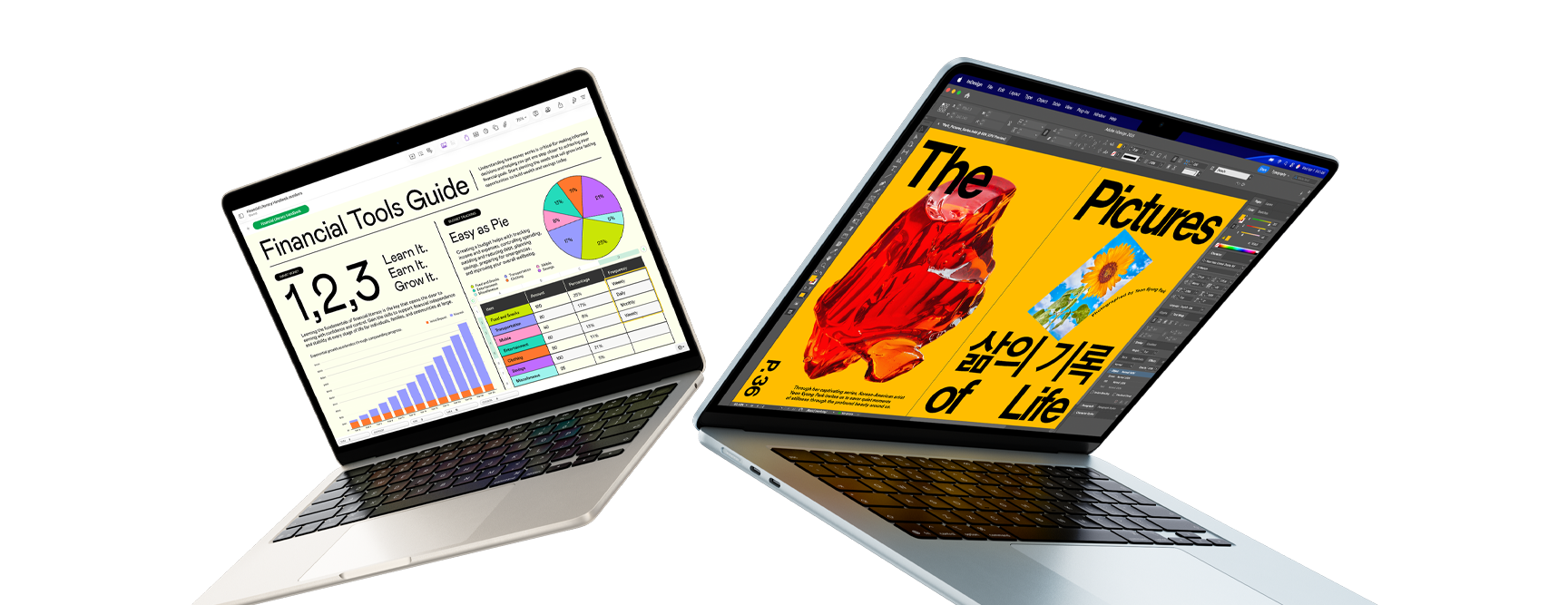
Key specifications
- Processor: Apple M5
- CPU: 10-core CPU
- GPU: 8-core or 10-core GPU depending on configuration
- Neural Engine: 16-core
- Memory: 16GB unified memory standard, configurable higher
- Storage: 512GB SSD standard; configurable to 1TB, 2TB or 4TB
- Display: 13.6-inch or 15.3-inch Liquid Retina
- Connectivity: Wi-Fi 7 and Bluetooth 6
- Ports: MagSafe 3 and two Thunderbolt 4 ports
- Battery: Up to 18 hours according to Apple’s testing
- Operating system: macOS Tahoe
Apple also states that the M5 MacBook Air uses a faster SSD design than its predecessor and supports storage configurations up to 4TB.
Current U.S. price
The 13-inch MacBook Air M5 starts at $1,099 (as of September 2026), while the 15-inch model starts at $1,299. Storage upgrades and higher memory configurations increase the price.
Who should buy it?
The MacBook Air M5 is particularly well suited to:
- College students
- Remote workers
- Business professionals
- Writers and researchers
- Programmers who work within macOS-compatible development environments
- Photographers
- Content creators who do not need a workstation-class laptop
- Users already invested in the Apple ecosystem
Why consider it?
The biggest storage advantage is that buyers are no longer starting from a 256GB configuration. The standard 512GB capacity gives users considerably more room for applications, documents, photos and local project files without immediately requiring a storage upgrade.
Pros
- 512GB starting storage
- Excellent performance-per-watt
- Strong battery life
- Compact and lightweight design
- Excellent display
- Up to 4TB configurable storage
- Strong option for students and professionals
Cons
- 1TB and larger configurations increase the purchase price
- Storage is not intended to be casually upgraded after purchase
- macOS software compatibility should be checked before buying for specialized workflows
Users who keep very large media libraries may still need external or cloud storage.
1.2 Microsoft Surface Laptop 13.8-inch, 8th Edition
Microsoft’s current Surface Laptop 8th Edition provides an interesting Windows comparison. Microsoft’s support documentation lists 256GB, 512GB and 1TB storage options for the Snapdragon version, while the current Microsoft Store lists configurations including 512GB and 1TB.
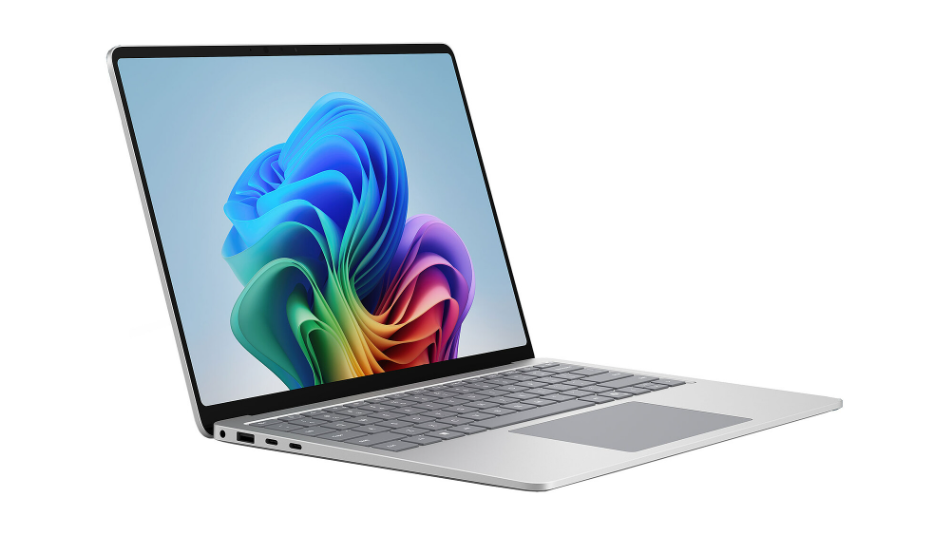
Key specifications
- Display: 13.8-inch PixelSense touchscreen
- Processor: Snapdragon X2 Plus or Snapdragon X2 Elite
- Memory options: 16GB, 32GB and higher depending on configuration
- Storage options: 256GB, 512GB and 1TB among documented configurations
- Operating system: Windows 11
- Ports: USB-C/USB4, USB-A and Surface Connect
- Battery: Microsoft rates the Snapdragon 13.8-inch model for up to 20 hours of local video playback in its testing
- Form factor: Premium Windows laptop
Microsoft’s own storage documentation is especially useful because it demonstrates an important fact: advertised capacity is not the same as the amount of space available for your files after the operating system and system data are accounted for.
Current U.S. price
The current Microsoft Store lists the Surface Laptop 13.8-inch 8th Edition from $1,299.99 (as of October 2026) for a 16GB/512GB configuration with Snapdragon X2 Plus. Higher processor, memory and storage configurations cost more.
Who should buy it?
The Surface Laptop is a strong fit for:
- Windows users
- Students
- Office professionals
- Remote workers
- Business travelers
- People who need a touchscreen
- Users who want a premium Windows laptop
Why consider it?
The Surface Laptop demonstrates why 512GB is often the practical middle ground. It gives a typical Windows user significantly more working room than 256GB while avoiding the additional cost of moving immediately to 1TB.
Pros
- Windows 11 platform
- 512GB configurations are readily available
- 1TB options available
- Premium touchscreen design
- Strong battery-life claims
- Removable SSD documented by Microsoft for this generation
- Good fit for mobile productivity
Cons
- 1TB configurations cost considerably more
- Snapdragon-based Windows software compatibility should be checked for specialized applications
- 256GB can become restrictive for users with large local files
- Higher configurations can become expensive
2. What Does Laptop Storage Capacity Actually Mean?
Laptop storage capacity is the amount of persistent data a computer can store on its internal SSD.
An SSD is different from RAM. RAM temporarily holds data that applications are actively using, while the SSD retains files when the laptop is turned off.
That means your SSD contains things such as:
- Windows or macOS
- Applications
- Documents
- Photos
- Videos
- Music
- Games
- Downloads
- Local project files
- Cached application data
- Other system files
Microsoft describes an SSD as solid-state storage used for persistent data. Windows 11 itself requires at least 64GB of available storage under Microsoft’s minimum hardware requirements, although a practical laptop needs substantially more than that for updates, applications and personal files.
This is why a laptop advertised with 256GB does not give you 256GB of completely empty space for your personal files.
3. 256GB vs 512GB vs 1TB SSD at a Glance
Storage |
Approximate Capacity |
Best For |
Main Advantage |
Main Limitation |
| 256GB | 256GB | Basic users, students with cloud storage | Lower cost | Limited room for large files |
| 512GB | 512GB | Most students and professionals | Best overall balance | Can fill up with games/media |
| 1TB | 1TB | Creators, gamers, power users | Large local storage | Higher purchase price |
The capacity numbers above refer to the advertised storage class. Actual usable space is lower because the operating system, recovery data, formatting and other system requirements consume part of the drive.
Microsoft’s own Surface documentation illustrates this clearly: its listed available disk space is lower than the advertised capacity on different Surface configurations.
4. Is 256GB Enough for a Laptop?
A 256GB laptop
can be perfectly usable when your computing habits are light.
It makes the most sense when your main activities include:
- Web browsing
- Microsoft 365
- Google Docs
- Online classes
- Video streaming
- Basic office work
- Light photo storage
- Cloud-based file storage
For example, a student who keeps most documents in OneDrive, Google Drive or another cloud service may not need a huge internal SSD.
The problem appears when the laptop becomes the main location for everything.
A growing photo collection, several large applications, downloaded movies, large research datasets or modern games can consume hundreds of gigabytes surprisingly quickly.
256GB is best for:
Students: Good if most files are stored online.
Everyday users: Good for web, email, Office and streaming.
Remote workers: Acceptable when company files are cloud-based.
Travelers: Useful when local storage requirements are modest.
Gamers: Usually not the best choice.
Video editors: Generally too restrictive for serious local projects.
The biggest advantage
Price.
If a 256GB configuration saves a substantial amount of money and your storage requirements are genuinely small, the savings can make sense.
The biggest disadvantage
You have less flexibility.
A 256GB SSD can become uncomfortable once the laptop starts collecting large files.
5. Is 512GB the Best Laptop Storage Size?
For many buyers, 512GB is the sweet spot.
It doubles the advertised capacity of a 256GB drive and gives you substantially more room for applications, documents, photos and other files.
That makes a 512GB SSD laptop particularly attractive for students, office professionals, remote workers and general users who want several years of comfortable storage without paying for a 1TB configuration.
This is also reflected in current laptop design. Apple’s 2026 MacBook Air M5 now starts at 512GB rather than 256GB, while Microsoft’s current Surface Laptop configurations prominently include 512GB.
512GB is best for:
Students: Excellent.
Office workers: Excellent.
Remote workers: Excellent.
Programmers: Usually a strong choice.
Photographers: Good for moderate local libraries.
Content creators: Good for lighter projects.
Gamers: Good for a modest game library.
Families: Good for general shared use.
Why 512GB is such a good compromise
It gives you more breathing room without requiring the price jump associated with larger configurations.
For someone buying a laptop for four or five years, that additional capacity can be valuable.
6. Is a 1TB SSD Worth It?
A 1TB SSD laptop is designed for users who know they need substantial local storage.
It is particularly useful for:
- Video editors
- Photographers
- Developers
- Engineers
- Designers
- Gamers
- Content creators
- Researchers working with large datasets
- Professionals who keep large local project folders
A 1TB SSD gives you twice the advertised capacity of a 512GB drive.
That does not mean every buyer needs one.
If your documents live in the cloud and you primarily use web applications, paying extra for 1TB may not deliver much practical benefit.
But if your workflow involves large files every day, buying more storage at the beginning can be more convenient than constantly moving files to an external drive.
7. 256GB vs 512GB vs 1TB SSD for Students
Students often ask how much laptop storage they actually need.
For a typical college student, 512GB is the safest recommendation.
A student may use:
- Microsoft Word
- PowerPoint
- Excel
- Browser applications
- Research databases
- PDF textbooks
- Programming tools
- Video conferencing
- Photo-editing software
- Local lecture recordings
A 256GB laptop can handle this workload, particularly with cloud storage.
However, 512GB provides more flexibility for a four-year academic period.
A student studying computer science, engineering, architecture, media production or another storage-intensive subject should consider 512GB or 1TB.
For more information about compact computing for students, see our guide to the best mini PCs for students in 2026.
8. 256GB vs 512GB vs 1TB SSD for Work and Business
For office productivity, storage requirements are generally lower than people expect.
A business professional working primarily with:
- Word documents
- Excel
- PowerPoint
- Browser applications
- Teams
- Zoom
- CRM systems
- Cloud documents
can usually work comfortably with 256GB or 512GB.
However, 512GB is the better long-term choice for most professionals because it leaves more room for software, downloads and local documents.
A professional who works with databases, virtual machines, large media files or specialized engineering applications should consider 1TB.
The key is not simply how much storage you use today. It is how much local storage your workflow is likely to require during the laptop’s useful life.
Section 9: 256GB vs 512GB vs 1TB SSD for Gaming
Gaming changes the calculation.
Modern PC games can occupy substantial amounts of storage, and a large library can quickly consume a 256GB drive.
A 256GB gaming laptop leaves little room once Windows, applications and games are installed.
512GB is considerably more practical for a casual gamer.
1TB becomes much more attractive for gamers who want multiple large titles installed simultaneously.
Gaming recommendation
- 256GB: Avoid unless the laptop has an easy storage upgrade path.
- 512GB: Good starting point for casual and moderate gaming.
- 1TB: Better for serious gamers and larger game libraries.
Storage capacity does not directly determine gaming frame rates. The GPU, CPU, RAM, display and game settings have a much greater impact on gaming performance.
However, storage capacity determines how many games you can comfortably keep installed.
10. 256GB vs 512GB vs 1TB SSD for Photo and Video Editing
Creative professionals should think differently about storage.
A single high-resolution photograph is not necessarily a problem. Thousands of photographs can be.
Video files create an even greater challenge.
4K video projects can quickly consume large amounts of local storage, particularly when working with multiple source files, proxies, project files and exported versions.
For light photo editing, 512GB can work well.
For serious photography, 1TB is more comfortable.
For professional video production, 1TB should often be considered a starting point rather than the complete storage solution.
Professional editors may combine:
- Internal SSD
- External SSD
- NAS storage
- Cloud backup
- Dedicated project drives
The important distinction is between working storage and archive storage.
Your laptop’s internal SSD should not necessarily contain every file you have ever created.
11. Does SSD Capacity Affect Performance?
Storage capacity and storage performance are related, but they are not the same thing.
A 1TB SSD is not automatically faster than every 512GB SSD.
Performance depends on factors such as:
- SSD controller
- NAND type
- PCIe generation
- Interface
- Drive design
- Firmware
- Thermal conditions
- Workload
Modern laptops commonly use NVMe SSDs connected through PCIe interfaces.
For ordinary users, the practical difference between two good modern SSDs may be much less important than choosing enough capacity for your workflow.
This is why buyers should avoid assuming that “1TB” automatically means “faster.”
12. How Much Usable Storage Do You Really Get?
Advertised capacity and available capacity are different.
A laptop with a 512GB SSD does not normally show 512GB of completely empty usable space after you turn it on.
Part of the storage is consumed by:
- Operating system files
- Recovery partitions
- System data
- Preinstalled software
- File-system overhead
Microsoft’s current Surface documentation provides concrete examples of available space being lower than advertised capacity. For example, Microsoft lists approximately 397GB available on certain 512GB Surface Laptop configurations and approximately 881GB on certain 1TB configurations.
The exact available capacity varies by operating system, configuration and software.
Practical rule
Do not buy a laptop based on the assumption that every advertised gigabyte will be available for your personal files.
13. Should You Buy More Storage or Use Cloud Storage?
Cloud storage can reduce the amount of local storage you need, but it does not make internal storage irrelevant.
Cloud storage is useful for:
- Documents
- Photos
- Backups
- Collaboration
- Cross-device access
- Archiving
Local SSD storage remains important for:
- Applications
- Games
- Video projects
- Offline work
- Large files you frequently access
- Situations without reliable internet
A balanced setup can therefore be better than choosing the largest internal SSD possible.
For example, a 512GB laptop combined with cloud storage may be more practical for many users than a 1TB laptop with no backup strategy.
14. When Should You Choose 256GB?
Choose 256GB when most of the following statements describe you:
- You primarily browse the web.
- You use Office or browser-based applications.
- You stream most entertainment.
- You use cloud storage.
- You do not keep many large games installed.
- You do not edit large video projects.
- You are trying to keep the purchase price low.
- The laptop offers a practical upgrade path.
A 256GB laptop can be a smart budget choice when storage is genuinely a secondary requirement.
The mistake is buying 256GB simply because it is cheaper when you already know you store hundreds of gigabytes locally.
15. When Should You Choose 512GB?
Choose 512GB when you want the safest balance for general computing.
It is especially suitable for:
- College students
- Teachers
- Office workers
- Remote workers
- Programmers
- Researchers
- Business users
- Families
- General home users
- Moderate gamers
For many buyers, 512GB offers the best combination of price, capacity and convenience.
That is why it is our overall recommendation for most laptop buyers.
16. When Should You Choose 1TB?
Choose 1TB when you already know you regularly work with large files.
It is the better choice for:
- Video editors
- Photographers with large libraries
- Developers using virtual machines
- Engineers
- Designers
- Gamers with large libraries
- Content creators
- Users who dislike external drives
- Professionals who need substantial offline storage
The extra capacity becomes particularly valuable when the laptop is difficult or impossible to upgrade later.
17. What About Laptop SSD Upgrades?
Some laptops allow the internal SSD to be replaced or upgraded.
Others use storage configurations that are not intended for ordinary user upgrades.
This distinction matters.
Before buying a 256GB model, check:
- Whether the SSD is replaceable.
- Whether the laptop has an accessible M.2 slot.
- What SSD size and interface it supports.
- Whether opening the machine affects warranty coverage.
- Whether replacement parts are officially available.
Microsoft’s documentation for the Surface Laptop 8th Edition identifies removable SSD components in its service information, including 256GB, 512GB, 1TB and 2TB parts.
If an SSD can be upgraded easily, buying a smaller capacity initially can be more defensible.
If it cannot, choosing enough storage at purchase becomes much more important.
18. Internal SSD vs External SSD
An external SSD can be an excellent way to expand storage.
It is particularly useful for:
- Video libraries
- Photo archives
- Backups
- Large project folders
- Game storage where supported
- Transferring files between computers
However, external storage has disadvantages.
You need to carry the drive, protect the cable and remember to connect it whenever the files are required.
For frequently used files, internal storage is more convenient.
For archives and large libraries, external storage can be a cost-effective complement.
The ideal solution for many professionals is therefore not “internal versus external.”
It is internal plus external.
19. 256GB vs 512GB vs 1TB SSD — Which One Should You Buy?
User Type |
Recommended Storage |
| Basic web user | 256GB |
| Elementary/high school student | 256GB–512GB |
| College student | 512GB |
| Office worker | 512GB |
| Remote worker | 512GB |
| Programmer | 512GB–1TB |
| Photographer | 512GB–1TB |
| Video editor | 1TB+ |
| Casual gamer | 512GB |
| Serious gamer | 1TB |
| Designer | 1TB |
| Business professional | 512GB |
| Researcher | 512GB–1TB |
| Heavy content creator | 1TB+ |
These recommendations assume that storage is used primarily for local files. Heavy cloud-storage users can often choose less internal capacity.
20. Storage Capacity Is Only One Part of a Laptop
Storage should not be evaluated in isolation.
A laptop with 1TB storage but inadequate RAM, weak graphics or an unsuitable processor may be a worse purchase than a well-balanced 512GB system.
When comparing laptops, consider:
- Processor
- RAM
- SSD capacity
- SSD performance
- Display
- Battery life
- Weight
- Ports
- Graphics
- Upgradeability
- Operating system
- Warranty
- Price
Our Laptop Processor Guide 2026 explains how Intel, AMD and Apple processors differ, while our Laptop Size and Weight Guide covers portability.
If display quality is important, our comparison of OLED vs. IPS laptop displays can also help.
21. Common Storage Buying Mistakes
Buying 256GB because it is cheaper
Saving money is useful only if the storage is sufficient.
Buying 1TB because bigger sounds better
More capacity is not automatically better value.
Ignoring upgradeability
A replaceable SSD can change the buying equation.
Confusing SSD capacity with SSD speed
Capacity and performance are separate specifications.
Forgetting operating-system space
Your advertised capacity is not your usable capacity.
Keeping everything on the internal SSD
Large archives can be moved to external or cloud storage.
Ignoring backup
A larger SSD does not protect your data from hardware failure, theft or accidental deletion.
22. How to Make 512GB Last Longer
If you choose a 512GB SSD, good file management can significantly extend its usefulness.
Remove unused applications
Uninstall software you no longer use.
Clean your Downloads folder
Downloaded installers and duplicate files can accumulate.
Move large media libraries
Use external or cloud storage for large archives.
Delete old project exports
Video editors often keep multiple versions of the same project.
Manage game installations
Uninstall games you no longer play.
Keep backups
Storage management should never replace a backup strategy.
23. Frequently Asked Questions
Is 256GB enough for a laptop?
Yes, for basic web browsing, Office work, online learning and cloud-based workflows. It becomes restrictive for large media collections, gaming and professional creative work.
Is 512GB enough for a laptop?
For most students, office workers and general users, 512GB is an excellent balance between capacity and cost.
Is 1TB SSD overkill for a laptop?
Not necessarily. It is worthwhile for users who work with large files, install many games, maintain large media libraries or want substantial local storage.
Is 512GB better than 256GB?
For most laptop buyers, yes. The additional capacity provides considerably more room for applications and personal files.
Is 1TB SSD faster than 512GB?
Not automatically. Storage capacity and storage performance are separate specifications.
How much laptop storage do I need for college?
For most college students, 512GB is the safest choice. Students working with video, engineering datasets or other large files may benefit from 1TB.
Is 256GB enough for Windows 11?
Windows 11’s minimum requirement is 64GB of available storage, but a 256GB laptop provides much more practical room for the operating system, applications and personal files.
How much storage does a 512GB SSD actually have available?
The usable amount is lower than the advertised capacity because system files and other storage requirements consume space. Microsoft’s Surface documentation shows examples of approximately 397GB available on certain 512GB configurations.
Should I buy 1TB or 512GB?
Choose 512GB if you are a typical student, professional or home user. Choose 1TB if you regularly work with large files, games, photos or video.
Can I upgrade a laptop SSD later?
It depends on the laptop. Some models use removable SSDs, while others may make upgrades impractical or impossible. Always check the manufacturer’s service documentation before buying.
24. Final Verdict — 256GB vs 512GB vs 1TB SSD
The answer to 256GB vs 512GB vs 1TB SSD depends on how you actually use your laptop.
256GB is the budget option. It can be enough for students and everyday users who rely heavily on cloud storage and do not keep large files locally.
512GB is the best choice for most people. It offers a strong balance between price, capacity and convenience, making it our recommended storage size for students, professionals, remote workers and general laptop buyers.
1TB is the better choice for power users. Gamers, photographers, video editors, developers and content creators can benefit from the additional local storage.
For most buyers, our recommendation is simple:
Choose 512GB if you want the best overall balance. Choose 1TB if you know you will store large files locally. Choose 256GB only when your storage needs are genuinely light or the laptop offers a practical upgrade path.
Before making your final purchase, use our [Laptop Buying Guide 2026] to compare the complete laptop—not just the SSD.
If you are deciding between a traditional laptop and a compact desktop, our Mini PCs vs. Laptops comparison can also help determine which form factor fits your workflow.
The best laptop storage size is not the largest one. It is the capacity that gives you enough room for your real workload without paying for storage you will never use.





Comments (2)
[…] For conventional storage planning, see our guide to 256GB vs. 512GB vs. 1TB laptop SSDs. […]
[…] but it does not replace local capacity for applications and large offline projects. Read our 256GB vs. 512GB vs. 1TB SSD laptop storage guide before selecting a […]