

Best Mini PCs Under $1,000 in 2026: Power Without the Premium
Shopping for the best mini PCs under $1,000 in 2026 means weighing real trade-offs: soldered versus upgradeable memory, Apple silicon versus Ryzen, and how many monitors you can actually drive. Mini PCs now fit desktop-class performance into a chassis smaller than a sandwich, yet prices vary widely for similar-looking boxes. This guide compares five models using current U.S. pricing and published specifications, so you can match one to your desk, workload and budget.
Quick Answer: The Apple Mac mini (M4) is the best overall pick if you want speed, silence and a tiny footprint, and you’re comfortable with macOS. For Windows, the Beelink SER9 Pro is the strongest performer, the Minisforum UM870 Slim is the most upgradeable, the Geekom A6 is the best all-round value, and the GMKtec G11 is the best budget and home-lab option.
Prices below were checked against Amazon U.S. listings on October 26, 2026, and can change. Every model here ships with a licensed operating system, and none includes a monitor, keyboard or mouse. If your budget is tighter, our guide to the best home-office mini PCs for 2026 and our roundup of the best mini PCs under $500 are good next stops.
Our Top 5: The Best Mini PCs Under $1,000 in 2026
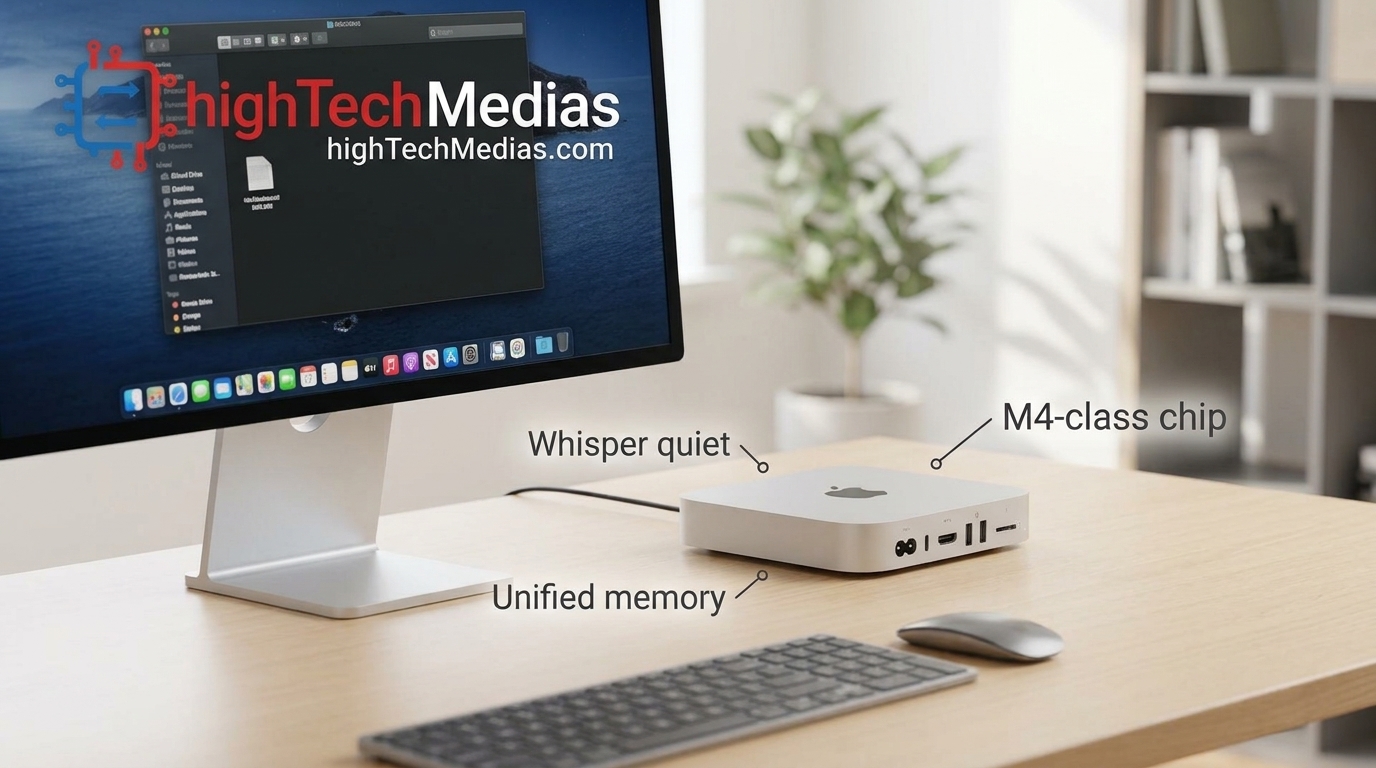
First Choice: Apple Mac mini (M4, 16GB / 512GB), Best Overall
- Price: About $986 on Amazon U.S. recently, with promotions near $800 appearing at times. Apple’s launch price for the 256GB version was $599.
- Best for: Creators, office professionals, Windows-to-Mac switchers and anyone who wants a quiet, always-on desktop.
- Who should buy this? Buyers who already own, or plan to buy, a monitor and peripherals and whose software runs on macOS.
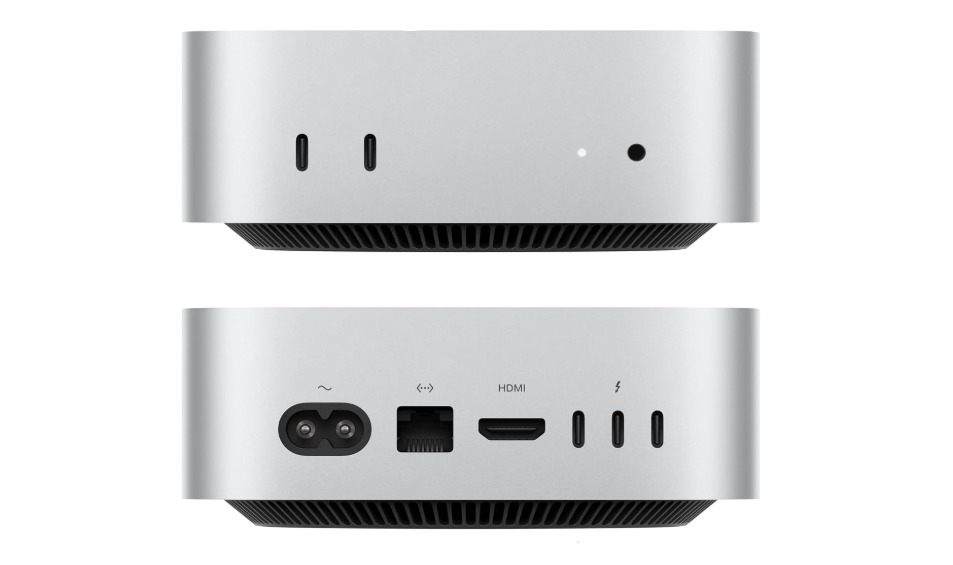
- Key specs
- Apple M4 chip, 10-core CPU and 10-core GPU, 16-core Neural Engine
- 16GB unified memory (soldered), 512GB SSD
- 3× Thunderbolt 4 and HDMI on the back, 2× USB-C and a headphone jack on the front
- Gigabit Ethernet, Wi-Fi 6E, Bluetooth 5.3
- 5 × 5 × 2 in (127 × 127 × 50 mm), 1.5 lb (670 g), aluminum body, internal power supply
Why consider it:
Owners consistently describe it as fast for the price and nearly silent under load. Many are replacing aging iMacs or Windows towers. It’s also a strong pick for photo editing, coding and video work. If creative work is your goal, see our guide to the best mini PCs for video editing.
Pros
- Excellent performance per dollar
- Near-silent operation
- Premium build with no external power brick
- Three Thunderbolt 4 ports
Cons
- Memory and storage are soldered, so you must choose your configuration at purchase
- No USB-A ports, so many owners add a hub
- No SD card slot
- Windows-only software won’t run natively
Second Choice: Beelink SER9 Pro (Ryzen 7 H 255, 24GB / 1TB), Best Windows Performer
- Price: About $719 on Amazon U.S.
- Best for: Multi-monitor workstations, light gaming, creative work and USB4 docking.
- Who should buy this? Power users who want a Ryzen mini PC for multiple monitors and quiet operation.
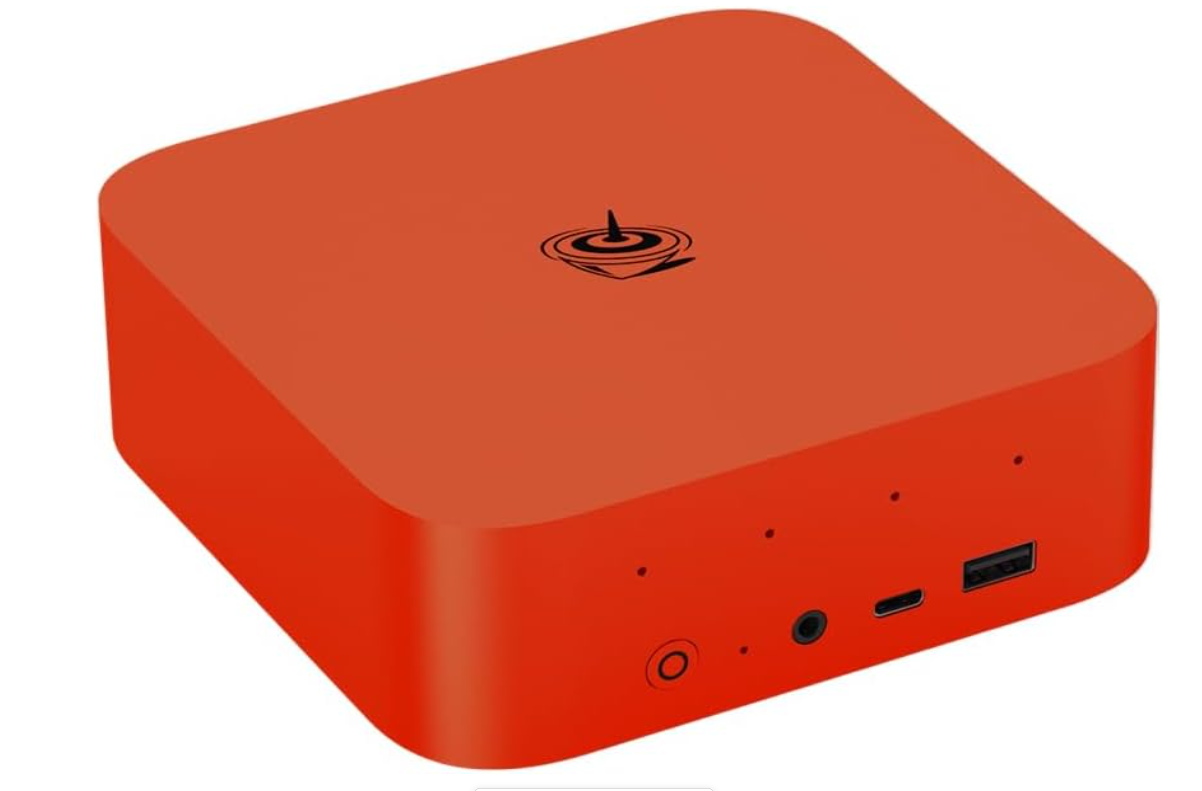
- Key specs
- 8-core Ryzen 7 H 255, up to 4.9GHz, with Radeon 780M integrated graphics
- 24GB LPDDR5X-6400 (soldered), 1TB NVMe SSD, dual M.2 PCIe 4.0 slots supporting up to 8TB total
- HDMI 2.1, DisplayPort 1.4 and USB4, each capable of 4K at 240Hz
- 2.5G Ethernet, Wi-Fi 6, Bluetooth 5.2, Windows 11 Pro
- 5.3 × 5.3 × 1.8 in, 1.7 lb, vapor-chamber cooling rated around 32 dB
Why consider it:
Few mini PCs in this price range feed three high-refresh displays. The vapor chamber keeps a 65W-class processor quiet. If you’re building a larger desk, read our guide to the best mini PCs for multiple monitors.
Pros
- Three 4K/240Hz-capable outputs
- Fast LPDDR5X memory
- Full-featured USB4 for single-cable docks
- Three-year warranty
Cons
- 24GB of memory is soldered and permanent
- No NPU for on-device AI
- No SD card reader or Kensington lock
- No VESA mount in the box
Third Choice: Minisforum UM870 Slim (Ryzen 7 8745H, 32GB / 1TB), Best for Upgrades and Coding
- Price: About $799 on Amazon U.S.
- Best for: Developers, home offices and anyone who wants a machine that can grow.
- Who should buy this? Buyers who want a mini PC for programming and plan to add memory or storage later.
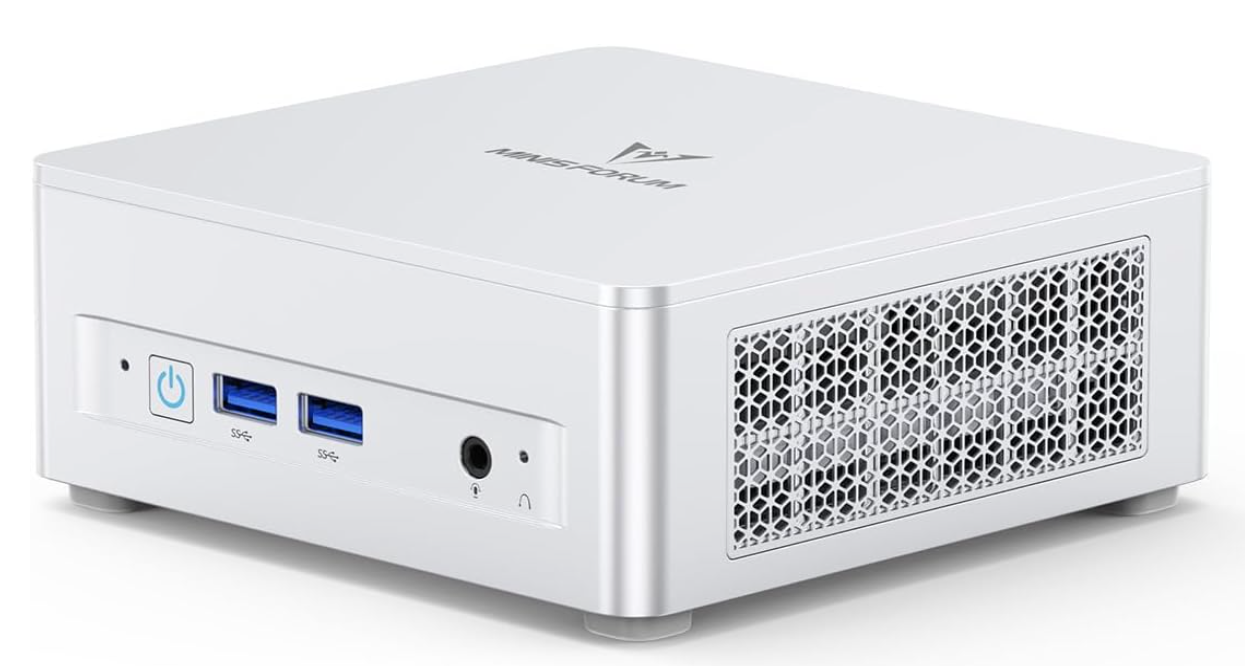
Key specs
- 8-core, 16-thread Ryzen 7 8745H, up to 4.9GHz, Radeon 780M graphics
- 32GB DDR5-5600 in two SO-DIMM slots (up to 96GB), 1TB NVMe, two M.2 PCIe 4.0 slots (up to 4TB each)
- USB4 (40Gbps), HDMI 2.1 and DisplayPort 1.4 for up to three displays
- 2.5G Ethernet, Wi-Fi 6E, Windows 11 preinstalled
- 130 × 127 × 50 mm, plastic chassis, VESA mount and HDMI cable included, two-year warranty
Why consider it:
It offers socketed memory and two drive bays, which most sealed mini PCs lack. Minisforum says noise stays below 35 dB in performance mode. For developer-focused comparisons, see our guide to the best mini PCs for programming and development.
Pros
- Upgradeable memory and storage
- Quiet in normal use
- VESA mount included
- Real USB4 port for single-cable setups
Cons
- Plastic chassis
- Only one USB-C port, on the rear
- The MediaTek wireless module has no Linux driver
- Not Thunderbolt-certified, and no SD slot
Fourth Choice: Geekom A6 (Ryzen 7 6800H, 16GB / 1TB), Best All-Round Value
- Price: About $599–$649 on Amazon U.S.
- Best for: Students, remote workers, small offices and home-theater setups.
- Who should buy this? Anyone who wants a complete port selection and upgradeable memory in an aluminum body. It’s also a strong pick for students.
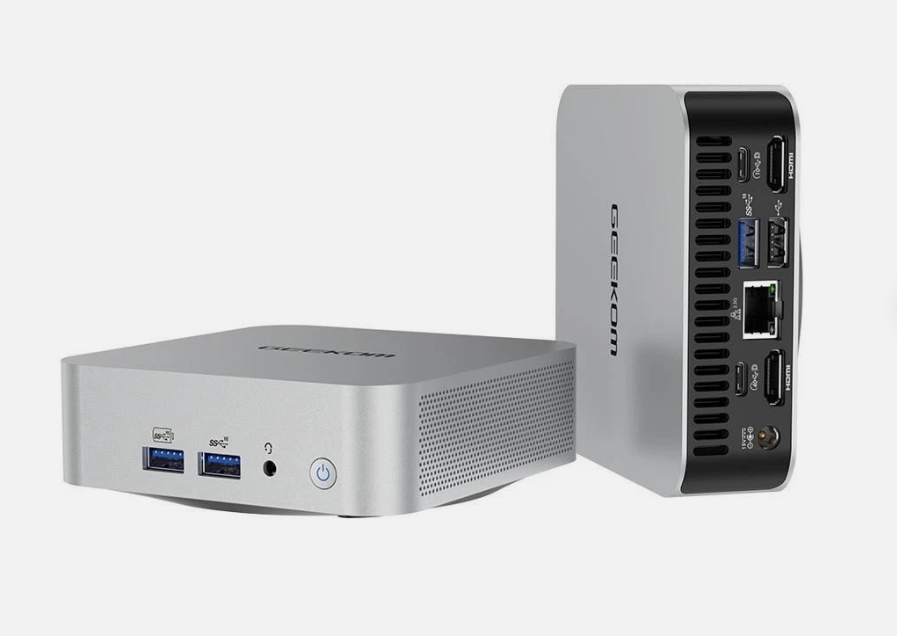
Key specs
- 8-core, 16-thread Ryzen 7 6800H, up to 4.7GHz, Radeon 680M graphics
- 16GB DDR5 SO-DIMM (up to 64GB), 1TB M.2 PCIe 4.0 SSD plus a second M.2 2242 SATA slot
- USB4, 2× HDMI 2.0, SD card reader, up to four displays
- 2.5G Ethernet, Wi-Fi 6E, Bluetooth 5.4, Windows 11 Pro
- 112 × 112 × 37 mm, aluminum, VESA mount and HDMI cable included, three-year warranty
Why consider it: It balances price, ports and upgradeability better than most rivals. It makes a capable mini PC for a home office, handling office suites, browsing, media and light creative work.
Pros
- Aluminum build in a very small footprint
- USB4 plus SD card reader
- Upgradeable DDR5
- Four-display capability
Cons
- Integrated graphics are weak for demanding games
- Owners criticize after-sales support
- No Kensington lock or built-in speakers
Fifth Choice: GMKtec G11 (Ryzen Embedded R2514, 16GB / 512GB), Best Budget and Home-Lab Pick
- Price: $339.99 with the Amazon Prime deal, $499.99 list price.
- Best for: Small offices, home servers, firewalls and basic desktop use.
- Who should buy this? Budget buyers who value networking and triple-display output over raw speed. Compare it with our best budget mini PCs guide.
Key specs
- AMD Ryzen Embedded R2514 with Radeon Vega 8 graphics
- 16GB DDR4 dual-channel (up to 32GB), 512GB SSD, two M.2 2280 PCIe 3.0 slots
- Dual 2.5G Ethernet, Wi-Fi 6E, Bluetooth 5.2
- Two HDMI 2.0 ports plus USB-C DisplayPort for triple 4K/60Hz
- Windows 11 Pro, 128.5 × 127 × 51 mm, 480 g, plastic body, VESA mount included
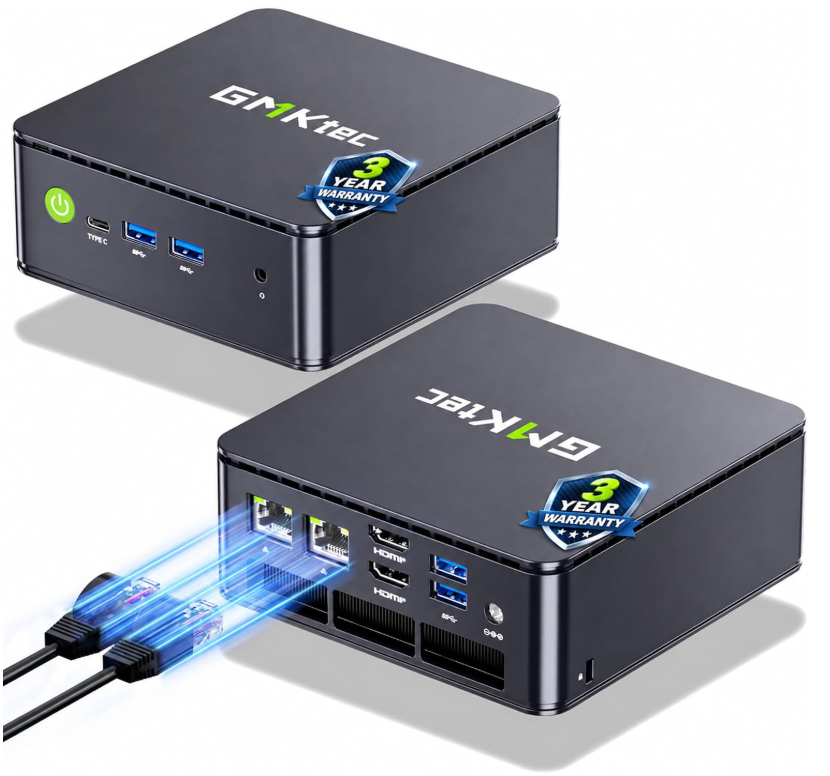
Why consider it: Dual 2.5G Ethernet is rare at this price and size, which suits software firewalls (pfSense or OPNsense), NAS duty and virtualization. Daily office work is comfortable.
Pros
- Very low price
- Two 2.5G Ethernet ports
- Two accessible M.2 slots
- Includes a Kensington lock slot
Cons
- Low-power chip, not for gaming or heavy multitasking
- Full speed requires switching to Performance mode in the BIOS
- No USB4, Thunderbolt or SD slot
- One-year warranty
Comparison at a Glance
Model |
Price (Oct. 26, 2026) |
Processor |
Memory |
Storage |
Best for |
|---|---|---|---|---|---|
| Apple Mac mini M4 | ~$986 | Apple M4 (10-core) | 16GB unified (soldered) | 512GB | Creators, quiet desktops |
| Beelink SER9 Pro | ~$719 | Ryzen 7 H 255 | 24GB LPDDR5X (soldered) | 1TB NVMe | Multi-monitor power users |
| Minisforum UM870 Slim | ~$799 | Ryzen 7 8745H | 32GB DDR5 SO-DIMM | 1TB NVMe | Coding, upgrades |
| Geekom A6 | ~$599–$649 | Ryzen 7 6800H | 16GB DDR5 SO-DIMM | 1TB NVMe | Students, home office |
| GMKtec G11 | $339.99–$499.99 | Ryzen Embedded R2514 | 16GB DDR4 | 512GB | Budget, home lab |
How to Choose Among the Best Mini PCs Under $1,000
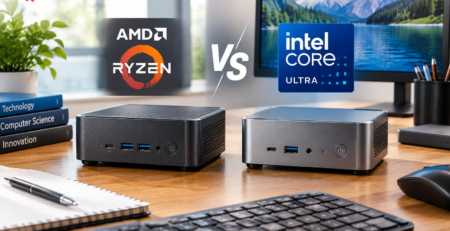
Processor: Four of the five picks use AMD Ryzen chips, and the fifth uses Apple silicon. Eight-core Ryzen chips such as the 6800H, 8745H and H 255 handle office work, coding and light creative tasks easily. The Ryzen Embedded R2514 in the G11 is built for efficiency, not speed. If you’re still deciding between chip families, our AMD vs Intel mini PC comparison explains the differences.
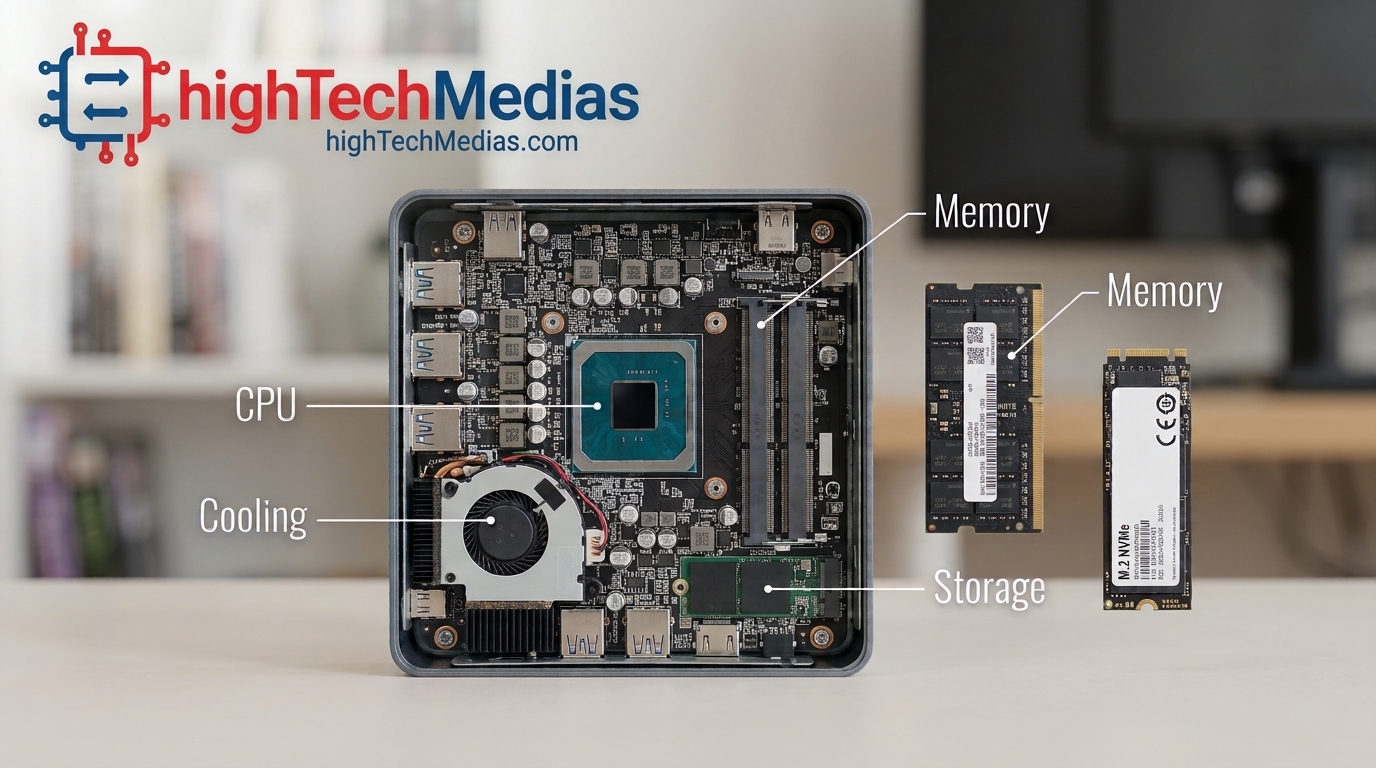
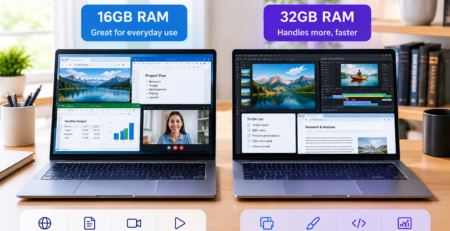
Memory: This is where these machines differ most. The Mac mini and SER9 Pro use soldered memory (unified memory and LPDDR5X, respectively), which gives high bandwidth but means you can never upgrade. The UM870 Slim and Geekom A6 use DDR5 SO-DIMM modules you can replace, up to 96GB and 64GB. The G11 uses older DDR4. For a closer look at the trade-offs, see our explainer on LPDDR5 vs DDR5 RAM. Sixteen gigabytes is fine for office work. For heavy multitasking or development, 24–32GB is safer.
Storage: Most picks use NVMe SSDs on PCIe 4.0, while the G11 uses slower PCIe 3.0. Two M.2 slots, as on the UM870 Slim and SER9 Pro, let you add capacity later. Our guide to NVMe vs SATA SSDs explains why NVMe matters.
Section 4 — 4. Ports, Connectivity and the Mini PC for Multiple Monitors
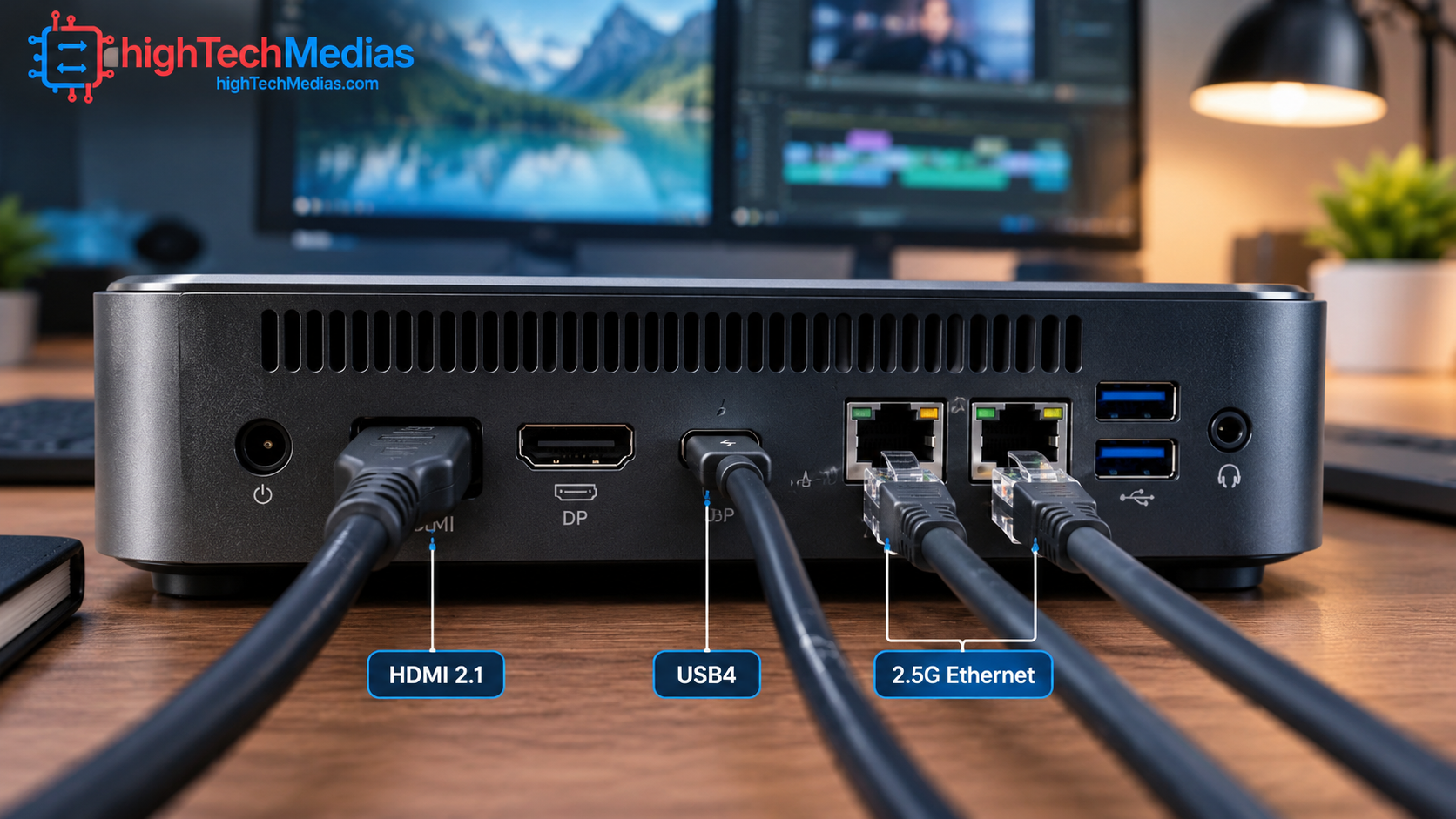
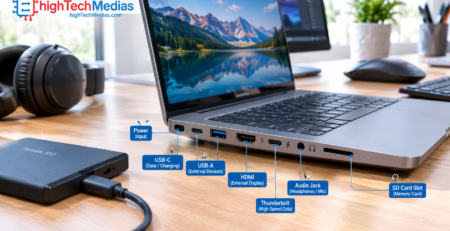
A mini PC for multiple monitors lives or dies on its video outputs. The SER9 Pro offers HDMI 2.1, DisplayPort 1.4 and USB4, each capable of 4K at 240Hz. The UM870 Slim drives up to three displays, the Geekom A6 up to four, and the G11 three at 4K/60Hz. The Mac mini’s Thunderbolt 4 ports also carry video, but it has just one HDMI port, so extra displays typically need a dock.
USB4 delivers 40Gbps and can carry data, video and power over one cable. Thunderbolt 4 is a stricter certification, and the Minisforum is USB4 without Thunderbolt certification. For networking, 2.5G Ethernet and Wi-Fi 6E are now common, and the G11 adds a second Ethernet port for network projects.
Mini PC vs Laptop: What You Gain and Give Up
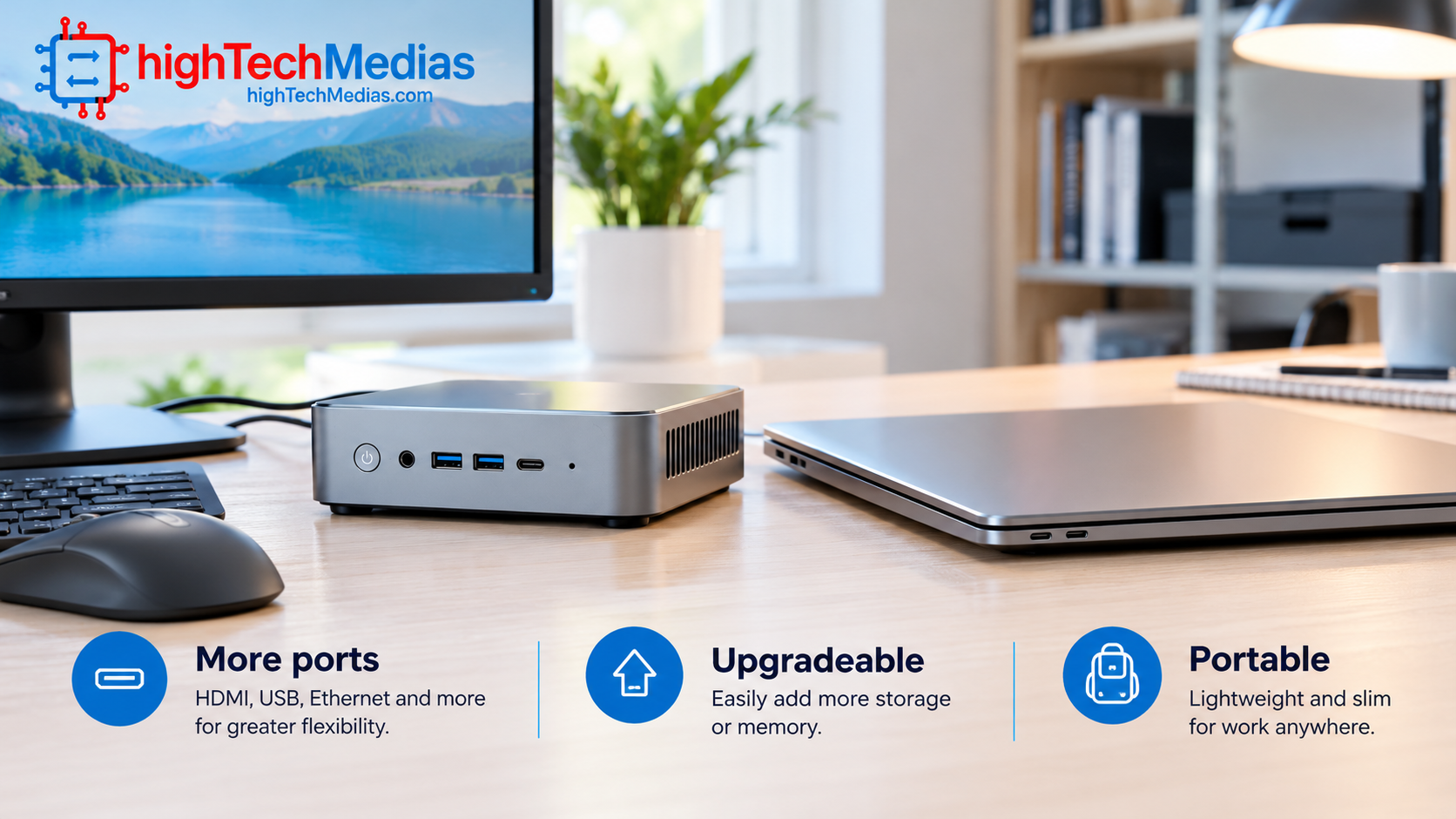
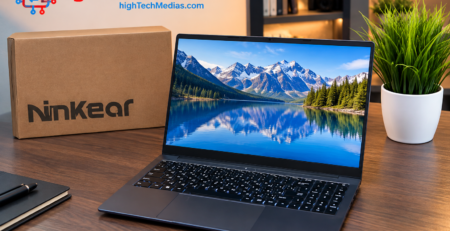
The mini PC vs laptop question comes down to mobility. A mini PC has no battery, screen, keyboard or trackpad, so you must supply those. In return, you get more ports, easier cooling, and often upgradeable memory and storage, at a lower price than a comparable laptop. If you need to work on the move, a laptop still wins. Our full breakdown of mini PCs vs laptops covers the details.
A quiet mini PC is another advantage over many laptops. The SER9 Pro is rated around 32 dB, Minisforum cites under 35 dB for the UM870 Slim in performance mode, and Mac mini owners describe it as nearly silent. The G11 can run warm under sustained load, so it needs airflow and the BIOS Performance setting. For silence-focused picks, see our list of the best silent mini PCs. Thermal throttling, where a chip slows to manage heat, is less of a concern on the vapor-chamber SER9 Pro than on small plastic units.
If you want to experiment with local AI models, note that the SER9 Pro has no NPU, while the Mac mini includes a 16-core Neural Engine. Our guide to the best mini PCs for running AI locally goes deeper.
Which Mini PC Should You Buy?
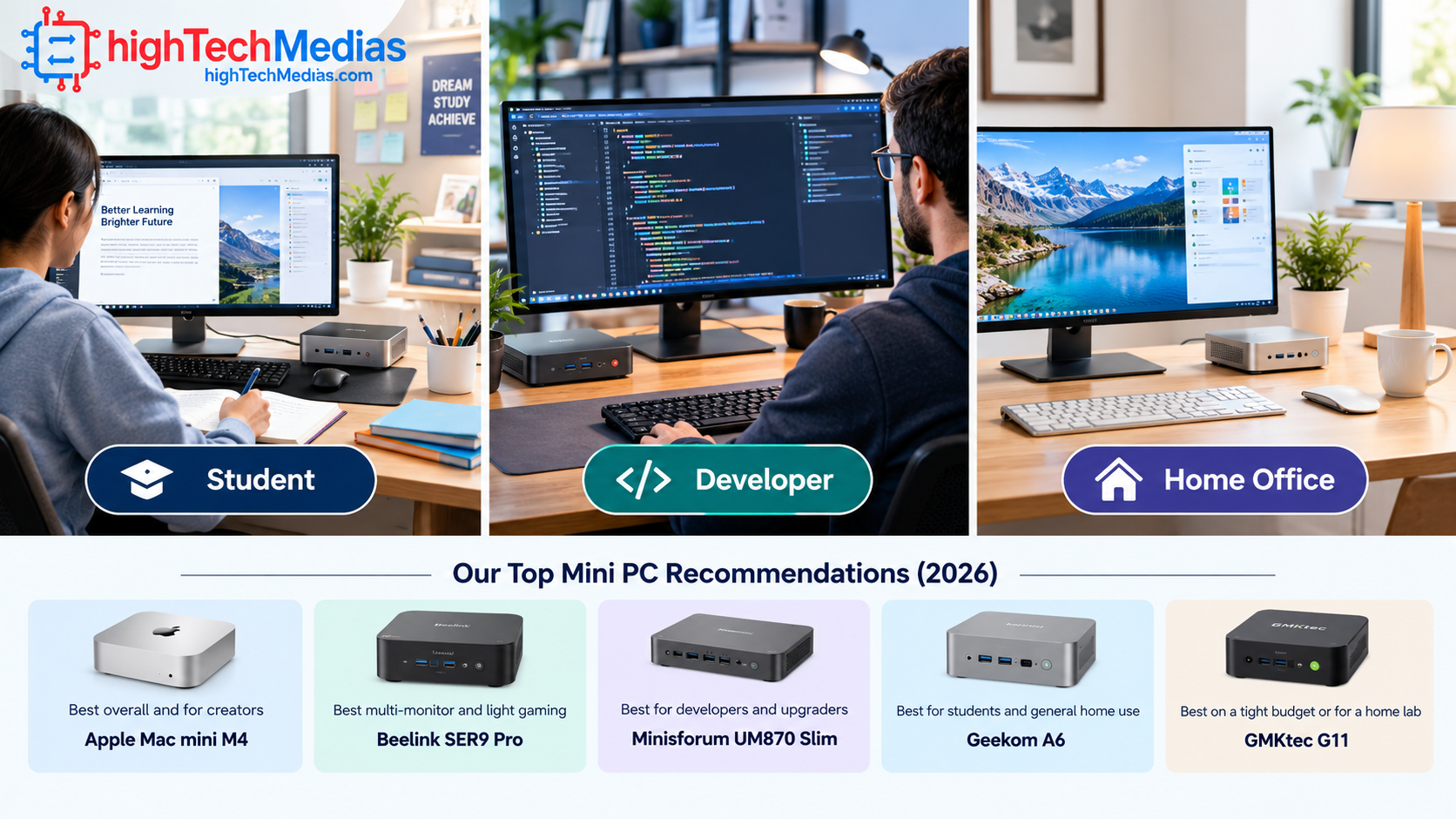
Whichever you choose, budget for a monitor, keyboard and mouse. The best mini PCs under $1,000 ship bare, so the box price isn’t the whole cost.
Frequently Asked Questions
Is a mini PC for home office use better than a laptop?
If you work at a fixed desk, usually yes. You get more ports, quieter operation and easier upgrades for the price. If you travel, a laptop remains the better fit.
Can a mini PC drive multiple monitors?
Yes. The Beelink SER9 Pro supports three displays, each capable of 4K at 240Hz, and the Geekom A6 supports up to four. Check each model’s video outputs before buying.
What is the best Ryzen mini PC under $1,000?
For raw performance, the Beelink SER9 Pro. For upgradeability, the Minisforum UM870 Slim. For value, the Geekom A6.
Are mini PCs quiet?
Most are quiet in everyday use. The SER9 Pro is rated around 32 dB, and the Mac mini is described by owners as nearly silent. Sustained heavy loads can raise fan noise, especially on small plastic models.
Is 16GB of RAM enough?
For office work, browsing and light creative tasks, yes. For heavy multitasking or development, choose 24GB or more, and pick an upgradeable model if you might need more later.
Final Verdict
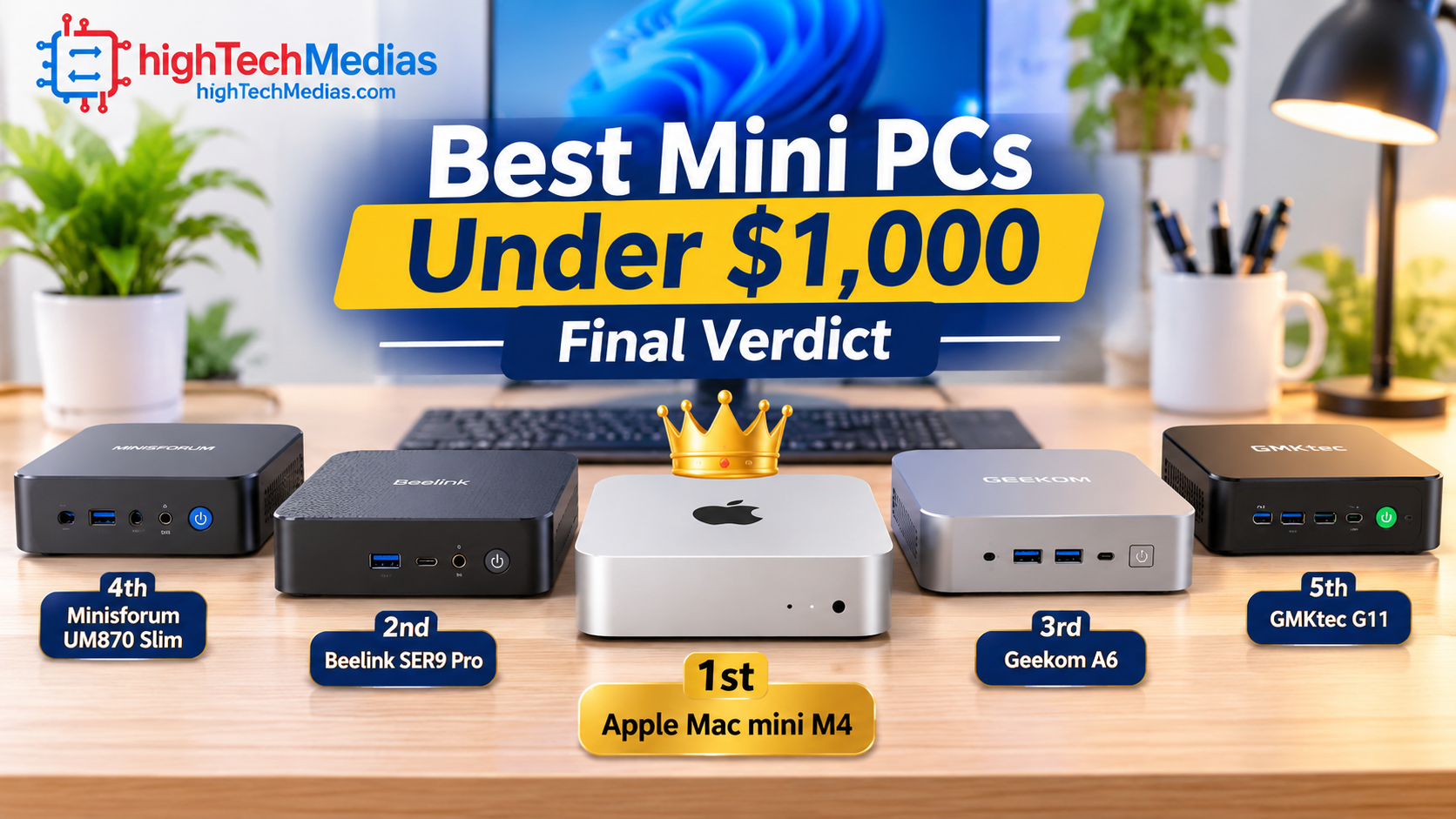
The best mini PCs under $1,000 in 2026 share one idea: desktop performance without the bulk. The Apple Mac mini M4 is our top pick for its speed, silence and build quality, as long as you accept soldered memory and macOS. The Beelink SER9 Pro is the best Windows performer for multi-monitor work. The Minisforum UM870 Slim wins on upgradeability, the Geekom A6 on all-round value, and the GMKtec G11 on price.
If you’re torn, choose the Geekom A6 for a safe, balanced buy, or the Mac mini if you’ll live in macOS and want the best experience per dollar. Prices move often, so check current listings before buying. Still comparing options? Read our laptop buying guide for 2026 or see the best laptops under $1,000 to decide whether a desktop or a laptop suits you better.




Leave a Reply